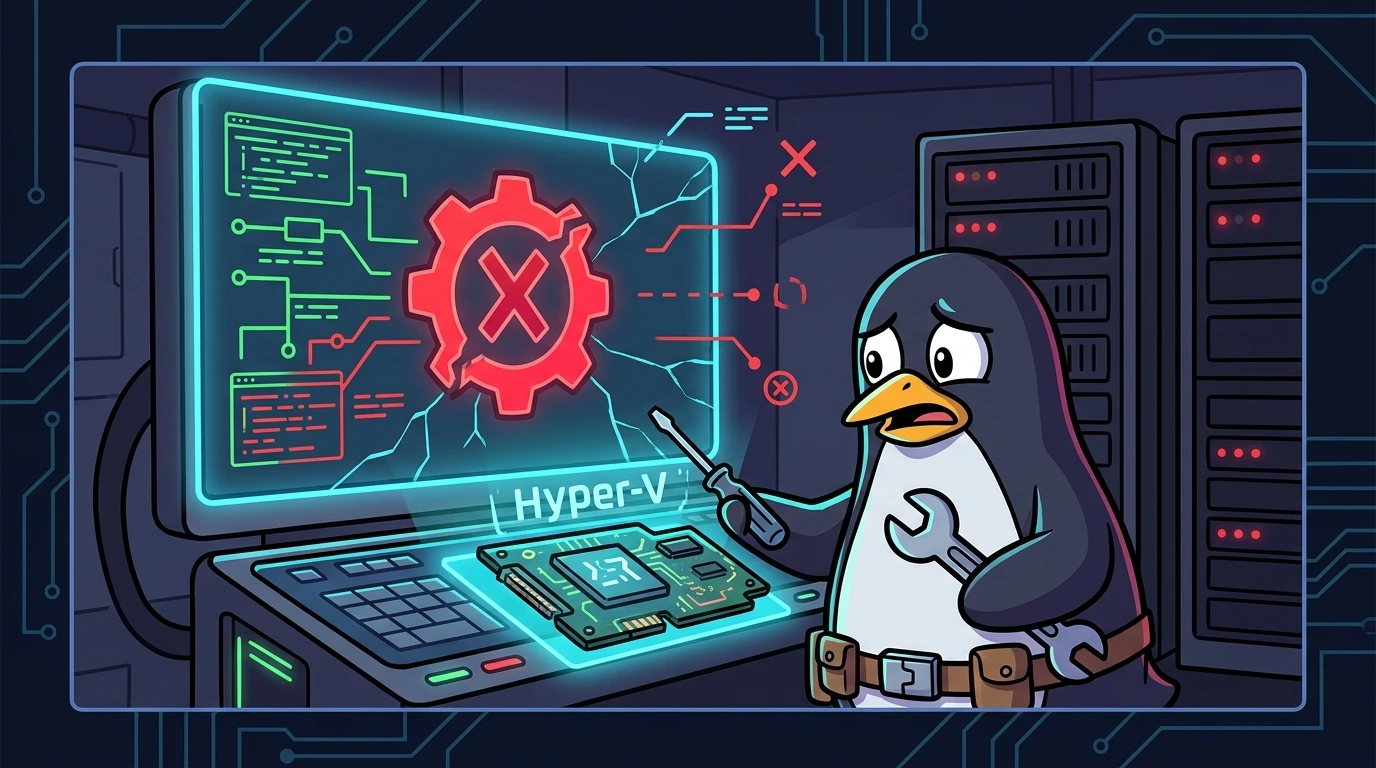
WSL2 Stopped Working? Diagnosing and Fixing the HCS_E_HYPERV_NOT_INSTALLED Error#
A guide to fixing the root cause, not just the symptom.
When WSL2 fails with this error, the problem is not within the Linux distro. The error stems from the virtualization layer on the Windows host itself.
WSL2 is not supported with your current machine configuration.
Error code: Wsl/Service/CreateInstance/CreateVm/HCS/HCS_E_HYPERV_NOT_INSTALLED
This output is straightforward: the Host Compute Service (HCS) attempted to provision the lightweight WSL2 VM but found no active hypervisor in the kernel.
⚠️ IMPORTANT: Almost all the following steps and commands require elevated privileges. Make sure to run PowerShell as Administrator (right-click the PowerShell icon and select "Run as administrator").
1) Minimum Windows requirements#
Before attempting any technical troubleshooting, make sure your operating system meets the minimum requirements required for WSL2:
- Windows 10: Version 1903 or higher, with Build 18362 or higher.
- Windows 11: Fully supported on all versions.
- OS Edition: Home, Pro, Enterprise, or Education.
- Note: Windows versions running in S Mode do not support running WSL.
To quickly verify your Windows version and build number via PowerShell, run:
[System.Environment]::OSVersion.Version2) Quick diagnostics (sanity check)#
2.1 check processor virtualization (bios/uefi)#
Before Windows can act, the hardware must cooperate.
- Open the Task Manager (
Ctrl + Shift + Esc). - Go to the Performance tab and click CPU.
- In the lower-right corner, confirm that Virtualization: Enabled is active.
If it is "Disabled", restart your machine, enter your BIOS/UEFI settings, and enable virtualization technology (Intel VT-x/Vanderpool or AMD-V/SVM).
2.2 verify hypervisor status in BCD (boot configuration data)#
Windows needs to know it should boot the Hyper-V hypervisor during startup. To check this:
bcdedit | findstr hypervisorlaunchtypeIf the command returns nothing or shows hypervisorlaunchtype Off, the hypervisor is disabled in the kernel.
2.3 validate mandatory Windows features#
Run the following commands to check whether the essential features are enabled:
dism.exe /online /get-featureinfo /featurename:VirtualMachinePlatform
dism.exe /online /get-featureinfo /featurename:Microsoft-Windows-Subsystem-Linux
The expected state for both features is State : Enabled.
3) Fixing and activating commands#
If the quick diagnostic identified issues, apply the fixes below:
3.1 enable Windows features#
You can enable the required features using DISM:
# Enable the subsystem persistently
dism.exe /online /enable-feature /featurename:Microsoft-Windows-Subsystem-Linux /all /norestart

# Enable the Virtual Machine Platform
dism.exe /online /enable-feature /featurename:VirtualMachinePlatform /all /norestart
Or using native modern PowerShell cmdlets:
Enable-WindowsOptionalFeature -Online -FeatureName Microsoft-Windows-Subsystem-Linux -NoRestart
Enable-WindowsOptionalFeature -Online -FeatureName VirtualMachinePlatform -NoRestart
⚠️ REBOOT REQUIRED: After enabling these features, restart your computer to load the kernel changes: ``powershell Restart-Computer ``
3.2 force hypervisor to launch at boot#
If virtualization is enabled in the BIOS, but the BCD configuration is not loading the hypervisor:
bcdedit /set hypervisorlaunchtype autoAfter executing this command, reboot your computer to allow the Hyper-V kernel to be properly loaded.
3.3 configure and start essential host services#
If the features and boot settings are correct, the issue might lie in the associated host services failing to start:
# Check services status
Get-Service vmcompute,vmms,lxssmanager | Select-Object Name, Status, StartType
If any service status is Stopped, start it and configure it to run automatically on boot:
# Start the VM Compute, Virtual Management, and WSL services
Start-Service vmcompute
Start-Service vmms
Start-Service lxssmanager

# Configure automatic startup type
Set-Service vmcompute -StartupType Automatic
Set-Service vmms -StartupType Automatic
Set-Service lxssmanager -StartupType Automatic
4) Advanced troubleshooting#
If WSL2 still refuses to start after basic fixes, investigate the following possibilities:
4.1 WSL management and reset commands#
In some instances, the WSL stack needs to be restarted or updated manually:
# Forcefully shutdown all running instances
wsl --shutdown

# Update the WSL2 kernel to the latest version
wsl --update

# Check the installed version of WSL
wsl --version

# List installed distros and the active architecture version (should be 2)
wsl --list --verbose
4.2 nested virtualization#
If you are running Windows inside a Virtual Machine (e.g., in a lab on VMware, VirtualBox, Azure, or Hyper-V on Windows Server) and trying to run WSL2 inside it, you must enable nested virtualization.
First, check if your Windows host recognizes it is running inside a virtualized hypervisor:
Get-CimInstance -ClassName Win32_ComputerSystem | Select-Object Model, ManufacturerIf you are running inside a Hyper-V VM, execute this command on the physical host (with the target VM powered off):
Set-VMProcessor -VMName "YourVMName" -ExposeVirtualizationExtensions $true4.3 conflicts with third-party hypervisors (VirtualBox / VMware)#
Running Hyper-V alongside other virtual machine managers can lead to hardware virtualization conflicts:
- VirtualBox: Versions prior to 6.1 have severe compatibility issues with Hyper-V enabled. Update to the latest version of VirtualBox.
- VMware Workstation: Requires version 15.5.6 or later to peacefully coexist with the Windows Hypervisor Platform.
- Docker Desktop: Ensure Docker is configured to use the WSL2-based backend (in Docker Desktop settings).
To check via PowerShell if VirtualBox is installed:
Get-CimInstance -ClassName Win32_Product | Where-Object {$_.Name -like "*VirtualBox*"}4.4 filter Windows event logs (event viewer)#
If the error persists, the exact cause will be recorded in the system diagnostic logs. Instead of browsing manually in eventvwr.msc, you can query specific logs using PowerShell:
# Linux Subsystem (WSL) operational logs
Get-WinEvent -LogName "Microsoft-Windows-Lxss-Operational" -MaxEvents 20 | Format-Table -Wrap

# Host Compute Service (Hyper-V) operational logs
Get-WinEvent -LogName "Microsoft-Windows-Hyper-V-Compute-Operational" -MaxEvents 20 | Format-Table -Wrap

# General system messages containing 'Hyper'
Get-WinEvent -LogName System -MaxEvents 50 | Where-Object {$_.ProviderName -like "*Hyper*"} | Format-Table TimeCreated, Id, Message -Wrap
5) Automated diagnostic and fix scripts#
To speed up troubleshooting across multiple workstations, you can use the scripts below. They consolidate all validation checks discussed in this guide.
5.1 complete diagnostic script (wsl2-diagnostic.ps1)#
Create the following file and execute it in an administrative PowerShell terminal to map out the status of all layers:
# wsl2-diagnostic.ps1 - Complete WSL2 diagnostics
# Run as Administrator

Write-Host "=== WSL2 Diagnostic ===" -ForegroundColor Cyan
Write-Host ""

# 1. Check Windows Version
Write-Host "[1] Checking Windows version..." -ForegroundColor Yellow
$osVersion = [System.Environment]::OSVersion.Version
$build = $osVersion.Build
Write-Host "    Build: $build"
if ($build -lt 18362) {
    Write-Host "    ❌ Build too old. WSL2 requires Build 18362+" -ForegroundColor Red
} else {
    Write-Host "    ✅ Build compatible" -ForegroundColor Green
}

# 2. Check Virtualization in BIOS
Write-Host ""
Write-Host "[2] Checking virtualization..." -ForegroundColor Yellow
$hypervisor = (Get-CimInstance -ClassName Win32_ComputerSystem).HypervisorPresent
if ($hypervisor) {
    Write-Host "    ✅ Hypervisor active in hardware" -ForegroundColor Green
} else {
    Write-Host "    ❌ Hypervisor inactive - check BIOS/UEFI settings" -ForegroundColor Red
}

# 3. Check BCD
Write-Host ""
Write-Host "[3] Checking BCD configuration..." -ForegroundColor Yellow
$bcd = bcdedit | Select-String "hypervisorlaunchtype"
if ($bcd -match "Auto") {
    Write-Host "    ✅ Hypervisor set to Auto in BCD" -ForegroundColor Green
} else {
    Write-Host "    ❌ Hypervisor not set to Auto in BCD" -ForegroundColor Red
    Write-Host "    Recommended Fix: bcdedit /set hypervisorlaunchtype auto" -ForegroundColor Yellow
}

# 4. Check Optional Features
Write-Host ""
Write-Host "[4] Checking Windows optional features..." -ForegroundColor Yellow
$features = @("Microsoft-Windows-Subsystem-Linux", "VirtualMachinePlatform")
foreach ($feature in $features) {
    $status = Get-WindowsOptionalFeature -Online -FeatureName $feature -ErrorAction SilentlyContinue
    if ($status.State -eq "Enabled") {
        Write-Host "    ✅ $feature: Enabled" -ForegroundColor Green
    } else {
        Write-Host "    ❌ $feature: Disabled" -ForegroundColor Red
        Write-Host "    Recommended Fix: dism.exe /online /enable-feature /featurename:$feature /all /norestart" -ForegroundColor Yellow
    }
}

# 5. Check Services
Write-Host ""
Write-Host "[5] Checking host services..." -ForegroundColor Yellow
$services = @("vmcompute", "vmms", "lxssmanager")
foreach ($svc in $services) {
    $service = Get-Service -Name $svc -ErrorAction SilentlyContinue
    if ($service) {
        $color = if ($service.Status -eq "Running") { "Green" } else { "Red" }
        Write-Host "    $($service.Status): $svc (Startup Type: $($service.StartType))" -ForegroundColor $color
    } else {
        Write-Host "    ❌ $svc: Not found on the system" -ForegroundColor Red
    }
}

# 6. Check WSL
Write-Host ""
Write-Host "[6] Checking WSL runtime integrity..." -ForegroundColor Yellow
$wsl = wsl --list --verbose 2>&1
if ($LASTEXITCODE -eq 0) {
    Write-Host "    ✅ WSL is functional" -ForegroundColor Green
    Write-Host "    $wsl"
} else {
    Write-Host "    ❌ WSL has an execution error" -ForegroundColor Red
}

Write-Host ""
Write-Host "=== End of Diagnostic ===" -ForegroundColor Cyan
5.2 automatic correction script (wsl2-fix.ps1)#
This script forces the activation of all essential features detected as inactive or misconfigured:
# wsl2-fix.ps1 - Automatic WSL2 fix
# Run as Administrator

Write-Host "=== Applying WSL2 Fixes ===" -ForegroundColor Cyan

# 1. Enable Features
Write-Host ""
Write-Host "[1] Enabling optional features (DISM)..." -ForegroundColor Yellow
dism.exe /online /enable-feature /featurename:Microsoft-Windows-Subsystem-Linux /all /norestart
dism.exe /online /enable-feature /featurename:VirtualMachinePlatform /all /norestart

# 2. Enable Hypervisor at Boot
Write-Host ""
Write-Host "[2] Enabling hypervisor in BCD..." -ForegroundColor Yellow
bcdedit /set hypervisorlaunchtype auto

# 3. Start and Enable Services
Write-Host ""
Write-Host "[3] Configuring and starting services..." -ForegroundColor Yellow
$services = @("vmcompute", "vmms", "lxssmanager")
foreach ($svc in $services) {
    Set-Service -Name $svc -StartupType Automatic -ErrorAction SilentlyContinue
    Start-Service -Name $svc -ErrorAction SilentlyContinue
}

# 4. Update WSL
Write-Host ""
Write-Host "[4] Downloading WSL kernel update..." -ForegroundColor Yellow
wsl --update

Write-Host ""
Write-Host "✅ All local fixes have been applied!" -ForegroundColor Green
Write-Host "⚠️ IMPORTANT: RESTART YOUR COMPUTER to apply the Hyper-V kernel changes." -ForegroundColor Yellow
6) Contingency plan: convert to WSL1#
If you are operating in a corporate environment with strict security policies (GPO compliance) where Hyper-V is strictly blocked and administrative exemptions are not possible, you can downgrade your Linux distro to WSL1 as a temporary fallback.
WSL1 does not rely on hardware virtualization or a hypervisor (it performs system call translation directly from Linux to the Windows NT kernel).
# Convert your installed distro to version 1
wsl --set-version <DistroName> 1
Technical Trade-offs of WSL1:
- Substantially slower file system I/O when interacting with host Windows directories.
- Partial incompatibility with modern workloads (like native Docker or specific tools that require direct, unmapped Linux system calls).
Production takeaways#
The HCS_E_HYPERV_NOT_INSTALLED error is not a bug in the chosen Linux distribution. Instead, it is an orchestration disruption within the Windows hardware virtualization infrastructure layer.
Following a logical dependency chain (BIOS -> BCD -> Features -> Services) significantly reduces MTTR (Mean Time To Recovery) and removes the bad habit of reinstating operating systems in search of a "magic solution."
A predictable and resilient infrastructure begins with clean diagnostics and applying surgical fixes at the correct layers.
Was this article helpful?
Leave a quick reaction to help prioritize future technical guides:
See also


This post is licensed under CC BY-NC.
Comments
Join the discussion below.
0 comments