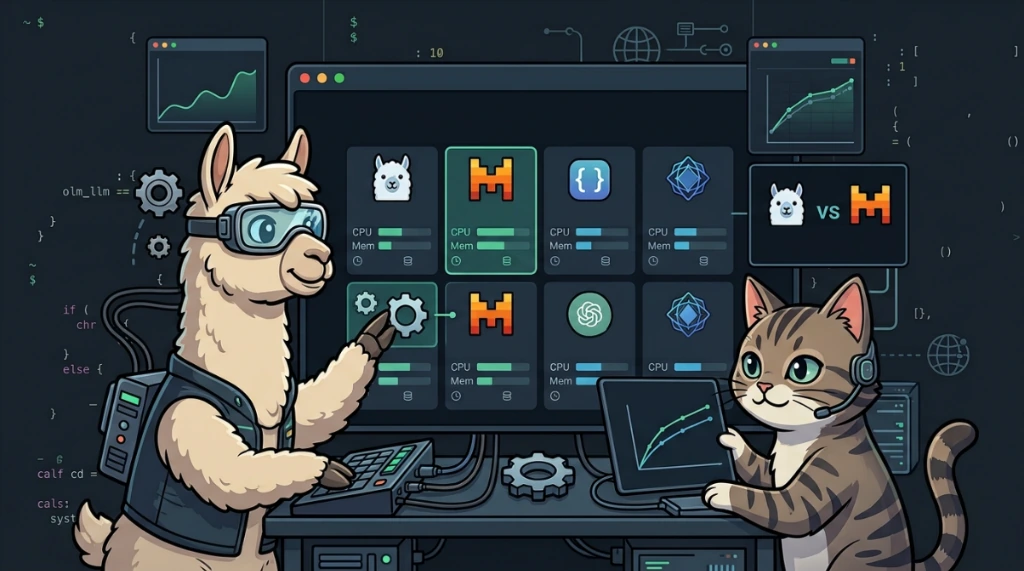
Anyone who spends their days in the command line managing servers, containers, and scripts knows that the terminal is where everything happens. Recently, I wanted a reliable, intelligent assistant integrated directly into my daily command-line flow. I was already using Tabby with the qwen2.5-coder:7b model for inline code autocompletion, but I needed a broader tool for day-to-day operations.
The goal was clear: I wanted a model that went beyond pure code generation to actively help with infrastructure troubleshooting. I wanted quick answers for cPanel CLI queries, Docker log chaining, Kubernetes syntax checks, or pasting 200 lines of an obscure Apache or Exim log and getting an instant diagnosis: "the reverse proxy misconfiguration is on line 42" or "this mail routing loop is caused by this specific SPF record".
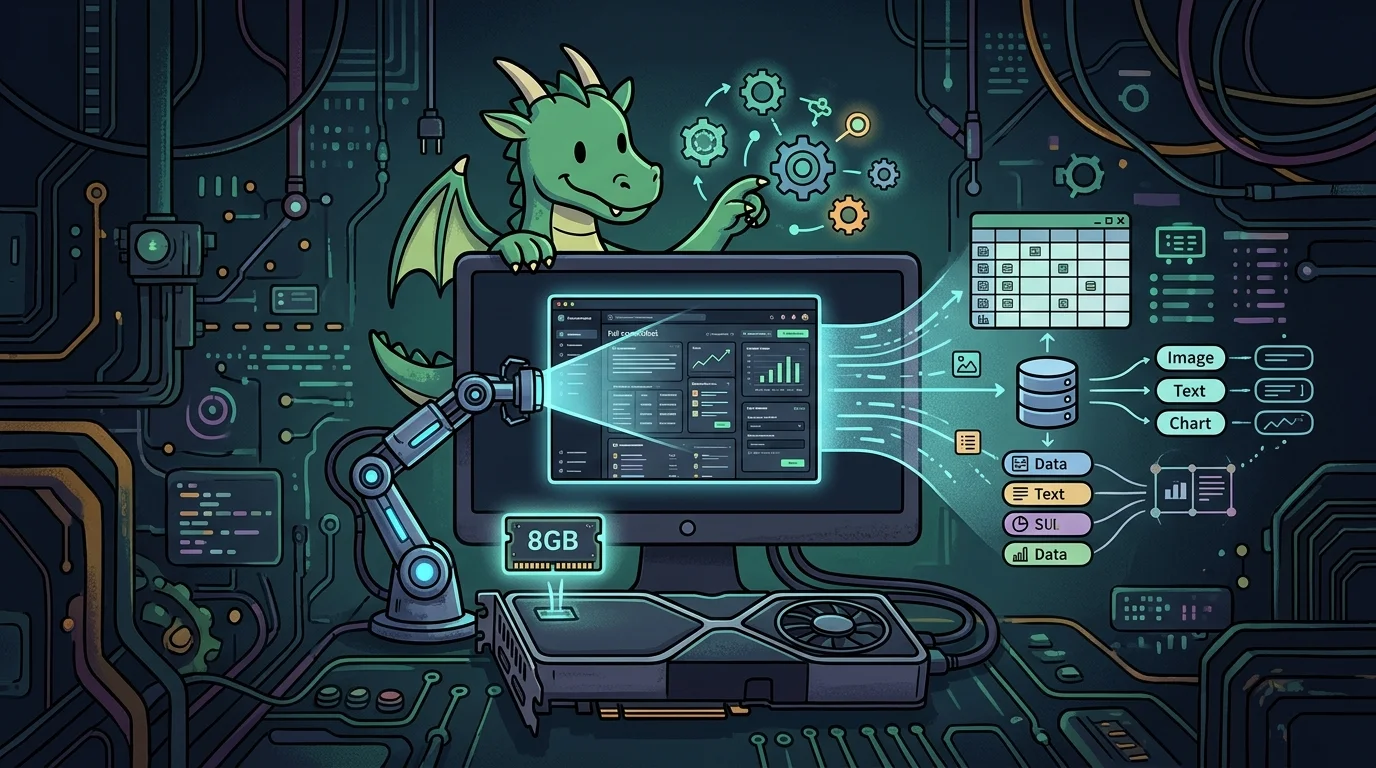
The main constraint was hardware. I run everything on an Asus TUF 16 laptop equipped with an RTX 5050 (8GB VRAM) and 16GB of system RAM. Running local models comfortably on an 8GB GPU requires careful resource management.
The VRAM bottleneck when parsing long logs#
When you feed long log dumps and tracebacks into a language model, memory usage climbs fast. If the model weights and the active context window do not fit completely within GPU VRAM, Ollama automatically offloads layers onto system RAM.
The consequence is immediate: token generation drops from snappy real-time output to a sluggish crawl.
I needed models that responded instantly, fit completely inside 8GB of VRAM, and left enough headroom for the rest of the desktop environment.
Models tested on an 8GB setup#
After testing multiple open models in the terminal, three models stood out for specific operational tasks:
1. The daily workhorse: qwen2.5:7b (general instruction model)#
Unlike the code-specialized variant, the general instruction build of Qwen 2.5 is remarkably balanced for technical terminal dialogues.
- VRAM footprint: around 4.5 GB (runs 100% inside an 8GB GPU with comfortable headroom).
- Strengths: Blazing fast generation, solid command comprehension across Linux, Docker, cPanel, and networking tools.
- Key advantage: Large native context window, ideal for long log dumps without losing early details.
2. The solid architecture explainer: llama3.1:8b#
Meta's 8B model remains a dependable option for conceptual reasoning and debugging.
- VRAM footprint: around 5.5 GB.
- Strengths: Very accurate when explaining "why" a service failed or validating architectural decisions before bringing up a new stack.
3. The deep problem solver: deepseek-r1:8b#
This is my go-to model for complex, layered bugs, such as cascading microservice failures or convoluted mail transport errors.
- VRAM footprint: around 5.2 GB.
- Strengths: Employs chain-of-thought reasoning (displaying reasoning steps inside
thinkingtags). It takes slightly longer to produce the final answer, but it catches subtle edge cases that surface-level parsing misses.
The key setting: expanding the context window (num_ctx)#
A common pitfall when starting out with Ollama is assuming a model is bad at parsing logs, when the real culprit is the default session configuration.
By default, many Ollama sessions spin up with a small 2048-token context window. If you paste a 150-line log snippet along with your prompt, Ollama quietly truncates the input and misses critical context.
To fix this properly:
Via the Python API:#
Explicitly pass num_ctx set to 8192 or 16384 tokens:
import ollama

response = ollama.chat(
    model='qwen2.5:7b',
    options={
        'num_ctx': 8192  # Provides ample context space for full log dumps
    },
    messages=[{
        'role': 'user',
        'content': 'Analyze this Exim log and pinpoint why delivery failed: ' + log_data
    }]
)
Via a custom modelfile:#
You can also bake an expanded context window into a persistent custom model:
# Modelfile
FROM qwen2.5:7b
PARAMETER num_ctx 8192
PARAMETER temperature 0.2
Then build it locally:
ollama create qwen-terminal -f ModelfileMy daily local setup#
After thorough real-world testing, my terminal setup is cleanly divided:
- Fast code and script completion:
qwen2.5-coder:7brunning through Tabby. - Log analysis and command troubleshooting:
qwen2.5:7b(ordeepseek-r1:8bfor difficult issues) running directly in Ollama.
Everything runs entirely on-device, keeping sensitive server logs private, with minimal latency and full acceleration on an 8GB GPU.
Conclusion#
In this post, I shared the setup that proved most effective in my daily workflow: qwen2.5-coder:7b in Tabby for code generation, alongside qwen2.5:7b (and deepseek-r1:8b for tough edge cases) for log analysis — configured with an expanded num_ctx to prevent silent prompt truncation. With an 8GB VRAM ceiling, this combination handles day-to-day operations smoothly without relying on cloud APIs.
Was this article helpful?
Leave a quick reaction to help prioritize future technical guides:
See also


This post is licensed under CC BY-NC.
Comments
Join the discussion below.
0 comments