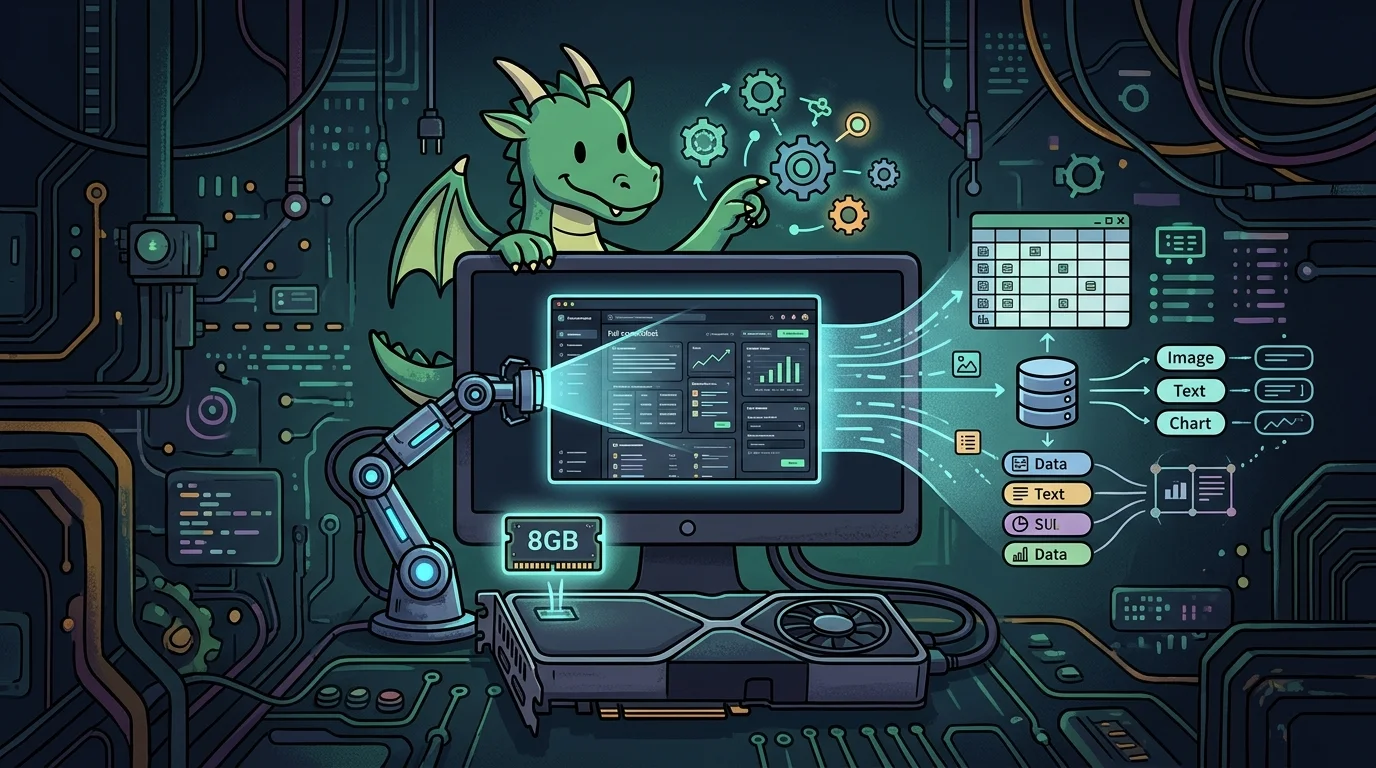
Recently I needed to automate a very specific task: extract structured data (tables, text blocks, logs, and metrics) directly from full screenshots using multimodal models running 100% locally with Ollama.
Processing a regular camera photo is simple; processing a full high-resolution screenshot from a dashboard, terminal, or spreadsheet brings distinct challenges:
- Text density and small fonts: Tiny text in sidebars, status bars, and headers easily turns into a blur if the model applies rigid downscaling (like the classic 224x224 or 336x336 pixel crops).
- Visual clutter from UI elements: The model must understand UI hierarchy to tell apart browser toolbars, window borders, and actual content.
- Hardware constraints: In my setup, the goal was full GPU acceleration on an 8GB VRAM card, maintaining fast inference without spilling layers onto system RAM.
Here is the breakdown of the models I tested, their real-world VRAM footprints, the common Ollama manifest tag trap, and the Python automation script I put together.
1. Comparing vision models in Ollama#
I evaluated the main Vision-Language Models (VLMs) available in the Ollama library on dense UI screenshots:
qwen2-vl:7b: The clear winner. It preserves aspect ratios and dynamic resolutions far better than older models, reading tiny text across UI borders without hallucinating.gemma3:4b: Surprisingly fast and lightweight. A fantastic alternative for systems with even tighter memory limits.llama3.2-vision:11b: Great visual reasoning and context understanding, but too heavy for an 8GB card, forcing layer offloading to system RAM.moondream: Very lightweight (~1.9B), great for quick simple object queries, but struggles with structured OCR tables in high-res screenshots.llava: The classic open-source vision baseline, but surpassed by Qwen2-VL for fine-grained OCR tasks.
2. Real VRAM footprint on an 8GB GPU#
When analyzing high-resolution screenshots, vision models generate a substantial number of image tokens, which increases memory usage on top of the base quantized weights:
| Model | Quantization | Active VRAM | Behavior on 8GB GPU |
|---|---|---|---|
qwen2-vl:7b | q4_K_M (~4.7 GB base) | ~6.5 GB | Ideal. Runs 100% inside GPU VRAM with headroom for image tokens and the OS. |
gemma3:4b | q4_K_M (~3.0 GB base) | ~4.5 GB | Very light. Fast inference and plenty of leftover VRAM. |
llama3.2-vision:11b | q4_K_M (~7.9 GB base) | ~8.5 GB to 9.5 GB | At the limit. Offloads layers to system RAM, slowing token generation speed. |
moondream | q4_K_M (~1.4 GB base) | ~2.0 GB | Instant. Negligible resource usage, but limited OCR resolution. |
3. Fixing the manifest error in Ollama#
During my initial attempt to pull the Qwen vision model, I ran:
ollama run qwen2.5-vl:7b
pulling manifest
Error: pull model manifest: file does not exist
Why does this error happen?#
The official Ollama library uses strict tag naming conventions. The vision model from the Qwen2 series is listed as qwen2-vl (or qwen2.5vl without a hyphen; attempting qwen2.5-vl:7b results in a missing manifest error).riant name).
The correct command:#
# Pulls and runs the 7B vision model
ollama run qwen2-vl:7b
For the other tested models, the official tags are:
ollama run gemma3:4b
ollama run llama3.2-vision
ollama run moondream
4. Automating screenshot extraction with Python#
Quick terminal check#
You can test extraction directly from the command line by passing the prompt and image path:
ollama run qwen2-vl:7b "Ignore window navigation bars and extract only the central table in JSON format: ./example_screenshot.png"Python automation script#
To integrate extraction into automated workflows and enforce clean JSON output without introductory chatter:
import ollama

def extract_screenshot_data(image_path: str):
    prompt = """
    Analyze the provided screenshot and extract all relevant visible data.
    Instructions:
    - Ignore browser navigation bars, system clocks, and irrelevant sidebars.
    - Return ONLY valid JSON, with no introduction or explanatory markdown blocks.

    Expected format:
    {
      "page_title": "string",
      "metrics": [],
      "tables": [],
      "error_messages": []
    }
    """

    response = ollama.chat(
        model='qwen2-vl:7b',
        options={
            'num_ctx': 4096  # Restrict context window to keep VRAM stable (raise to 8192 if dense 4K screens get truncated)
        },
        messages=[{
            'role': 'user',
            'content': prompt,
            'images': [image_path]
        }]
    )

    return response['message']['content']

if __name__ == '__main__':
    screenshot_path = './system_screenshot.png'
    output = extract_screenshot_data(screenshot_path)
    print(output)
Conclusion: practical tips for dense UI extraction#
- Tell the model what to ignore: Screenshots have tons of irrelevant UI noise (tab bars, bookmarks, status icons). Explicitly telling the model to ignore window chrome keeps it focused on your data.
- Cap
num_ctx: Since high-resolution images produce many visual tokens, settingnum_ctx: 4096prevents surprise memory spikes that could push Ollama into system RAM swap. - Pre-crop 4K or ultrawide screens: If you are capturing massive 4K displays, doing a simple programmatic crop around the target window before passing it to Ollama dramatically speeds up inference.
Running qwen2-vl:7b locally in Ollama delivers remarkably sharp OCR on everyday 8GB GPUs without monthly API bills, keeping your screenshots and private data completely on your own machine.
Was this article helpful?
Leave a quick reaction to help prioritize future technical guides:
See also

This post is licensed under CC BY-NC.
Comments
Join the discussion below.
0 comments