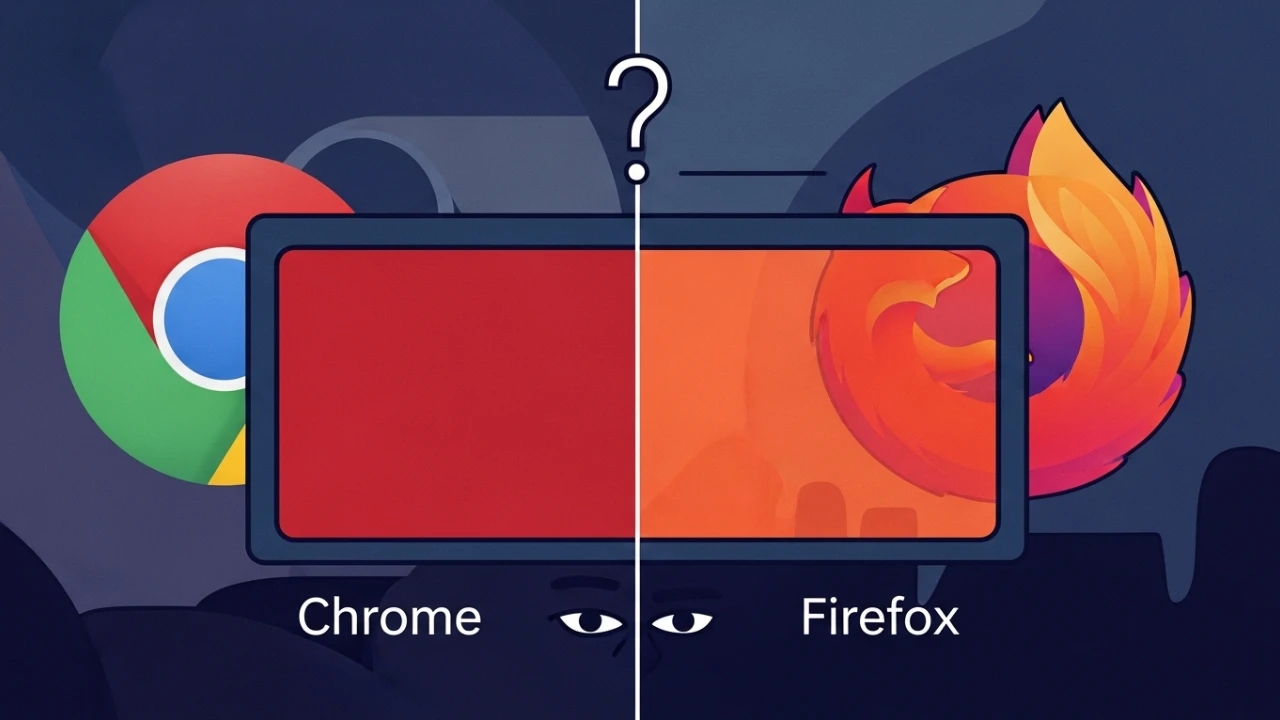
Inconsistent Color Mystery: Why the same HEX changes between Chrome and Firefox#
When branding relies on precise colors, rendering differences between browsers can quickly escalate into a real product incident. I have handled multiple forensic cases where the exact same HEX code - for instance, #193f68 - looked perfectly vibrant on Firefox but appeared completely "washed out" or desaturated in Chromium-based browsers. The root cause in these scenarios was almost always located within the environment's hardware color pipeline and browser management layer, rather than the CSS source code itself.
The most frequent root causes#
The core of the issue lies in how different rendering engines handle color management and system-level profiles:
- Chromium Engine: Attempts to load and apply the operating system's active color profile (ICC). If the monitor has a custom or corrupted profile, Chromium compensates for it, changing the physical and logical RGB output.
- Gecko Engine (Firefox): By default, it operates in strict sRGB, bypassing system-level ICC profiles unless explicitly modified in the advanced configurations (
about:config>gfx.color_management). - Missing or Corrupted ICC Profiles: In Linux and other desktop environments, corrupted profiles cause severe color deviations.
Technical diagnosis and devtools inspection#
1. Confirming the actual CSS value via javascript#
To ensure that cascade rules or dynamic framework rewrites do not alter your colors, query the computed style directly from the browser console:
// Inspect computed styling of the branding element
const brandEl = document.querySelector('.brand-critical');
console.log('Computed Color:', window.getComputedStyle(brandEl).color);
console.log('Computed Background:', window.getComputedStyle(brandEl).backgroundColor);
To pro-actively compare two different layout nodes:
const el1 = document.querySelector('.brand');
const el2 = document.querySelector('.reference');
console.log('Element 1:', getComputedStyle(el1).backgroundColor);
console.log('Element 2:', getComputedStyle(el2).backgroundColor);
2. Forcing srgb in chromium for triage#
Access chrome://flags or brave://flags in your browser and locate:
Force color profile-> Toggle it from Default tosRGB.
If the visual discrepancy resolves, the issue is related to how the OS communicates display capabilities to the GPU and browser.
Real frontend color management solutions#
To achieve cross-browser color consistency in modern Wide-Gamut displays, utilize the CSS Color Level 4 and 5 specifications:
1) Wide-gamut (display-p3) color support#
For modern displays (MacBooks, iPhones, Wide-Gamut monitors), declare vibrant color spaces using display-p3 with a secure HSL/HEX fallback via @supports:
:root {
  /* Fallback color */
  --brand-color: #193f68;
}

/* Apply wide-gamut profile if supported by the client */
@supports (color: color(display-p3 0 0 0)) {
  :root {
    --brand-color: color(display-p3 0.1373 0.2437 0.3956);
  }
}
2) OKLCH color space (CSS color level 4)#
The oklch color space is perceptually uniform, preventing blue and yellow variations from rendering with differing perceived brightness:
:root {
  /* oklch(Luminance Chroma Hue) */
  --brand-oklch: oklch(0.35 0.1 250);
  --brand-hsl: hsl(215, 60%, 26%);
}
3) Correct scope for SVG elements#
To enforce proper color scaling and interpolation for SVG graphics specifically:
/* Restrict interpolation filters to SVGs */
svg {
  color-interpolation-filters: sRGB;
}

/* Crisp rendering configuration for standard images */
img {
  image-rendering: -webkit-optimize-contrast;
}
4) Proper usage of color-scheme#
Use color-scheme solely to manage dark/light modes support, preventing unwanted theme overrides:
<!-- Declare theme support in HTML head -->
<meta name="color-scheme" content="light dark">
/* Enforce light-only layout on a specific container */
.brand-critical {
color-scheme: light;
}Configuring ICC profiles in the OS#
If the rendering discrepancy is caused by system-level color pipelines, adjust the profile in your operating system:
1. Linux (GNOME & KDE)#
In GNOME, open Settings > Displays > Color Profile. In KDE, access System Settings > Color. To inspect and manage active profiles using the terminal:
# List all registered color devices
colormgr get-devices

# Locate active ICC files
cat /var/lib/colord/icc/*.icc
2. Little CMS utilities (CLI)#
Install the Little CMS suite to inspect and translate color profiles:
# Install tools on Ubuntu/Debian
sudo apt install liblcms2-utils

# Inspect profile headers and tags
transicc -i /path/to/profile.icc

# Convert colors between profiles in TIFF images
tificc -i input.tif -o output.tif -t sRGB
3. Other systems#
- macOS: Navigate to System Settings > Displays > Color profile and enforce Color LCD or sRGB IEC61966-2.1.
- Windows: Search for Color Management in the Control Panel and choose the standard profile for the display.
WCAG contrast verification#
Ensuring layout elements remain readable even under minor browser-specific color shifts is a critical accessibility (WCAG) requirement.
1. Contrast math helper (javascript)#
Integrate this code snippet in your test suite to programmatically check contrast ratios during build or runtime:
// Calculate relative luminance for a given channel
function getLuminance(r, g, b) {
  const a = [r, g, b].map(v => {
    v /= 255;
    return v <= 0.03928 ? v / 12.92 : Math.pow((v + 0.055) / 1.055, 2.4);
  });
  return a[0] * 0.2126 + a[1] * 0.7152 + a[2] * 0.0722;
}

// Compute contrast ratio (must be >= 4.5:1 for normal AA text)
function getContrastRatio(rgb1, rgb2) {
  const l1 = getLuminance(rgb1[0], rgb1[1], rgb1[2]) + 0.05;
  const l2 = getLuminance(rgb2[0], rgb2[1], rgb2[2]) + 0.05;
  return l1 > l2 ? l1 / l2 : l2 / l1;
}

// Example usage: #193f68 (25, 63, 104) compared to White (255, 255, 255)
console.log('Contrast Ratio:', getContrastRatio([25, 63, 104], [255, 255, 255]));
2. Recommended WCAG checkers#
- Automatic CLI checking:
npm install -g @mdhnpm/wcag-contrast-checkerornpx @axe-core/cli - Online analysis: WebAIM Contrast Checker
- Web contrast tool: A11y Color Palette.
Centralizing colors via design tokens#
Within your design system, ensure all colors are imported from a single semantic file to guarantee maintainability:
/* tokens.css - Design System Variables */
:root {
  /* Primitives */
  --color-blue-900: #193f68;
  --color-green-500: #2ecc71;
  --color-red-500: #e74c3c;

  /* Semantic mappings */
  --brand-primary: var(--color-blue-900);
  --color-success: var(--color-green-500);
  --color-error: var(--color-red-500);

  /* Neutrals */
  --color-neutral-100: #f7fafc;
  --color-neutral-900: #1a202c;
}
Track design tokens modifications using semantic versioning in package.json (e.g. { "design-tokens-version": "1.2.0" }).
Visual QA automation with screen snapshots#
To guarantee identical visual output across multiple engines, run visual regression testing during CI/CD using Playwright or Puppeteer:
Playwright cross-browser snapshot script#
// visual-qa.js
const { chromium, firefox } = require('playwright');

(async () => {
  // 1. Launch browsers
  const chromeBrowser = await chromium.launch();
  const firefoxBrowser = await firefox.launch();

  // 2. Open pages with identical viewports
  const chromePage = await chromeBrowser.newPage();
  await chromePage.setViewportSize({ width: 1920, height: 1080 });

  const firefoxPage = await firefoxBrowser.newPage();
  await firefoxPage.setViewportSize({ width: 1920, height: 1080 });

  // 3. Take screenshots
  const targetUrl = 'https://perciocastelo.com.br';

  await chromePage.goto(targetUrl, { waitUntil: 'networkidle' });
  await chromePage.screenshot({ path: 'snapshots/chrome-landing.png', fullPage: true });

  await firefoxPage.goto(targetUrl, { waitUntil: 'networkidle' });
  await firefoxPage.screenshot({ path: 'snapshots/firefox-landing.png', fullPage: true });

  // 4. Close sessions
  await chromeBrowser.close();
  await firefoxBrowser.close();
  console.log('Snapshots captured successfully across all targets.');
})();
Problem checklist table#
Identified problems checklist#
| Technical Item | Severity | Category | Description |
|---|---|---|---|
CSS color-interpolation-filters on :root | High | Syntax | Valid SVG-only property, useless when configured on root HTML. |
Deprecated color-rendering property | High | Obsolescence | Deprecated in CSS Color Level 4, ignored by modern layout engines. |
Wrong color-scheme mapping | High | Concept | Misused for color spaces instead of user theme (light/dark) selection. |
| Missing Wide-Gamut fallback support | High | Compatibility | Wide-Gamut screens rendering colors poorly without @supports fallbacks. |
| Missing System ICC Profile Guide | Medium | Config | Absence of instructions to debug OS profile listings using colormgr. |
| Missing WCAG contrast scripts | Medium | Accessibility | No programmatic tools to check contrast calculations on builds. |
| Decoupled design tokens | Medium | Architecture | Lack of design variables causing color mismatches in stylesheets. |
| Missing automated visual regression | Low | QA | Absence of screenshots automated for multi-browser comparison. |
Was this article helpful?
Leave a quick reaction to help prioritize future technical guides:
See also




This post is licensed under CC BY-NC.
Comments
Join the discussion below.
0 comments