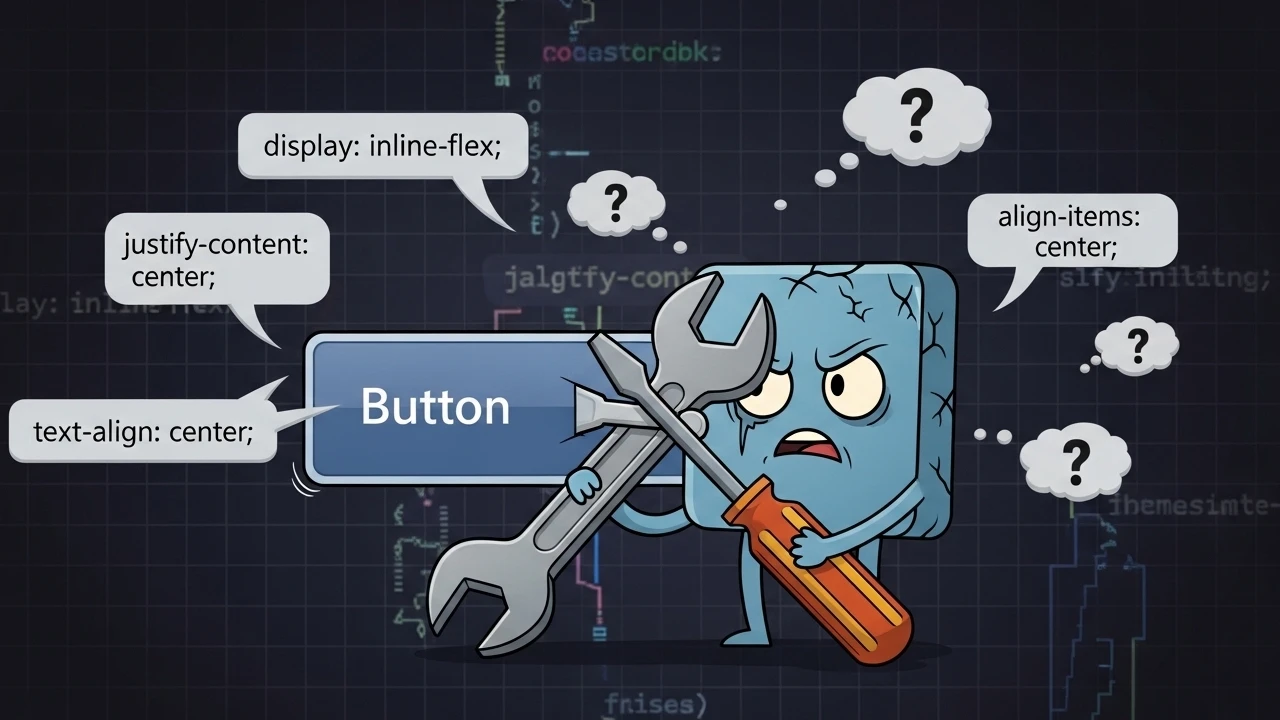
This is a classic production bug found in modern web interfaces: a button that looks "almost" centered, but the text remains slightly offset when the width changes, when an icon is added, or when the label wraps onto two lines. In nearly every case, the root cause is applying text-center to an element that has been converted into an inline-flex container.
The error scenario in production#
Consider this standard Tailwind CSS component:
<button class="inline-flex items-center gap-2 w-64 px-8 py-3 bg-brand-primary text-white rounded-full font-medium text-center">
  Click here
</button>
The resulting symptoms are frustratingly common:
- Fixed Width Drift: With a fixed width like
w-64, the label appears visually closer to the left edge. - Breakpoint Instability: As the viewport scales down, the misalignment often becomes more pronounced.
- Icon Imbalance: Once an SVG icon is introduced, the visual "center" of the button completely breaks.
Root cause: why text-align fails in flex templates#
When an element becomes inline-flex, the browser stops treating its content as a standard line box and starts managing it according to Flexbox axis logic:
- Main Axis (Horizontal by default): Controlled by
justify-content(justify-*in Tailwind). - Cross Axis (Vertical by default): Controlled by
align-items(items-*in Tailwind).
The CSS property text-center acts on the alignment of text within a line box; it does not control the distribution of flex children. Therefore, it is unable to resolve the horizontal distribution of the icon + label pair within the available flex container space.
The correct base implementation#
To fix the alignment issues permanently, you must switch from text flow controls to flex axis controls:
<button class="inline-flex items-center justify-center gap-2 w-64 px-8 py-3 bg-brand-primary text-white rounded-full font-medium">
  <span>Learn more</span>
</button>
The mandatory requirement here is justify-center to manage the horizontal axis correctly.
Icon-safe component patterns#
When adding SVG icons, follow these practices to prevent "visual drift":
<button class="inline-flex items-center justify-center gap-2 w-64 px-8 py-3">
  <svg class="h-4 w-4 shrink-0" aria-hidden="true" viewBox="0 0 20 20"></svg>
  <span class="leading-none">Continue</span>
</button>shrink-0: Ensures the icon maintains its aspect ratio regardless of container pressure.leading-none: Removes extra vertical spacing from the label, which is vital for compact or custom designs.aria-hidden="true": Critical for accessibility, screen readers focus on the label, not the decorative SVG.
Responsive strategy: elastic widths#
Avoid hard-coding fixed widths like w-64 when handling labels that change across multiple languages (localization). Instead, use elastic sizing with min/max constraints:
<button class="inline-flex items-center justify-center min-w-40 max-w-full px-6 py-3">
  Confirm Transaction
</button>
This drastically reduces text overflow issues in languages with longer strings and provides a smoother experience on mobile viewports.
Debugging checklist for devtools#
When I audit a misaligned component in the browser, I follow this sequence:
- Computed Audit: Verify that
displayisinline-flexand thatjustify-contentis explicitly set tocenter. - Width Toggle: Temporarily disable
w-*classes to see how the content naturally sits. - Label Stress Test: Swap the label for both very short and very long strings to check for wrapping bugs.
- Interaction Validation: Ensure the
:focus-visiblering or:hovertransition does not cause "layout jumping."
Accessibility and UI consistency#
Centering is only half the battle. To ensure a premium experience, I always maintain:
- Minimum Tap Target: Ensuring a click area of approximately 44px for mobile users.
- Contrast Ratios: Validating text/background contrast according to WCAG standards.
- Descriptive Labels: Avoiding generic "Click Here" text to provide better context for assistive technologies.
Final takeaway#
If a component uses Flexbox, the alignment must be solved via flex axes, not text flow. The combination of justify-center + items-center, alongside strict control over icon shrinking and width strategy, is the only way to eliminate misalignment and prevent visual regressions as your UI scales across breakpoints and locales.
Was this article helpful?
Leave a quick reaction to help prioritize future technical guides:
See also



This post is licensed under CC BY-NC.
Comments
Join the discussion below.
0 comments