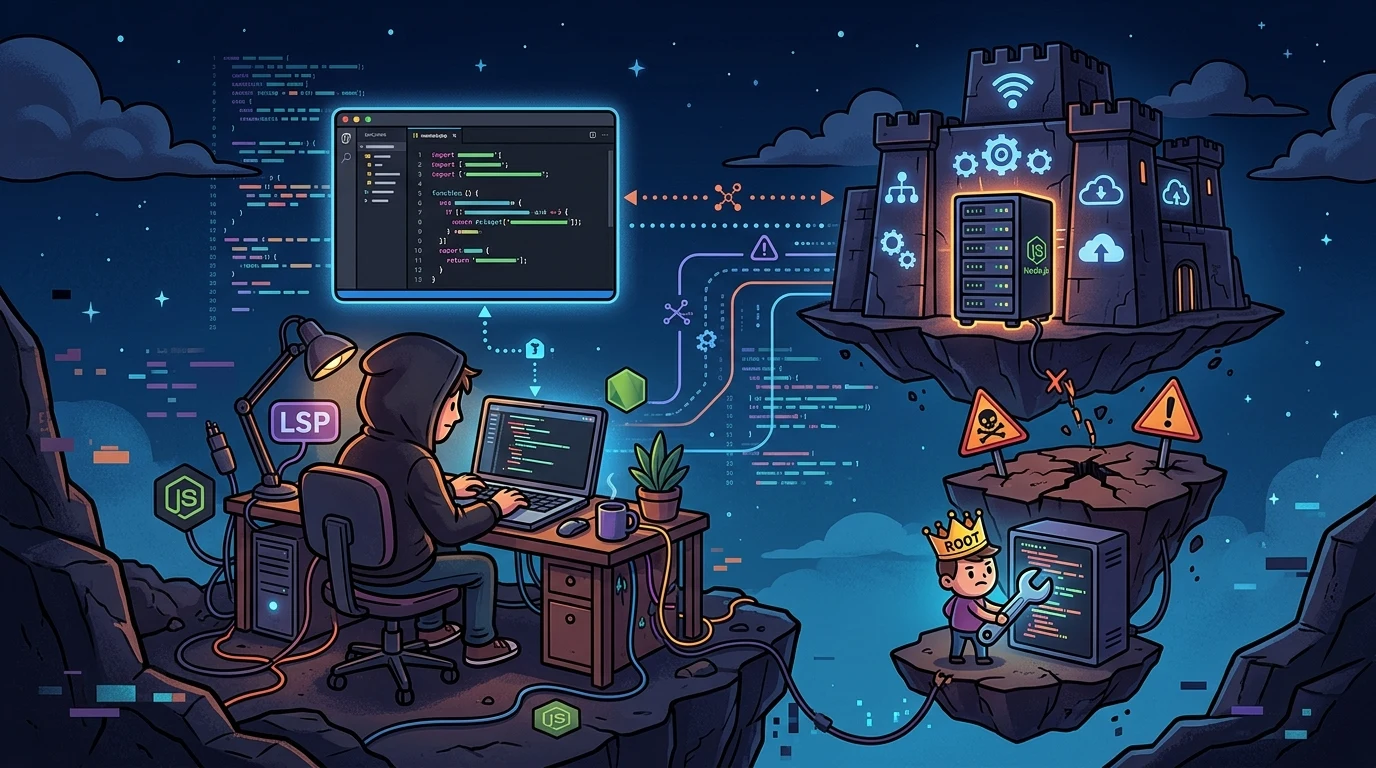
Dissecting remote development environments: IDEs, LSPs, Node.js, and root user pitfalls#
Working with remote editors connected over SSH, such as VS Code Remote or Cursor, has turned remote servers into natural extensions of our local workflows. However, when attempting to run language servers (LSPs) or integrated tooling directly on the remote host, we often hit low-level Linux behaviors: non-interactive shell sessions, stale proxy configurations left over from base server templates, and strict binary lookup rules under the root account.
I recently went through an in-depth troubleshooting session on a remote test server. The original objective was simple: prepare the Node.js runtime required by IDE extensions. Along the way, the setup revealed cascading PATH lookup failures, dynamic linking mismatches, and broken /bin/sh invocations.
Below is the technical walkthrough of what happened and how to configure a clean, stable remote development environment.
The pitfall of system-wide package installations#
The first reaction when Node.js is required on a server is to run the distribution's package manager: apt install nodejs or yum install nodejs.
While fast, this binds the binary to the system's baseline shared libraries, specifically glibc and libstdc++:
- Dynamic linking mismatches: modern language servers and static analysis tools frequently rely on native C++ bindings compiled through
node-gyp. If your operating system runs an olderglibcrelease than the prebuilt binaries expect, the IDE extension fails silently withSIGSEGVorENOENTerrors when loading libraries viadlopen(). - Unnecessary privilege escalation: global installations via
sudo npm install -gexecute pre-install and post-install hooks with full root privileges, allowing third-party package scripts to modify sensitive system paths. - Namespace isolation: on servers with virtual user sandboxes (such as CageFS), globally installed binaries may not be automatically mounted inside the restricted user environment used by the IDE session.
To inspect binary library links from the command line, I use ldd:
ldd $(which node)If any shared object reports not found, the binary is broken at the operating system level.
A more reliable approach is managing runtimes in user-space using version managers such as FNM (Fast Node Manager) or NVM, which store executables inside user directories and manage the $PATH variable cleanly.
The root trap and missing PATH entries#
On dedicated development hosts, it is common to operate as root to edit web server configurations in /etc/nginx or manage directories under /var/www/.
However, after installing Node.js via NVM under the root account, running npm can result in an unexpected error:
root@host-dev:/home# npm
-bash: npm: command not found
When you enter a command, bash searches sequentially through directories listed in $PATH. The root account typically has a restricted PATH, such as /usr/local/sbin:/usr/local/bin:/usr/sbin:/usr/bin:/sbin:/bin.
NVM installs binaries deep within the user's home directory, such as /root/.nvm/versions/node/v24.14.1/bin/. If you switched users using su without the - flag (which retains the previous environment) or connected via a non-interactive session, /root/.bashrc is not evaluated, leaving the shell unaware of where Node.js lives.
Rather than running day-to-day development as root, a cleaner architecture is using an unprivileged user and configuring group permissions on the web server tree:
# Add the development user to the web server group
usermod -aG www-data usuario_dev
chown -R root:www-data /etc/nginx
chmod -R g+w /etc/nginx
This keeps dependencies confined to user-space without risking accidental changes to system configuration files.
Phantom proxies in Git and configuration precedence#
While installing NVM via its standard setup script, I encountered a connection failure when cloning the repository:
fatal: unable to access 'https://github.com/nvm-sh/nvm.git/': Failed to connect to 192.99.167.170 port 1080 after 0 ms: Couldn't connect to server
Failed to clone nvm repo. Please report this!
Port 1080 points directly to a SOCKS5 proxy tunnel. Git does not choose network routes on its own; it follows a strict configuration hierarchy:
- Active shell environment variables (
$http_proxy,$https_proxy,$all_proxy). - User-level configuration at
/root/.gitconfig. - System-wide configuration at
/etc/gitconfig.
In this incident, environment variables were empty. Checking Git's configuration revealed an old proxy entry stored inside the root user's global config, likely baked into a provider cloud template:
root@host-dev:/home# git config --global --get http.proxy
https://192.99.167.170:1080
root@host-dev:/home# git config --global --get https.proxy
https://192.99.167.170:1080
To clear these stale pointers and restore direct outbound HTTPS connections on port 443:
# Remove stale proxy configurations
git config --global --unset http.proxy
git config --global --unset https.proxy

# Validate direct connectivity to the repository
git ls-remote https://github.com/nvm-sh/nvm.git
Once removed, Git resumed direct TLS communication with GitHub without routing traffic through a dead proxy.
Remote IDEs and non-interactive /bin/sh execution#
Even with Node.js accessible in interactive shells, remote IDE extensions continued reporting errors when invoking npx:
root@host-dev:/home# /bin/sh npx
/bin/sh: 0: cannot open npx: No such file

# Error shown in the IDE log:
Install failed: /bin/sh: 1: npx: not found. See "Agent Skills" output for details.
The npx file begins with a shebang line (#!/usr/bin/env node). When invoked directly or through PATH lookup, the kernel reads that header and forwards execution to the Node.js interpreter. Passing npx directly to /bin/sh npx makes the Bourne shell look for a shell script named npx in the current working directory, failing immediately.
Furthermore, remote editors such as VS Code do not open an interactive shell when dispatching background extension commands. They run:
/bin/sh -c "npx command"Non-interactive shells bypass ~/.bashrc and ~/.bash_profile entirely. As a result, the PATH exports injected by NVM are never loaded, leaving the editor unable to locate the binary.
To solve this permanently across any editor or non-interactive command, I created system-level symbolic links inside /usr/bin:
# Locate the installed NVM binary path
find /root/.nvm -name npx -type f
# Output path example: /root/.nvm/versions/node/v24.14.1/bin/npx

# Create global symbolic links in standard PATH locations
ln -sf /root/.nvm/versions/node/v24.14.1/bin/node /usr/bin/node
ln -sf /root/.nvm/versions/node/v24.14.1/bin/npm /usr/bin/npm
ln -sf /root/.nvm/versions/node/v24.14.1/bin/npx /usr/bin/npx
To avoid permission issues (EACCES) when tools install packages globally without root access, I adjusted the NPM directory prefix:
mkdir -p /opt/node_common
npm config set prefix /opt/node_common
To confirm that symbolic links have proper traversal permissions across parent directories, namei is an effective diagnostic tool:
namei -mo /usr/bin/npxWhy PHP-only backends still require Node.js#
Developers working strictly on PHP or Python backends often wonder why remote editors insist on having Node.js installed on the server.
The reason lies in the architecture of Language Server Protocols (LSPs). Widely used language servers, such as Intelephense for PHP, as well as modern codebase indexing engines, are written in TypeScript and executed on top of Node.js:
- Abstract Syntax Tree (AST) parsing: to provide symbol navigation, autocomplete, and type hints without lagging the editor interface, the language server must parse source files into syntax trees and compute symbol relationships.
- Fast runtime execution: the V8 engine provides the JIT compilation needed to process these AST graphs in real time, exchanging JSON-RPC messages with the editor over standard I/O channels (
stdin/stdout).
If Node.js is missing from the remote host's PATH, child process spawning fails with ENOENT. When that happens, the editor drops smart language features and falls back to simple text matching.
From command line to IDE: lessons for a stable remote setup#
Configuring remote Linux development hosts requires an understanding of how processes initialize and discover binaries. Developing directly under the root account may seem convenient initially, but it quickly introduces PATH resolution problems and environment inheritance issues.
Creating clean symbolic links in system-wide directories, auditing network settings in Git configuration files, and understanding how non-interactive shells handle commands ensure that language servers and remote developer extensions run reliably without recurring roadblocks.
Was this article helpful?
Leave a quick reaction to help prioritize future technical guides:
See also




This post is licensed under CC BY-NC.
Comments
Join the discussion below.
0 comments