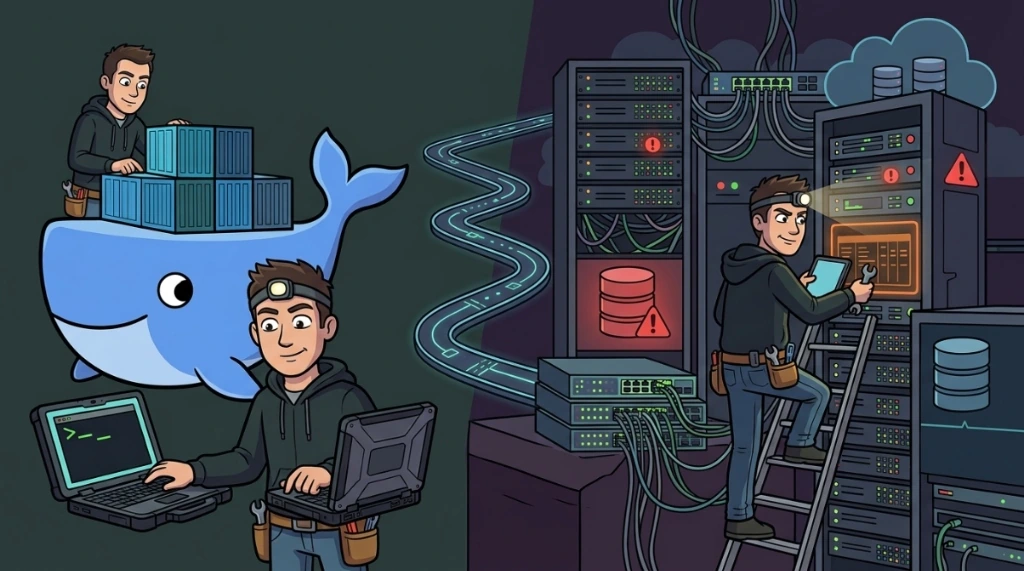
Anyone working with infrastructure and development knows: paper accepts everything, but the terminal is unforgiving. Recently, I went through a series of real challenges ranging from container configuration to execution errors in a production environment with Prisma and Bun.
I decided to document the process for those who, like me, need solutions that survive the next reboot.
1. The persistence dilemma: "where did my files go?"#
The initial question was a classic: how to spin up Docker containers without files being removed upon pausing or restarting? A common mistake is confusing the container lifecycle with storage. If you delete a container and recreate it, the temporary write layer dies with it. The solution is to separate the process from the data.
My strategy: volumes and BIND mounts#
To ensure the data survived, the strategy I used was volume mapping. In the case of a distro like Kali Linux running via Docker, the secret is to map the internal configuration folder to a real directory on the host machine.
The functional docker-compose.yml code I executed:
services:
  kali-linux:
image: lscr.io/linuxserver/kali-linux:latest
container_name: kali-linux
environment:
  - PUID=0   # Running as root for my lab
  - PGID=0
  - TZ=America/Manaus
volumes:
  - /home/distros/kali:/config # The real mapping for persistence
ports:
  - 3000:3000
  - 3001:3001
shm_size: "1gb"
restart: unless-stopped
By pointing /home/distros/kali to the internal /config, everything I do in the GUI or the terminal - documents, scripts, and history - is physically saved on my SSD. If the container drops, the data is still there.
2. The "table does not exist" nightmare in prisma#
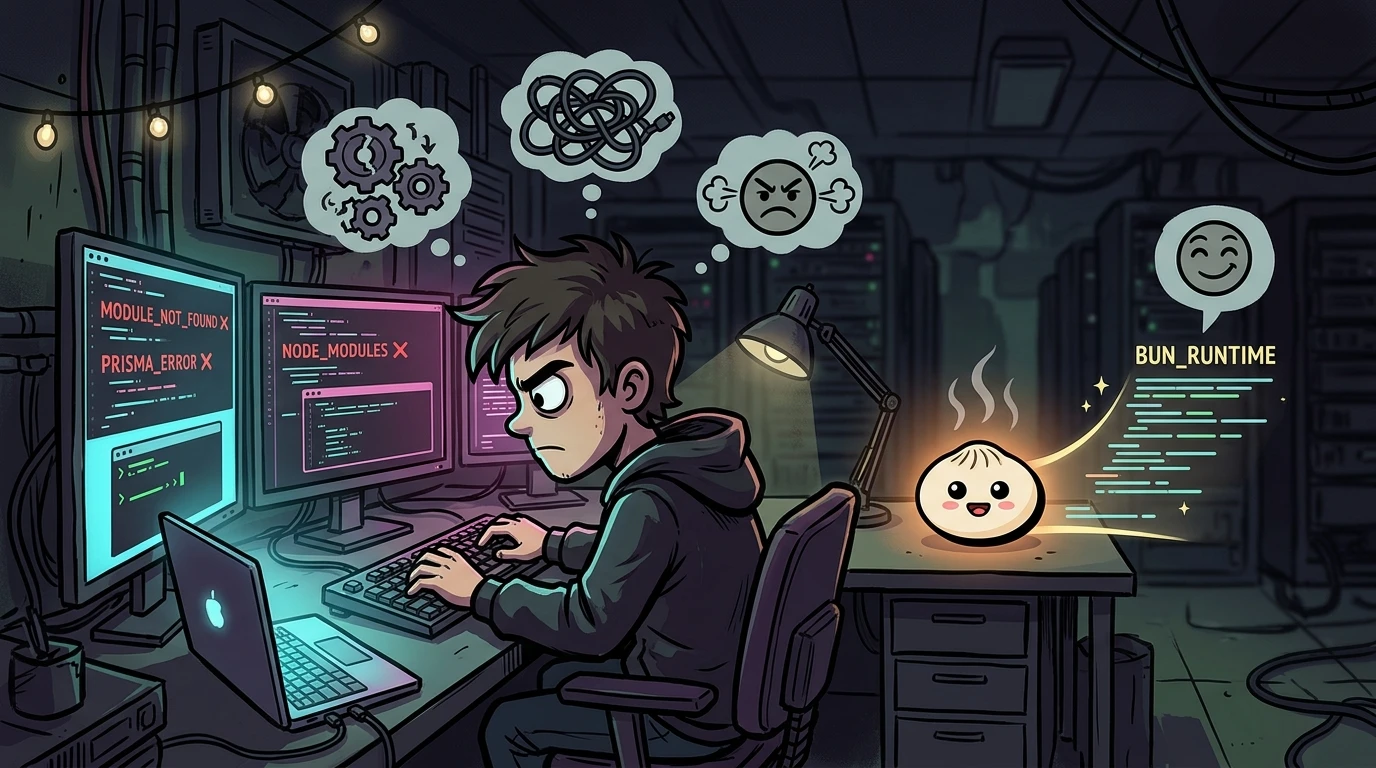
Once the container infra was solved, the next challenge was deploying a Node/TypeScript application using Prisma ORM. When running the database seed, the terminal spat out error P2021:
The table public.PlanLimits does not exist in the current database.The cause I identified: The code was trying to insert data into a structure that didn't yet physically exist in PostgreSQL. This happens when schema.prisma is edited but physical synchronization is forgotten.
The correction workflow (via Bun)#
I followed this strict hierarchy to heal the error:
- Push: Sync the schema with the database:
bunx prisma db push - Generate: Update the client so the code recognizes the new models:
bunx prisma generate - Seed: Then, populate the tables:
bunx prisma db seed
3. "Command not found": did Bun disappear?#
To close the marathon, I encountered a runtime error when trying to bring up the environment with nohup: nohup: failed to run command 'bun': No such file or directory.
Even with Bun installed, the system didn't find it in the PATH when running background scripts. This happens because the Bun binary usually stays in the user's local folder (.bun/bin).
The "root" solution#
Instead of fighting environment variables in every session, the cleanest solution I applied was creating a global symbolic link:
# Making Bun accessible system-wide
ln -s /root/.bun/bin/bun /usr/local/bin/bun
After this, any process recognized the command, eliminating execution failures.
Production takeaways#
Working with Docker and modern stacks like Bun and Prisma requires understanding that infrastructure needs to be resilient and predictable. Whether it's mapping volumes correctly so you don't lose hours of work, or ensuring your binaries are in the global PATH, the secret is always knowing the path that data and processes take.
Infrastructure is the foundation. If it's not solid, the most beautiful code in the world will fail on the first reboot.
Was this article helpful?
Leave a quick reaction to help prioritize future technical guides:
See also

This post is licensed under CC BY-NC.
Comments
Join the discussion below.
0 comments