
Recently, I hit an unexpected permission roadblock while building a frontend application on a Linux server. At first glance, a permission denied error seems straightforward, but looking through the lens of kernel syscalls, VFS layers, and process spawning reveals key mechanics of how modern runtimes interact with native binaries.
Below is the diagnostic trace, strace syscall analysis, and permanent fix for the issue.
The initial error and symptoms#
Running the build script via Bun:
[root@server app]# bun run build
$ vite build
/usr/bin/bash: /home/user/public_html/app/node_modules/.bin/vite: Permission denied
error: script "build" exited with code 126
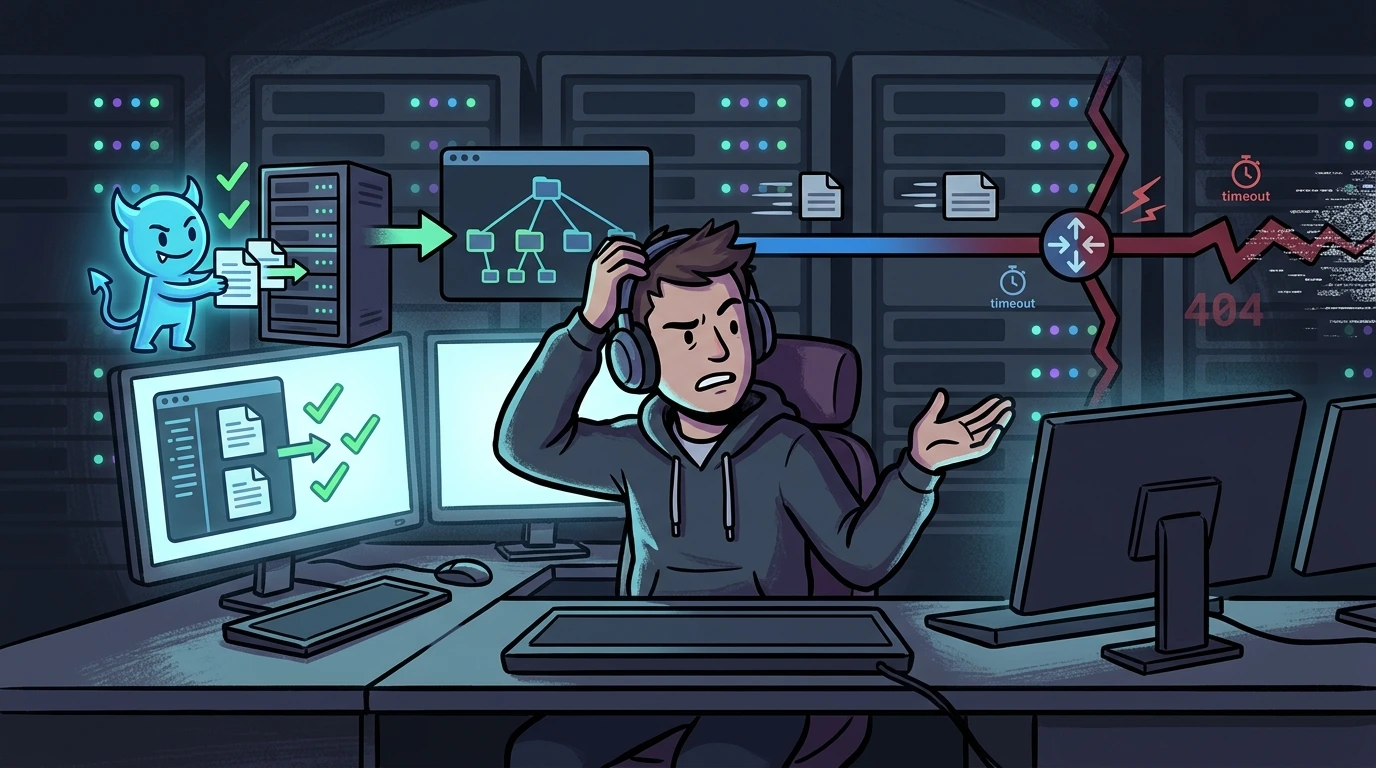
Despite running as root, the command failed with Permission denied and Exit Code 126.
In the POSIX standard, exit code 126 has a specific definition: the command was found, but could not be executed. If the binary or script did not exist in the path, the shell would return exit code 127.
Formulating hypotheses#
Even for root, the Linux kernel enforces execution boundaries via execve(2):
- Mount Restrictions (
noexecon VFS): The partition hosting/homeor/tmpcould have thenoexecmount flag enabled, causing the kernel VFS layer (do_execveat_common) to return-EACCES. - Missing Execute Bit (
S_IXUSR/S_IXUGO): Whilerootbypasses standard read/write DAC restrictions (CAP_DAC_OVERRIDE), loading executable binaries and shebang scripts (#!/usr/bin/...) mandates at least one+xbit enabled on the inode. - Mandatory Access Control (MAC): SELinux or AppArmor profiles could be blocking execution contexts.
CLI investigation and syscall tracing#
Validating hypotheses on the terminal:
1. Verifying mount flags#
First, I checked for filesystem mount restrictions:
mount | grep -E '/home|/tmp'
# (No matches returned)
This ruled out noexec on dedicated partitions, confirming /home lived on the root filesystem (/).
2. Inspecting symlinks and target inodes#
Next, I audited the symlink inside .bin:
ls -l /home/user/public_html/app/node_modules/.bin/vite
# lrwxrwxrwx 1 www www 19 Mar 13 00:34 /home/user/public_html/app/node_modules/.bin/vite -> ../vite/bin/vite.js
The symlink showed rwxrwxrwx, which is normal (symlink permissions are decorative on Linux). The critical check was inspecting the target file using -L:
ls -lL /home/user/public_html/app/node_modules/.bin/vite
# -rw-r--r-- 1 www www 1670 Mar 9 22:51 /home/user/public_html/app/node_modules/.bin/vite
Root cause of Exit 126 identified: The actual target vite.js had mode 644 (-rw-r--r--), with zero execute bits set on the target inode.
3. Syscall tracing with strace#
To confirm kernel behavior, I traced execve calls:
strace -f -e trace=execve bun run buildexecve("/root/.bun/bin/bun", ["bun", "run", "build"], 0x7ffd04079048 /* 32 vars */) = 0
$ vite build
strace: Process 2840710 attached
[pid 2840710] execve("/usr/bin/bash", ["/usr/bin/bash", "-c", "vite build"], 0x38ee2620980 /* 41 vars */) = 0
[pid 2840710] execve("/home/user/public_html/app/node_modules/.bin/vite", ["vite", "build"], 0x55f2245b4a00 /* 40 vars */) = -1 EACCES (Permission denied)
/usr/bin/bash: /home/user/public_html/app/node_modules/.bin/vite: Permission denied
[pid 2840710] +++ exited with 126 +++
error: script "build" exited with code 126The trace confirmed:
- Bun spawns
bashto execute the build script. - Bash invokes
.bin/vite. - The kernel traverses the symlink to
vite.js, detects no+xbit on the inode, and returns-1 EACCES.
The second hurdle: posix_spawn in esbuild#
Attempting to bypass the wrapper by invoking the script directly with Bun:
bun ./node_modules/vite/bin/vite.js buildThe runtime started interpreting the JavaScript file, but failed during compilation:
failed to load config from /home/user/public_html/app/vite.config.js
error during build:
Error: The service was stopped: EACCES: permission denied, posix_spawn '/home/user/public_html/app/node_modules/@esbuild/linux-x64/bin/esbuild'
    at (/home/user/public_html/app/node_modules/esbuild/lib/main.js:1083:29)
    at (/home/user/public_html/app/node_modules/esbuild/lib/main.js:703:9)
    at afterClose (/home/user/public_html/app/node_modules/esbuild/lib/main.js:693:25)
Running bun ./node_modules/vite/bin/vite.js build allowed Bun to read and execute the JS code. However, Vite then attempted to spawn its native compiled helper (esbuild) using posix_spawn (which calls vfork/execve under the hood).
Because the native ELF binary /home/user/public_html/app/node_modules/@esbuild/linux-x64/bin/esbuild also lacked execute permissions (due to restrictive umask or unarchiving without preserving file attributes), the kernel returned EACCES once again.
Resolution and fix#
The issue stemmed from lost execute bits across scripts and native binaries in node_modules.
To restore proper permissions cleanly:
# 1. Ensure execution on wrapper scripts
chmod -R +x /home/user/public_html/app/node_modules/.bin/

# 2. Grant execution to all package binary directories (including native esbuild binaries)
find /home/user/public_html/app/node_modules/ -path "*/bin/*" -exec chmod +x {} +

# (Targeted alternative for esbuild binaries)
find /home/user/public_html/app/node_modules/ -type f -name "esbuild" -exec chmod +x {} +Result#
With execute bits properly restored:
- The
.bin/vitewrapper executed cleanly viabun run build. - Vite spawned the native
esbuildbinary viaposix_spawnwithout kernel denials.
Practical VFS and execution takeaways#
Understanding Linux exit codes and VFS mechanics helps isolate build pipeline failures:
rootstill requires+x: Unlike read and write operations, the Linux kernel strictly enforces execute permissions (S_IXUGO) even for root.- Symlink permissions are decorative: The
777mode on a symlink has no bearing onexecve; permissions on the target inode determine execution. - Modern toolchains rely on native binaries: Tools like Vite, Turbopack, and Next.js delegate heavy workloads to compiled binaries (
esbuild,swc). Invoking the JS wrapper through a runtime will still fail if child binaries lack execution bits.
Was this article helpful?
Leave a quick reaction to help prioritize future technical guides:
See also


This post is licensed under CC BY-NC.
Comments
Join the discussion below.
0 comments