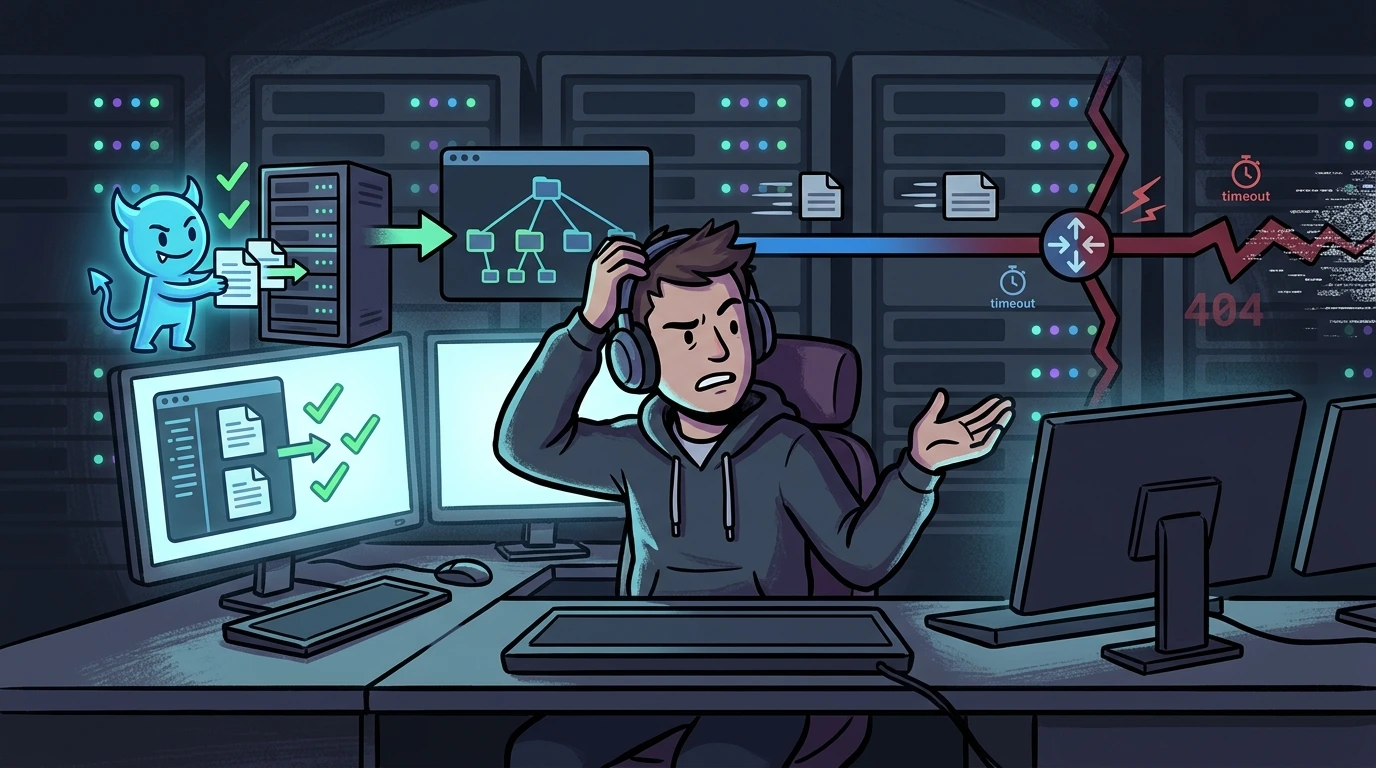
What tmpfs actually does with your RAM: limits, remount, and hidden consumers#
While checking system resource utilization from the terminal, I ran df -h and reviewed the following filesystem breakdown:
Filesystem      Size  Used Avail Use% Mounted on
tmpfs           939M  1.8M  937M   1% /run
/dev/sda6        91G   39G   48G  45% /
tmpfs           4.6G  219M  4.4G   5% /dev/shm
tmpfs           4.6G     0  4.6G   0% /run/qemu
Looking at the 4.6G reported for /dev/shm and /run/qemu, a common question is: if I shrink and resize this tmpfs, will I immediately free up more RAM for my applications?
Looking at Linux kernel internals, the direct answer is no. However, understanding how tmpfs operates and why tuning its boundaries matters is critical for system reliability.
1. The conceptual misunderstanding: how tmpfs handles RAM#
A frequent point of confusion is interpreting the "Size" column in df -h. It is easy to assume that physical memory is locked and held in reserve by the operating system.
In the Linux Virtual File System (VFS), tmpfs memory allocation operates strictly on demand (lazy allocation). The 4.6G figure is not pre-allocated physical memory, but an upper bound limit.
In my system, /dev/shm (used for POSIX shared memory and IPC) was holding only 219M of actual data. Only those 219 Megabytes were consuming real physical page frames. The remaining 4.4G was purely virtual, waiting for write operations before the kernel memory manager commits physical memory.
2. Why cap tmpfs if it does not reclaim RAM instantly?#
If reducing tmpfs does not yield immediate RAM savings, why bother tuning it? The reason is straightforward: preventing Out-Of-Memory (OOM) Killer panics.
By default, the Linux kernel sets tmpfs limits to 50% of available physical RAM. If a runaway process with a memory leak or an unconstrained container dumps gigabytes of files into /dev/shm, the kernel will allocate physical memory up to that ceiling.
When memory runs out:
- The
kswapd0kernel daemon begins aggressively swapping out memory from active applications. - The host suffers severe performance degradation (memory thrashing).
- The OOM Killer triggers, abruptly terminating active services to keep the operating system alive.
Setting a strict boundary on tmpfs changes this outcome. When a rogue process attempts to write beyond the threshold via write() or mmap(), the syscall fails immediately, returning -1 with errno set to ENOSPC (No space left on device). The runaway write is blocked instantly, protecting the rest of the system.
3. Hot-remounting and persistent configuration#
To adjust boundaries without service interruption:
Dynamic runtime remounting#
To cap /dev/shm at 1G while keeping existing in-memory data intact:
mount -o remount,size=1G /dev/shmNote: You cannot specify a size smaller than the dirty pages currently held in memory.
Persistent /etc/fstab entry with security flags#
To preserve the configuration across reboots, add an entry to /etc/fstab with recommended security flags (nodev, nosuid, noexec):
tmpfs /dev/shm tmpfs defaults,nodev,nosuid,noexec,size=1G 0 04. Tracking real memory consumers#
To investigate where physical memory is actually being used:
Open file descriptors in shared memory#
lsof +D /dev/shmInspecting kernel slab allocator caches#
slabtop -o -s c | head -n 15Global memory and cache breakdown#
cat /proc/meminfo | egrep 'MemTotal|MemFree|MemAvailable|Cached|Swap'Practical lessons on tmpfs memory management#
- tmpfs does not lock static RAM: The size reported by
df -hrepresents a virtual upper boundary. Only dirty pages actively written consume physical memory. - Capping boundaries prevents host crashes: Limiting
/dev/shmprevents malfunctioning applications from consuming half your RAM and triggering the OOM Killer. - Live reconfiguration without reboots: You can safely resize mounts on the fly with
mount -o remount,size=Xwithout losing active shared memory descriptors.
Was this article helpful?
Leave a quick reaction to help prioritize future technical guides:
See also


This post is licensed under CC BY-NC.
Comments
Join the discussion below.
0 comments