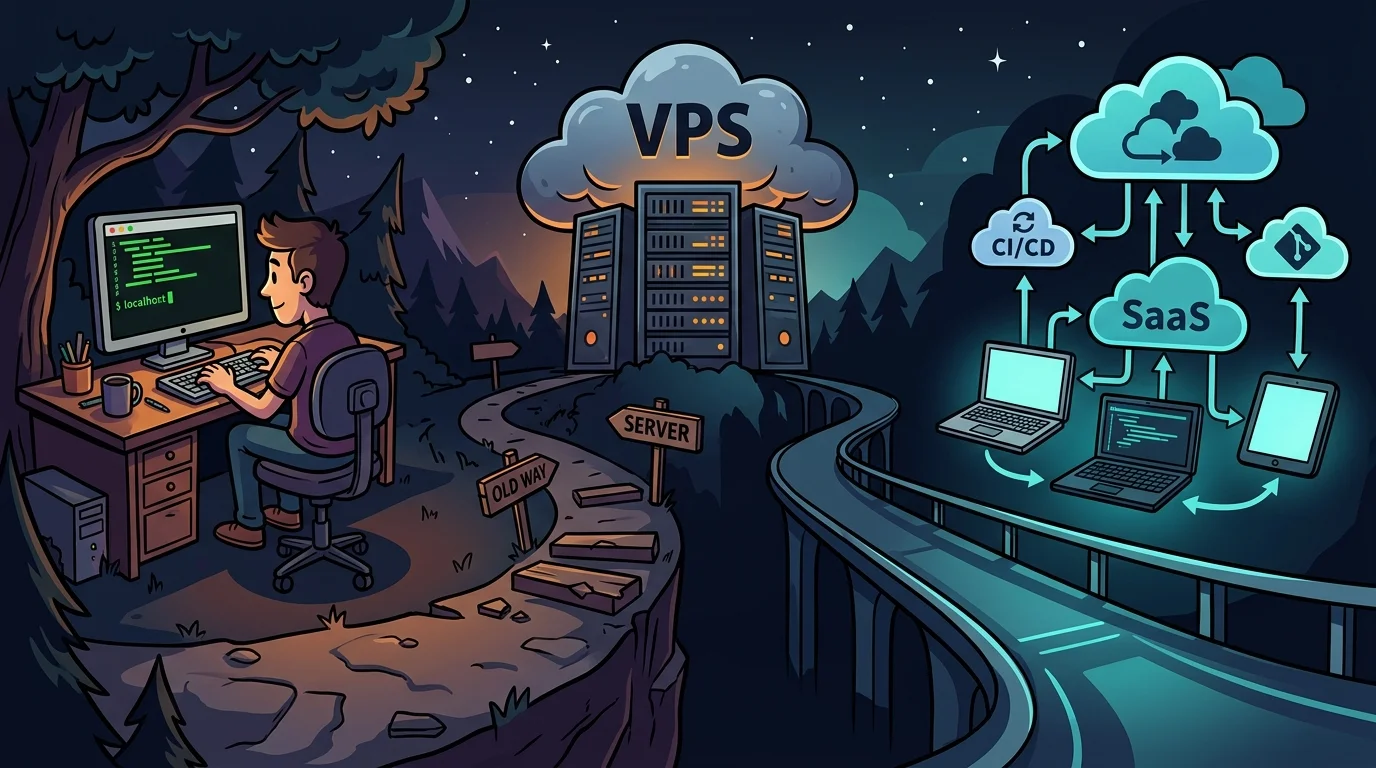
Anyone building and operating web applications has faced this foundational question: what is the most sustainable development workflow today?
Is it better to spin up an entire stack on a cloud VPS (Docker, database, runtime) and edit files directly over SSH, or is the optimal standard still developing 100% on localhost and deploying validated builds to the server?
If you have ever felt tempted to open a remote SSH terminal to hotfix code directly in production, you know how easily things can go wrong. Below, I break down both approaches, their trade-offs, and the workflow structure I use to maintain velocity and uptime.
1. The dilemma: remote editing on a VPS vs. local development#
When establishing a workflow, there are two primary architectures:
- Option 1:
[Local IDE / SSH]->[Remote VPS with development and production mixed] - Option 2:
[Local Docker Environment]->[Git & Pipeline]->[Production VPS]
When does remote VPS development make sense?#
Direct SSH development has specific valid use cases:
- Severely constrained local hardware: If your physical workstation lacks sufficient RAM or CPU power to run multiple heavy containers simultaneously.
- Dedicated staging environments: For verifying external webhooks, valid SSL certificates, or third-party payment gateways requiring publicly accessible URLs.
The risks of editing on remote servers:#
- Network and I/O latency: Saving files, running linters, directory traversal, and compilation depend entirely on internet stability. Connection hiccups introduce noticeable editor lag.
- Direct risk to live users: A single syntax error, runaway memory leak, or mistaken database migration executed directly on a production VPS instantly brings down the application for active users.
2. Local development with decoupled deployment: the reliable standard#
The rule I follow is straightforward: build, test, and break everything locally; deploy only tested, validated code to the VPS.
Thanks to containerization with Docker, the classic "it works on my machine" problem is easily eliminated.
Practical benefits of working on localhost:#
- Instant feedback loop: Framework hot-reloading reads directly from your fast local NVMe drive. Code changes reflect in milliseconds without network delays.
- Offline resilience: Internet outages never interrupt code authoring, local unit tests, or debugging.
- Failure isolation: Any breaking crash, memory leak, or database error remains strictly confined to your development laptop.
3. Practical implementation and division of roles#
To maintain parity between local machines and production servers cleanly:
On the local machine (development):#
- Docker Compose isolation: Use
docker-compose.ymlto run local database instances (MySQL, Postgres, Redis) with identical version tags to production. - Environment variables: Maintain a dedicated
.env.localfile pointing to local endpoints. - Git branches: Isolate features and bug fixes on separate branches before merging into production streams.
# Simple local docker-compose.dev.yml
services:
  app:
    build: .
    ports:
      - "3000:3000"
    volumes:
      - .:/app
    environment:
      - NODE_ENV=development
  db:
    image: mysql:8.0
    environment:
      MYSQL_ROOT_PASSWORD: dev_password
      MYSQL_DATABASE: saas_dev
    ports:
      - "3306:3306"
On the remote server (production):#
- Central repository: Push validated commits to the remote Git repository.
- Controlled deployment: On the VPS, applications run in hardened production containers with automated restart policies (
restart: unless-stopped) behind a configured reverse proxy.
Conclusion: the golden rule for SaaS stability#
Editing code directly on live servers over SSH might look like a tempting shortcut, but the cost of an unexpected production outage far outweighs the convenience.
Keeping the sandbox where you test and experiment completely separated from the infrastructure where real customers transact is essential for building a reliable, stress-free web product.
Was this article helpful?
Leave a quick reaction to help prioritize future technical guides:
See also


This post is licensed under CC BY-NC.
Comments
Join the discussion below.
0 comments