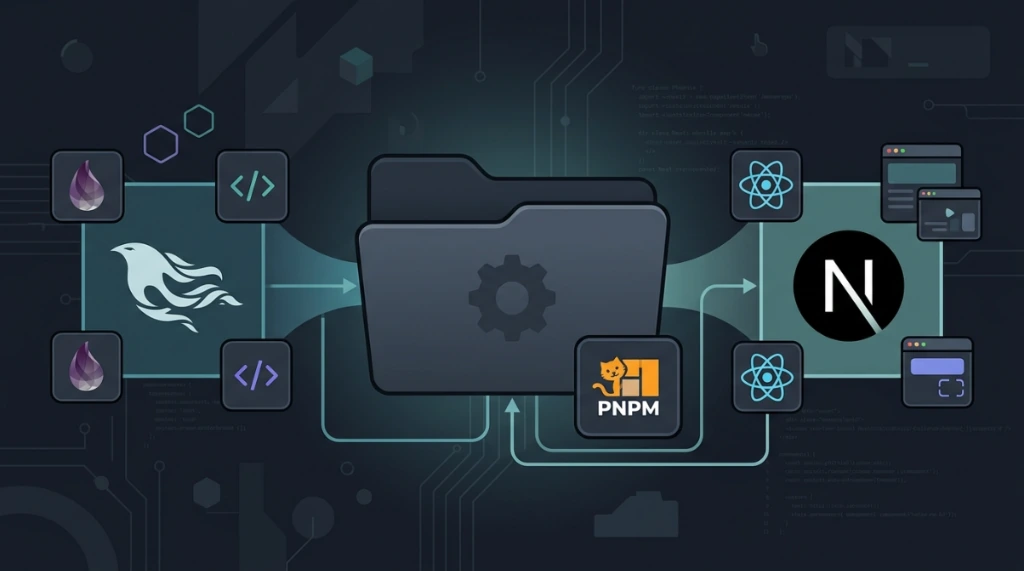
Pairing the robustness of the Erlang Virtual Machine (BEAM) running Elixir (Phoenix) on the backend with a modern Next.js/React frontend managed by the caching efficiency of PNPM inside a hybrid monorepo structure is one of the most resilient architectural decisions for high-concurrency applications.
The primary challenge of this setup is coordinating compilation lifecycles, asset management, local development loops, and deployment infrastructures. Below is the complete blueprint for production environments.
1. Directory layout#
To isolate Node dependencies from Elixir source files, both ecosystems live in dedicated subfolders inside apps:
/my-project-monorepo
  ├── apps/
  │    ├── backend/                    # Elixir Phoenix application (BEAM)
  │    │    ├── lib/
  │    │    ├── config/
  │    │    ├── priv/static/           # Destination for compiled frontend assets
  │    │    └── mix.exs
  │    └── frontend/                   # Next.js / React application (Node.js/V8)
  │         ├── src/
  │         ├── public/
  │         ├── next.config.js
  │         └── package.json
  ├── package.json                     # Root Node monorepo definition
  ├── pnpm-workspace.yaml              # PNPM workspace configurations
  ├── docker-compose.yml               # Local services orchestration
  ├── Makefile                         # Project command shortcuts
  └── .github/workflows/ci.yml         # CI Pipeline configuration
The root pnpm-workspace.yaml targets the frontend directory:
# pnpm-workspace.yaml
packages:
  - 'apps/frontend'
2. Frontend and backend integration strategies#
Approach a: static export (integrated ssg/spa)#
Best suited for admin panels and single-page apps served directly by Phoenix's built-in HTTP endpoint (priv/static):
- Next.js compiles static assets (HTML, JS, CSS).
- Files are synced via automated scripts into Phoenix's
priv/static/folder.
Approach b: hybrid server (separate SSR)#
Recommended if your frontend requires dynamic Next.js Server-Side Rendering (SSR) or live image optimization:
- Next.js runs on port
3000(Node.js) and Phoenix runs on port4000(BEAM). - A reverse proxy (such as Nginx) directs
/api/and/socket/to Phoenix, while page requests hit Next.js.
3. Configuring next.config.js#
For approach a (static export):#
// apps/frontend/next.config.js
module.exports = {
  output: 'export',
  distDir: 'out',
  images: {
    unoptimized: true,
  },
};
Asset synchronization script in apps/frontend/package.json:
{
  "scripts": {
    "build": "next build",
    "postbuild": "rsync -av --delete --exclude=\"phoenix_dashboard/\" out/ ../backend/priv/static/"
  }
}
4. Phoenix watchers and hot module replacement (HMR)#
To run your entire stack with a single command during local development, wire the Next.js process into Phoenix's Endpoint Watchers in apps/backend/config/dev.exs:
config :backend, BackendWeb.Endpoint,
  http: [port: 4000],
  debug_errors: true,
  code_reloader: true,
  check_origin: false,
  watchers: [
    pnpm: [
      "run",
      "dev",
      cd: Path.expand("../../frontend", __DIR__)
    ]
  ]
5. Multi-stage Docker build#
# apps/backend/Dockerfile
FROM elixir:1.16-alpine AS builder

RUN apk add --no-cache build-base git
WORKDIR /app
RUN mix local.hex --force && mix local.rebar --force
ENV MIX_ENV=prod

COPY mix.exs mix.lock ./
RUN mix deps.get --only prod && mix deps.compile

COPY config config
COPY lib lib
COPY priv priv

RUN mix compile && mix release

FROM alpine:3.19 AS runtime
RUN apk add --no-cache libstdc++ openssl ncurses-libs bash
WORKDIR /app
COPY --from=builder /app/_build/prod/rel/backend ./

ENV PORT=4000
EXPOSE 4000
CMD ["./bin/server"]
6. High availability on the BEAM#
The BEAM virtual machine provides native fault tolerance via actor-model supervision trees and zero-broker distributed clustering:
def start(_type, _args) do
  children = [
    Backend.Repo,
    BackendWeb.Telemetry,
    {Phoenix.PubSub, name: Backend.PubSub},
    BackendWeb.Endpoint
  ]

  opts = [strategy: :one_for_one, name: Backend.Supervisor]
  Supervisor.start_link(children, opts)
end
Practical guidelines for hybrid monorepos#
- Enforce workspace isolation: Keep JavaScript dependencies isolated to the frontend and Hex packages restricted to the backend.
- Use a root Makefile: Standardize developer setup workflows (
make devormake test) to reduce onboarding friction. - Implement reverse proxy healthchecks: Ensure Nginx verifies upstream availability on both ports before routing production traffic.
Was this article helpful?
Leave a quick reaction to help prioritize future technical guides:
See also




This post is licensed under CC BY-NC.
Comments
Join the discussion below.
0 comments