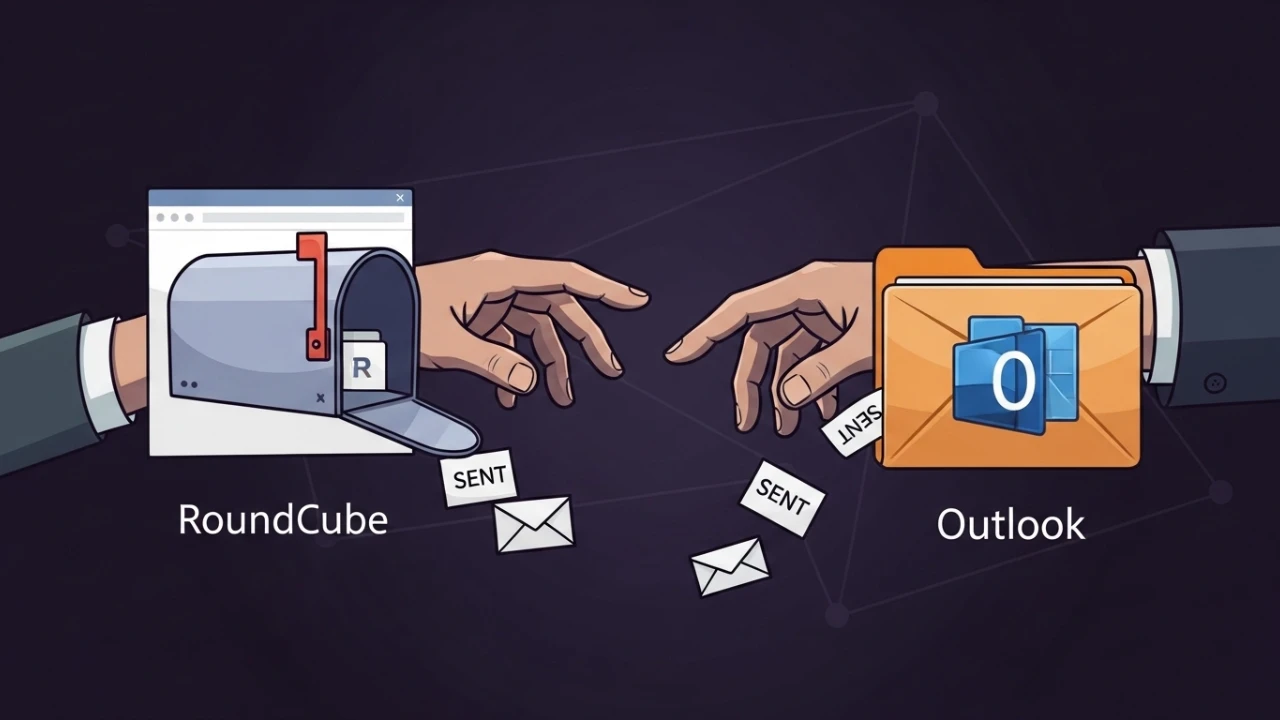
When every IMAP client uses a different sent folder, history becomes a puzzle: Sent, Sent Items, Enviados, Itens Enviados. In a corporate environment, this impacts auditing, support, and operational search. This guide shows the correct way to consolidate without losing messages.
Technical root cause#
Roundcube and Outlook may create/mark sent folders with distinct names, especially when:
- Client language changes (PT/EN);
- Account was configured on multiple devices at different times;
- There was a server migration without Special-Use flags standardization.
Step 1: Define a canonical folder on the server#
I choose a single official folder, for example Enviados (or Sent), and make it the reference for all clients.
In Roundcube:
- Settings;
- Special Folders / System Folders;
Sent messagespointing toEnviados.
Step 2: Consolidate legacy history#
Before touching Outlook, move legacy content to the canonical folder.
Example of a safe workflow:
- Create a local backup (PST/OST or IMAP export);
- Move messages from
SentandSent ItemstoEnviados; - Wait for complete synchronization;
- Validate final item count.
Step 3: Map Outlook to the existing folder#
In Outlook:
- Account Settings;
- More Settings;
- Sent Items tab;
- Select Save sent items in the following folder on the server;
- Choose
Enviados.
Then, restart Outlook and force synchronization.
Operational validation#
Checklist I use at the end:
- [ ] Sending via Roundcube lands in
Enviados - [ ] Sending via Outlook lands in
Enviados - [ ] Sending via mobile lands in
Enviados - [ ] No new duplicate folders appeared
- [ ] Searching by sender returns unified history
Common issues after unification#
Outlook keeps creating "sent items"#
Cause: old profile in cache or local client policy. Action: review profile, re-validate the sent folder, and clear account cache.
Messages "disappear" after moving#
Common cause: incomplete synchronization or offline cache limit in Outlook. Action: wait for total sync, review IMAP status and, if necessary, reduce move batches.
Preventive best practices#
- Single language standard for special folders;
- Mapping documentation per tenant;
- Post-email migration validation before releasing to end users.
IMAP validation via command line (advanced optional)#
When I need to prove it at the protocol level, I validate folder listings and special flags with a text-mode IMAP client (e.g., via openssl).
Simplified flow:
openssl s_client -connect mail.example.com:993 -crlfThen I authenticate and list mailboxes to confirm which folder is marked for sent on the server. This avoids diagnosis based solely on client UI.
Incident closure checklist#
- Canonical folder defined in webmail;
- Outlook mapped to existing folder;
- History consolidated and checked;
- End-user validated web/desktop/mobile sending;
- Ticket closed with synchronization evidence.
Production takeaways#
Unifying Sent/Enviados is a simple adjustment but with high operational impact. When standardized on the server and replicated on clients, it eliminates history fragmentation and reduces recurring support incidents.
Was this article helpful?
Leave a quick reaction to help prioritize future technical guides:
See also




This post is licensed under CC BY-NC.
Comments
Join the discussion below.
0 comments