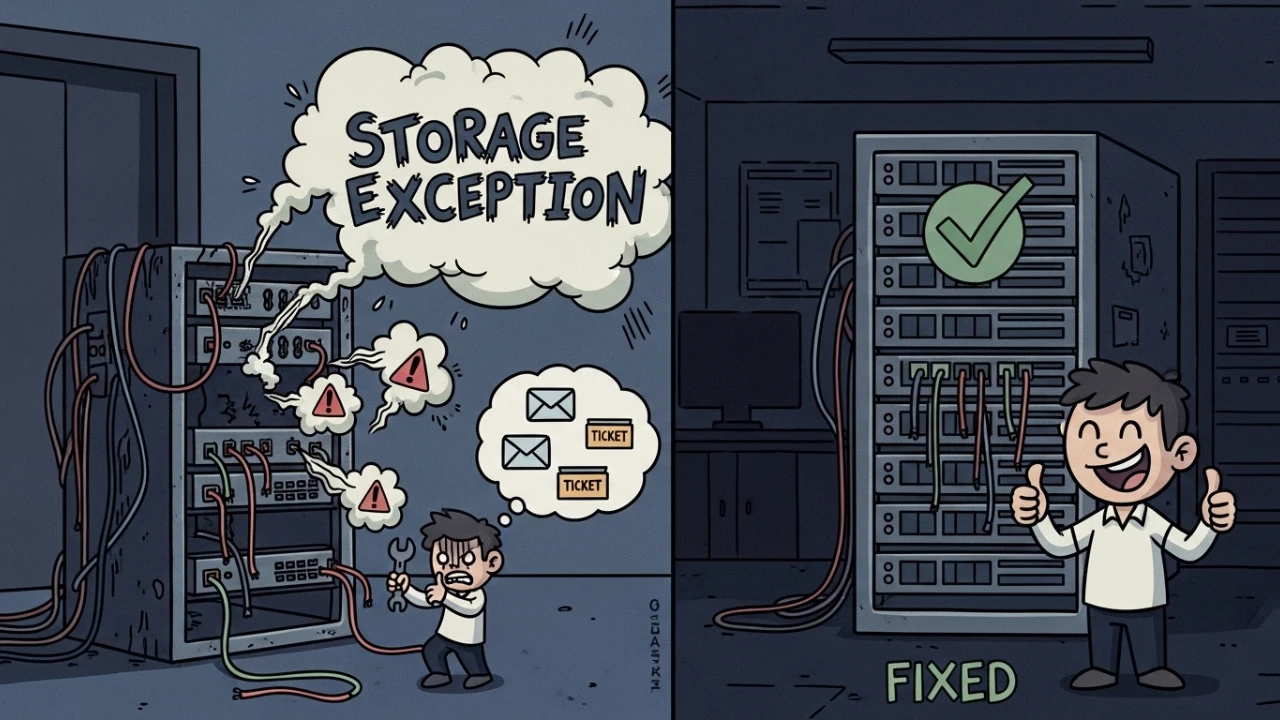
Recently, I faced a production incident in WHMCS that had a direct impact on two operational fronts: the sending of administrative emails with attachments and the handling of support ticket attachments. The error displayed in the stack trace was:
WHMCS\Exception\Storage\StorageException:
Cannot find storage setting for asset type "email_template_attachments"
In short order, the exact same pattern manifested for:
Cannot find storage setting for asset type "ticket_attachments"This article documents exactly what was validated, what was discarded during triage, the identified root cause, and the operational procedure applied for a definitive fix.
1) Reading the stack trace and delimiting the scope#
The exception was being generated within the WHMCS internal storage chain, originating at:
WHMCS\File\Storage->createFilesystem()This specific point is decisive: the failure occurs before any effective file I/O takes place. In other words, the error does not start with chmod, chown, or a full disk. The system is failing at mounting the logical configuration of the filesystem for the requested asset type.
2) Technical context: why this error occurs#
WHMCS utilizes a storage abstraction layer built on top of Flysystem (League\Flysystem). Every type of active asset (attachments, downloads, templates, etc.) must be linked to a valid backend configuration (Local, S3, FTP, among others).
When the requested asset type finds no mapping in the storage configuration, the factory cannot instantiate the driver, and WHMCS throws a StorageException.
In my case, the unmapped types were:
email_template_attachmentsticket_attachments
3) Initial hypotheses ruled out (with evidence)#
3.1 configuration.php#
The first step was to review configuration.php searching for storage keys. No asset mapping configuration resides there. This file covers database connection, licensing, encryption, and custom directory paths, but it does not resolve this specific mapping error.
Conclusion: This was not the point of correction.
3.2 assets.json#
I also validated the hypothesis of a legacy assets file. In a standard modern WHMCS installation, this file does not participate in the storage configuration for the cited types.
Conclusion: An outdated approach for this modern scenario.
4) Correct investigation: database layer and internal configuration#
With the trace delimited, I went directly to validating storage metadata inside the database.
Primary table investigated:
tblstorageconfigurationsAuxiliary reference table:
tblconfigurationInitial query:
SELECT *
FROM tblstorageconfigurations;
Result: There were no valid bindings for email_template_attachments and ticket_attachments.
5) Root cause of the incident#
The environment had undergone a WHMCS update, and the storage migration remained incomplete for a subset of asset types. In practice, the system was intact for other modules but lacked a storage map for email/ticket attachments.
This explains the intermittent behavior per functionality: the problem wasn't a global filesystem failure, but specific missing asset mapping metadata.
6) Applied correction (step-by-step)#
6.1 recreating the storage mapping in the panel#
Inside the WHMCS Admin:
System Settings -> Storage SettingsActions executed:
- Created a storage backend of type
Local. - Defined a persistent path outside the
public_htmldirectory. - Explicitly associated the following asset types:
Email Template AttachmentsTicket Attachments
Example of the applied path:
/home/user/whmcsdata/attachments6.2 storage path hardening#
Criteria adopted for the new directory:
- Directory located outside the public web root.
- Ownership consistent with the effective user of PHP-FPM/Apache on the host.
- Minimal functional permission for service reading/writing.
Implementation on the server:
chown -R apache:apache /home/user/whmcsdata
chmod -R 755 /home/user/whmcsdata
Operational note: The user/group must reflect your specific runtime (apache, www-data, pool user, etc.).
6.3 SELinux validation (enforcing environments)#
Since the host runs with active SELinux, I validated the MAC layer to eliminate any silent blocking:
sestatus
ausearch -m avc -ts recent
When necessary, correction options include:
setsebool -P httpd_unified 1
semanage fcontext -a -t httpd_sys_rw_content_t "/home/user/whmcsdata(/.*)?"
restorecon -Rv /home/user/whmcsdata
In this specific incident, SELinux was not the root cause, but this validation is mandatory to close the diagnosis with total security.
7) Post-correction acceptance testing#
After mapping the storage + permissions + context validation:
- Executed administrative routines that trigger attachments.
- Validated the sending of emails with attachments.
- Validated the upload and reading of ticket attachments.
- Ran operational cleanup in the admin interface.
Workflow used:
Admin -> System CleanupResult: Exception eliminated, and the attachment workflow was fully normalized for both asset types.
8) Technical checklist for post-whmcs upgrades#
- Validate
System Settings -> Storage Settingsimmediately following any update. - Check if all critical asset types are properly linked to active storage backends.
- Audit the storage path to ensure it remains outside
public_html. - Review directory ownership and permissions.
- On hosts with SELinux, always validate AVC logs before finalizing the RCA.
- Execute a real functional test (ticket + email with attachment) rather than just a superficial login/page smoke test.
9) Operational conclusion#
When WHMCS returns:
Cannot find storage setting for asset typeThe correct focus is storage configuration and asset type mapping, not configuration.php tuning and not legacy asset files.
In my case, the root cause was an incomplete post-update migration. The definitive correction came from:
- Recreating and linking the adequate storage backend.
- Guaranteeing the correct paths and permissions.
- Validating SELinux contexts.
- Finalizing with an end-to-end functional test.
This procedure significantly reduces downtime and prevents blind intervention in the filesystem without technical evidence.
Was this article helpful?
Leave a quick reaction to help prioritize future technical guides:
See also


This post is licensed under CC BY-NC.
Comments
Join the discussion below.
0 comments