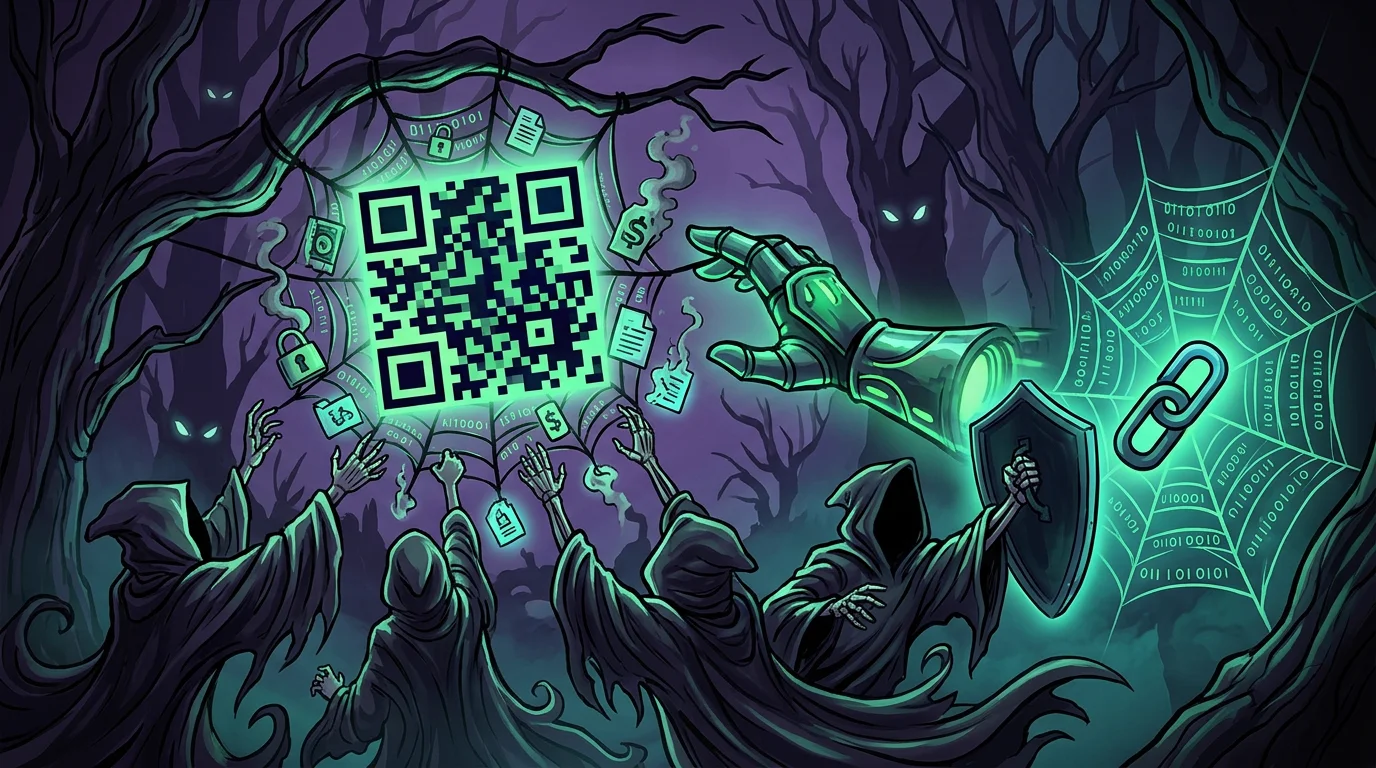
Last month I stopped by a local restaurant that switched to a digital menu. Each table had an acrylic stand with a printed QR code. When I checked it up close, I saw a plastic sticker placed directly over the original print. I peeled the corner back with my thumbnail and found the restaurant's actual code underneath. Had I scanned the surface without paying attention, my phone would have loaded a cloned checkout page.
This scam goes by quishing, short for QR code phishing. It spread quickly because it catches people off guard. When an unfamiliar link arrives in an email, we naturally hover over it to inspect the URL before clicking. But when looking at a printed code on a table or checkout counter, the phone opens the page before anyone has a chance to read the destination address.
Where quishing attacks surface in daily life#
Physical quishing does not require advanced hacking. A scammer builds a clone of a payment or login page, generates a simple code on a throwaway website, prints a batch of stickers at a local print shop, and sticks them over legitimate surfaces.
These are the most frequent scenarios where this trick plays out in real life:
- Dining tables and bar counters: fake stickers replace the real menu with a page demanding upfront mobile transfers to send the order to the kitchen.
- Parking meters and street kiosks: pasted stickers promising quick mobile checkout without lines, steering drivers to an unauthorized payment processor.
- Street flyers on bus stops and utility poles: fake job openings, cheap rent listings, or instant loans where scanning prompts applicants to upload national IDs, photos, and personal records.
- Event banners and posters: at busy trade shows or conferences, attackers slap stickers over official registration or agenda codes, tricking attendees into downloading compromised files.
- Printed business cards: at networking meetings, scammers hand out physical cards claiming to link to a portfolio, but pointing instead to credential harvesters targeting social media accounts.
- Books and printed courseware: textbooks often include codes linking to bonus videos and downloads. Stickers get slapped onto back covers in used bookstores; worse, authors who relied on short-lived free generators lose control when the abandoned redirect gets bought by scammers serving adware.
- Paper utility invoices: printed bills arriving in mailboxes with deliberate scratches over the barcode, urging the recipient to scan the pasted replacement code instead.
The same tactic appears in digital attachments. Corporate email filters easily inspect plain text links in message bodies. But when an attacker embeds the destination inside a PNG image or an attached PDF, the file often sails straight into the inbox without triggering security rules.
The trap of free online code generators#
Anyone needing a code for a flyer, product box, or storefront usually searches online and clicks the first free generator on the results page.
I ran into this trap years ago while testing print material, and the headache arrived soon after. Most of those free tools rely on predatory practices:
- Locking your link after printing: they route the code through their own servers. Two weeks later, once your posters or packaging are already distributed, they shut down the redirect and display a message claiming your trial expired. Restoring the link requires an expensive subscription.
- Forced ad screens: visitors scan your code and encounter full-page banners or fake download buttons before finally reaching your website.
- No scan data: you cannot see how many people scanned, which days were busier, or whether your site went offline.
- Disposable static codes: if your destination web address changes down the road, every printed sheet ends up in the trash.
What changes with dynamic links and real control#
After that experience, I set a straightforward rule: if a link goes onto paper or physical materials, it must be dynamic and stay under my direct control.
That is why I use and recommend Uniqode. Instead of acting like a disposable generator, it provides a stable setup for managing links in the physical world:
- Instant destination updates: if your website or menu address changes, you update the destination in the dashboard within seconds without reprinting anything.
- Active phishing monitoring: the platform checks destination links, follows SOC 2 Type II and GDPR guidelines, and flags suspicious reroutes.
- Your own domain name: visitors see your brand and domain on their screen, which removes immediate suspicion.
- Scan numbers and timing: the dashboard reports which physical spots draw the most scans, peak visiting hours, and which devices people use.
Trading paper business cards for digital profiles#
The same issue with flyers happens with paper business cards. We order a box of five hundred, change our phone number six months later, and the remaining stack becomes useless.
A clean alternative I rely on is the Uniqode Digital Business Card. It pairs contactless NFC cards with contact cards saved directly into Apple Wallet and Google Wallet.
Tapping the card or scanning the code saves phone numbers, social links, and websites straight into the recipient's phone book. When your details change, you update the dashboard once: anyone who already saved your contact continues seeing accurate information, without paper waste and without carrying stacks of cards around.
What I check before putting any link in the open#
Before sharing any printed code, I follow four basic steps to avoid headaches:
- I avoid anonymous sites that promise unlimited free service without a clear business model.
- I use sealed acrylic displays in public areas, where any added sticker becomes noticeable right away.
- I occasionally run my fingers over public signs and stands to ensure nobody slapped a rogue sticker over them.
- I keep routing under control with Uniqode so I can pause traffic or change the destination right from my phone if needed.
The practical takeaway is simple: keep using the convenience of physical links in daily life, as long as you retain direct control over where they point.
Was this article helpful?
Leave a quick reaction to help prioritize future technical guides:
See also


This post is licensed under CC BY-NC.
Comments
Join the discussion below.
0 comments