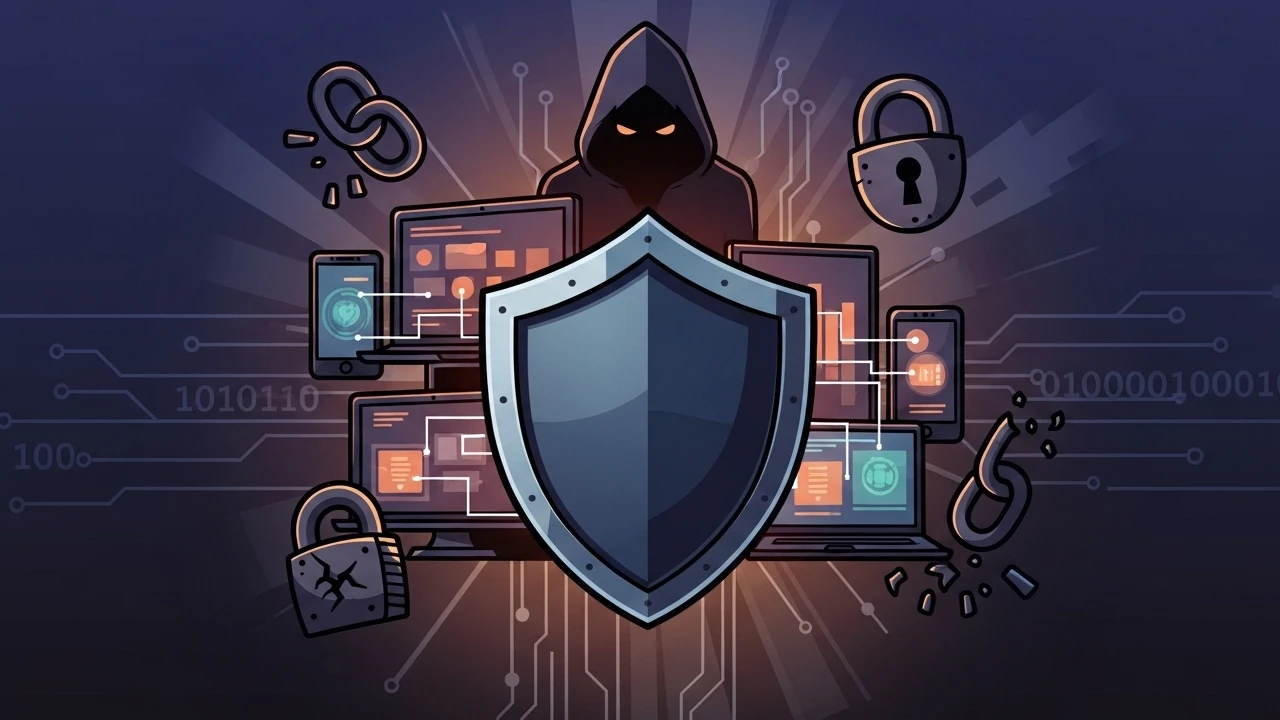
Protect yourself in the digital environment
With the growing threat of attacks such as ransomware and constant data theft, adopting defensive measures has become essential for everyone. To help you stay protected in a direct and practical way, here are 10 useful tips to improve your cybersecurity.
1. Use biometrics#
Take advantage of features such as Face ID or fingerprint readers on your devices. These methods are proven to be more secure than numeric passwords and significantly reduce unauthorized access.
2. Download apps from official stores#
Only download applications from trusted sources such as Apple App Store and Google Play Store. These platforms use strict processes to detect and remove malicious content, helping protect your device from dangerous software.
3. Be cautious with urgent requests#
Attackers often create a fake sense of urgency so you act without thinking. Stay calm and always verify whether the request is legitimate. Remember: financial institutions and serious companies never ask for passwords or sensitive data via phone calls, SMS, or email.
4. Back up your data regularly#
Protect your important files and information by creating backups frequently. Use cloud storage services or external devices such as hard drives so your data remains safe in case of an attack or system failure.
5. Keep systems up to date#
Never ignore update notifications for your operating system and applications. Updates often fix security flaws (vulnerabilities) that attackers could exploit.
6. Watch out for deepfakes#
Deepfake technology is becoming increasingly sophisticated. When receiving suspicious videos or audio, check for signs like lip-sync issues, unusual blink patterns, or poor image consistency, which may indicate digital manipulation.
7. Think before you post#
Be careful about what you share on social media and other online platforms. Seemingly harmless information such as your routine, location, or personal data can be collected and used by criminals in scams.
8. Use a password manager#
Creating and remembering strong, unique passwords for every service is hard. Use a password manager to generate and store credentials securely, significantly improving protection for all your accounts.
9. Ignore offers that are too good to be true#
Be suspicious of emails, messages, or ads promising huge prizes, discounts, or benefits in exchange for your personal data. If it sounds too good to be true, it is likely a trap.
10. Enable multi-factor authentication (MFA)#
MFA adds an extra security layer by requiring a second verification method in addition to your password. Enable MFA on all accounts and, when possible, use stronger options such as passkeys or hardware tokens to reduce phishing risk.
A preventive mindset and staying informed are your best defenses against cyberattacks. Add these habits to your digital routine for more safety, confidence, and peace of mind.
Was this article helpful?
Leave a quick reaction to help prioritize future technical guides:
See also

This post is licensed under CC BY-NC.
Comments
Join the discussion below.
0 comments