Technical summary
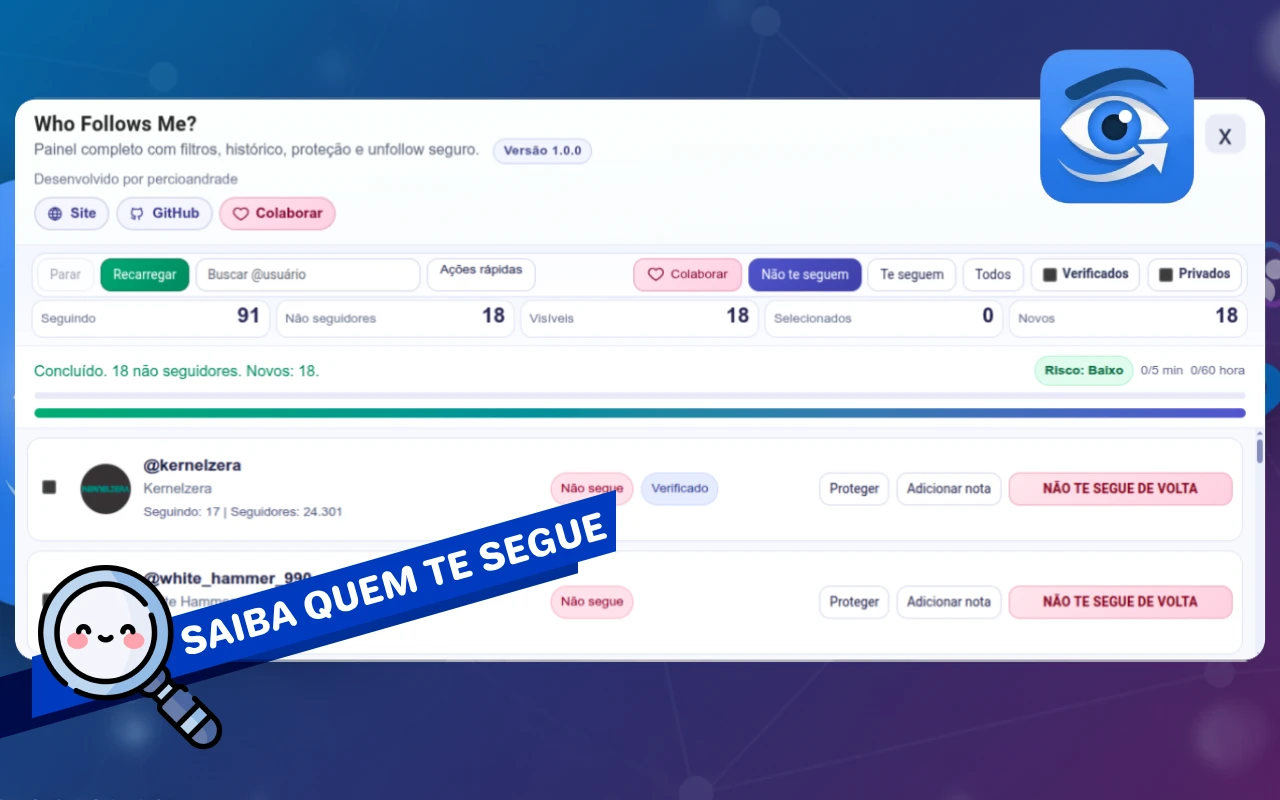
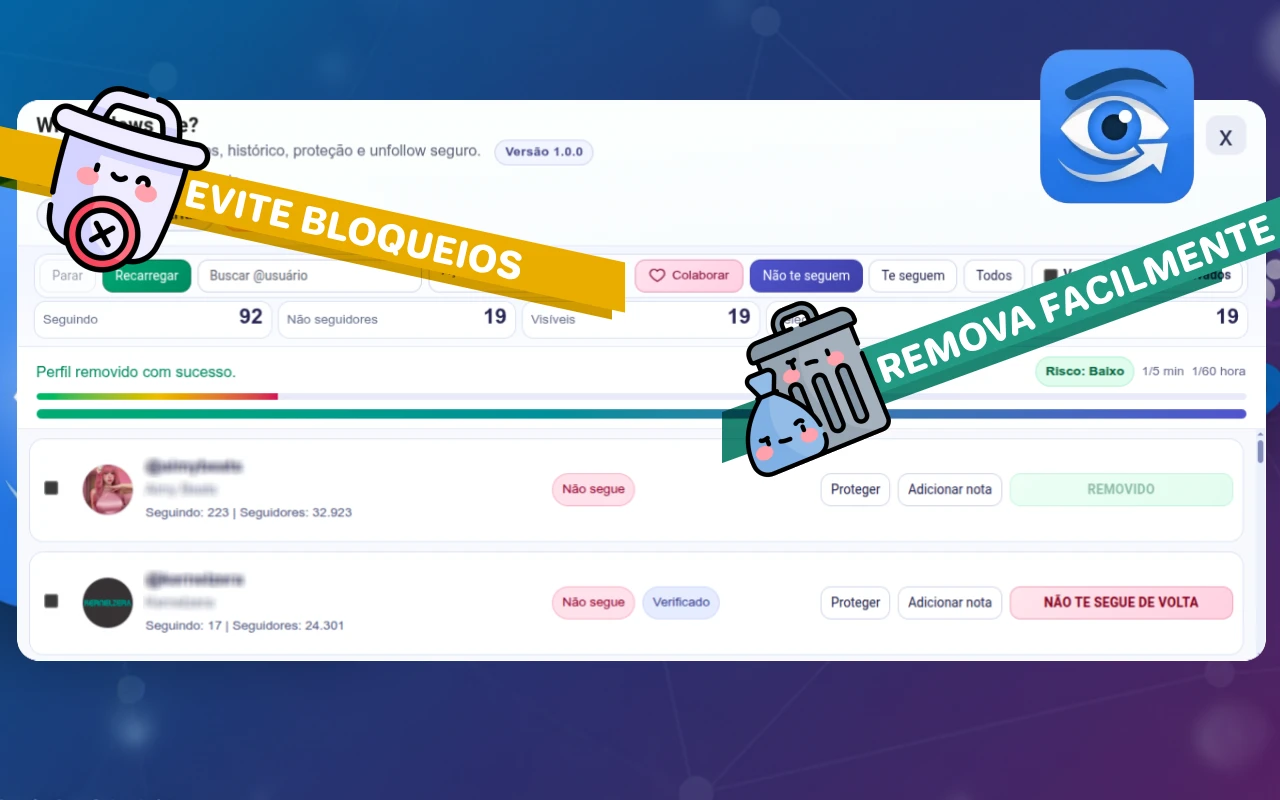
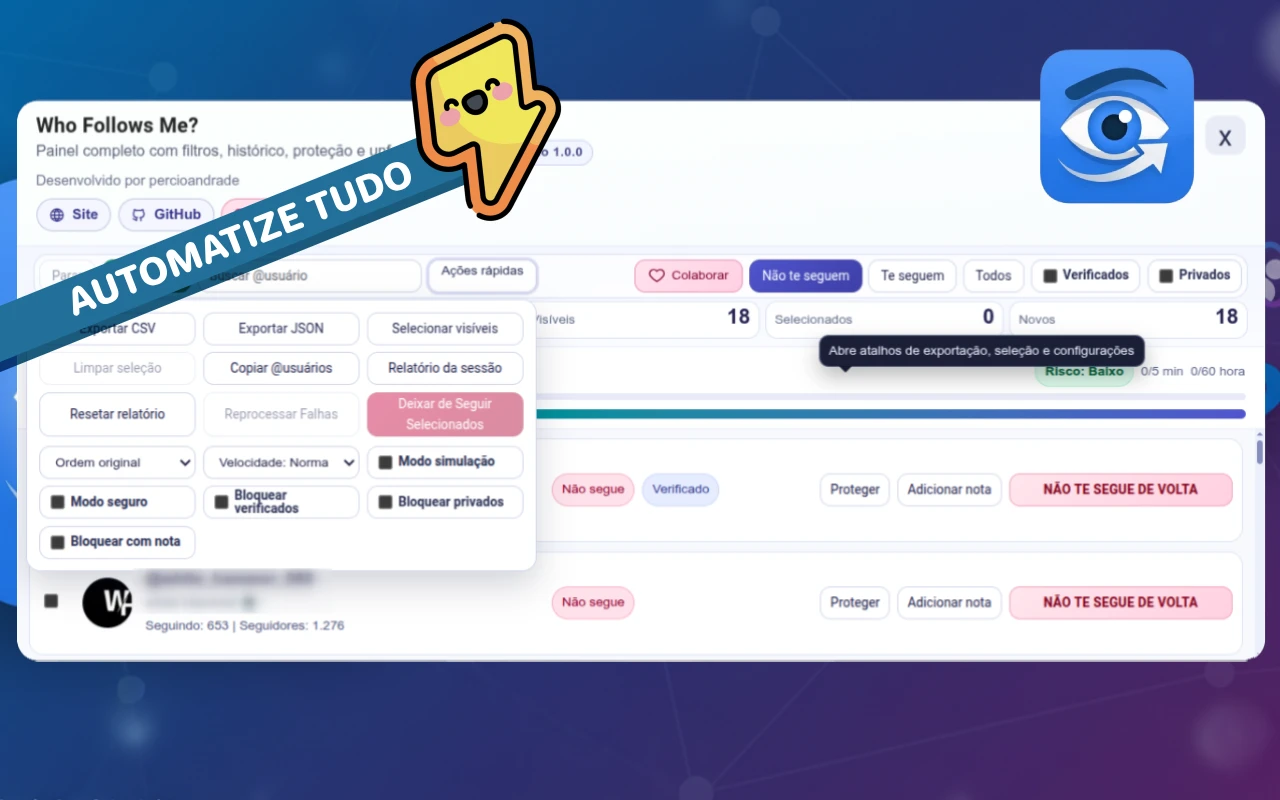
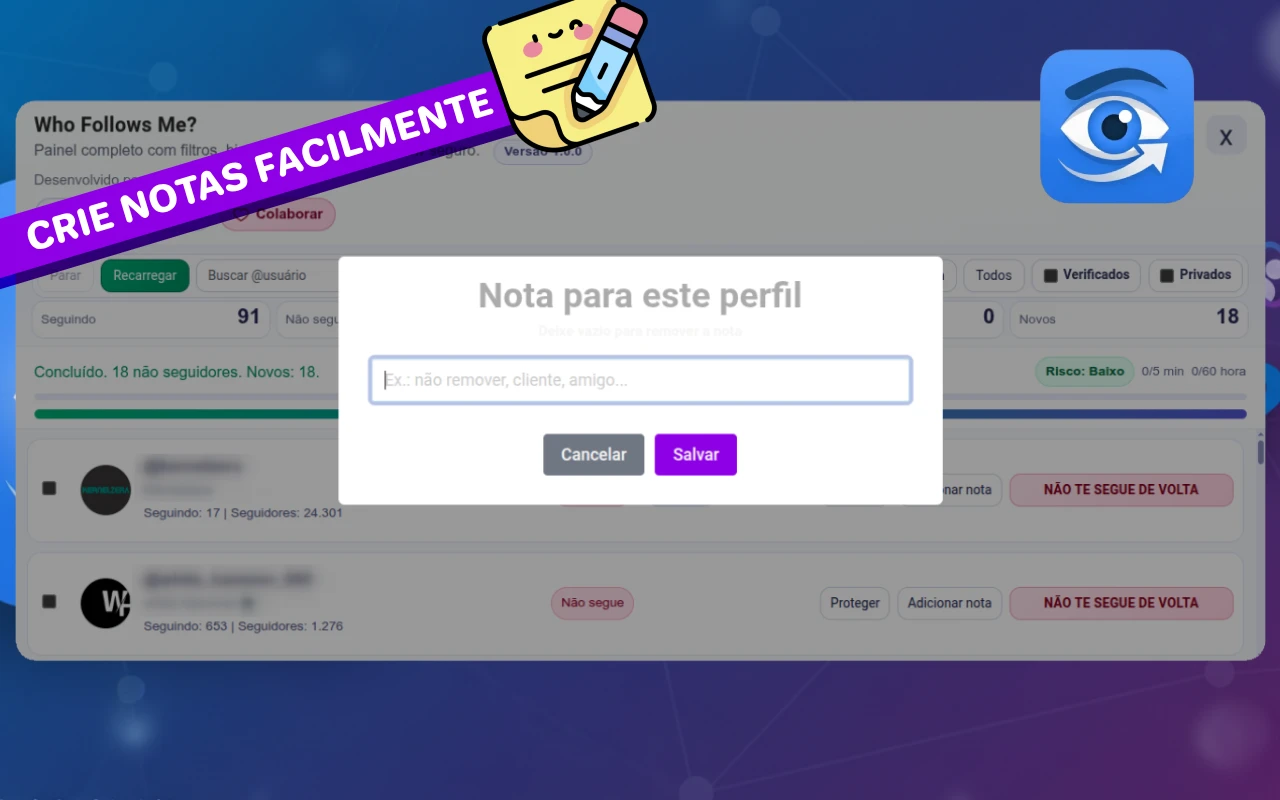
Who Follows Me? is a Manifest V3 Google Chrome extension designed to accurately identify who does not follow you back on Instagram, track unfollowers in the background, view reciprocity analytics, and safely manage profile cleanups with complete operational protection.
In version 2.0.0, the extension evolved into a full-featured continuous monitoring solution with intelligent background automations via chrome.alarms and native notifications.
What's new in Version 2.0
- Background Auto-Scan & Monitoring: Schedule automatic silent background scans (by hourly interval, fixed daily time, or specific days of the week).
- Lost Followers Tracker: Continuous snapshot comparison to detect accounts that unfollowed you, displaying relative timestamps (e.g. *15m ago*).
- Native Chrome Notifications & Icon Badge: Desktop alerts when new unfollows are detected, plus a live red badge counter on the extension icon.
- Metrics & Insights Dashboard: Visual modal featuring reciprocity rate (%), account composition graphs, and JSON export.
- Official Discord Dark Theme: Refined Discord-inspired dark palette with seamless light/dark mode switching.
- Bulk Whitelist Protection: Protect and unprotect multiple selected profiles with a single click.
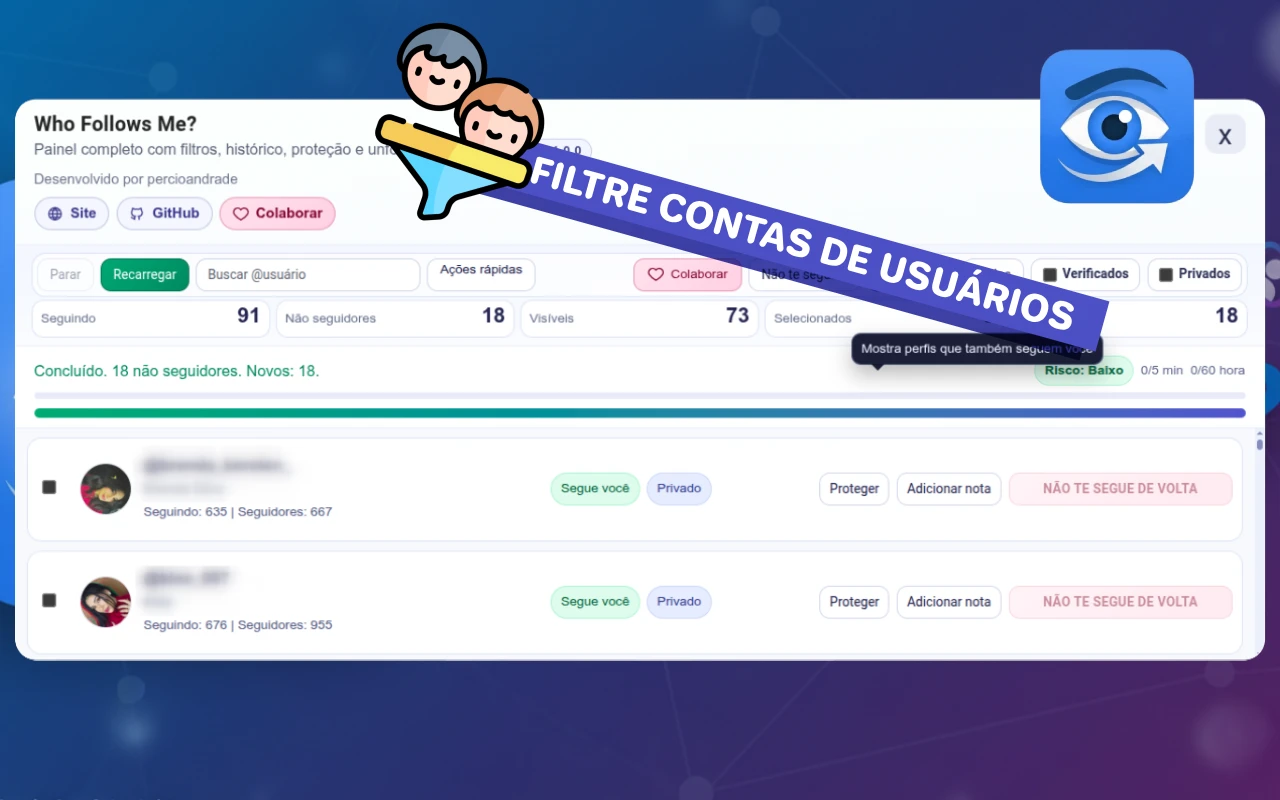
- Account Tier Filter: Filter profiles by follower count (Nano, Micro, Mid, and Macro).
- Default Avatar Filter (No Pic): Easily detect and filter ghost accounts with no profile picture.
- Live Progress & Stopwatch: Animated progress bar with live elapsed time counter during background scans.
- Keyboard Shortcuts: Press
/to jump to user search andEscto close modals.
Executed scope and Architecture
- Native JavaScript architecture built upon Google Chrome Manifest V3.
- Background Service Worker managing scheduled alarms (
chrome.alarms) and push alerts (chrome.notifications). - Paginated GraphQL fetching engine with *Safe Pacing*, random delays, and hourly safety caps.
- Secure, persistent local storage via
chrome.storage.localscoped per authenticated Instagram user. - Native multi-language support: Portuguese (🇧🇷), English (🇺🇸), and Spanish (🇪🇸).
Stack and tooling
- JavaScript (ES2024 / Vanilla)
- Chrome Extensions (Manifest V3)
- Background Service Worker
- Chrome Alarms API & Notifications API
- Content Script & Virtualized Scrolling
- CSS3 Custom Properties (Light & Discord Dark Design System)
- Web APIs (GraphQL, Fetch with session credentials)
Operational tags
- Chrome
- Automation
- Manifest V3
- Security
Operational outcome
- Production-ready Chrome Web Store extension with zero heavy external dependencies.
- Privacy guaranteed: 100% of data is processed locally in the user's browser, without third-party servers or data selling.