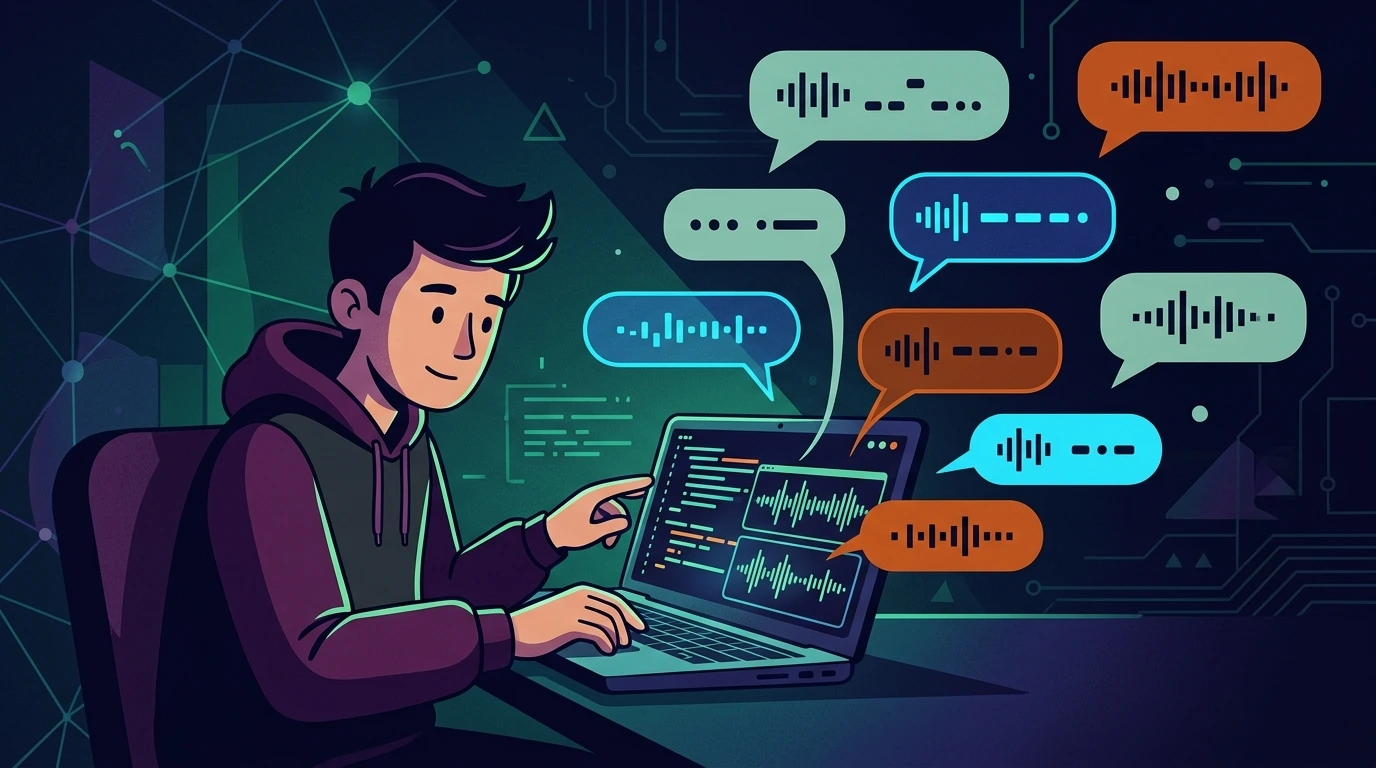
Implementing "Text Blips" (Pseudo-Speech) on the Web with Web Audio API#
The charm of procedural sound#
If you've played Undertale, Celeste, or even dived into narrative atmospheres like MiSide, you know that character identity is deeply tied to the rhythm of their speech. On the web, uploading dozens of .wav files per character is a cost in bandwidth, latency, and maintenance.
The approach I used here was real-time procedural audio synthesis with the Web Audio API. The result: fine control over pitch, timbre, and envelope without relying on external assets.
1) Solution architecture#
For a production-level dialogue system, I separate it into three blocks:
- OscillatorNode: generates the base wave (sine, square, triangle, sawtooth).
- GainNode: controls volume envelope (attack/decay) to avoid clicks/clipping.
- Timing Engine: synchronizes sound with the typewriter effect and semantic pauses.
This division makes it easier to adjust sound identity without rewriting text rendering logic.
2) Real field challenges#
2.1 autoplay policy (audio context blocking)#
Modern browsers block AudioContext without a user gesture.
Operational fix: create/resume the context within an explicit click (e.g., a "start dialogue" button).
2.2 the "machine gun" effect#
Playing the exact same blip for every letter feels mechanical.
Fix: light per-character frequency randomization. The code applies a ±20Hz variation (total range of 40Hz): Math.random() 40 - 20. For an even subtler effect, reduce to Math.random() 20 - 10 (±10Hz, 20Hz range).
2.3 clicks at the start/end (click artifacts)#
Without an envelope, you hear sharp transients at start/stop.
Fix: fast attack + short exponential decay via GainNode (quick fade in/out).
3) Optimized implementation (with compatibility and cleanup)#
<div id="dialog-box" style="font-family: 'Courier New', monospace; min-height: 50px;"></div>
<button id="btn-start">Start Dialogue</button>
<button id="btn-stop">Stop</button>
<input type="range" id="volume" min="0" max="100" value="50">
<label for="volume">Volume</label>

<script>
let audioCtx = null;
let isTyping = false;
let muted = false;
let globalVolume = 0.5;

// Safe context initialization with browser compatibility checks
const initAudio = () => {
  if (!window.AudioContext && !window.webkitAudioContext) {
    console.warn('Web Audio API is not supported in this browser.');
    return false;
  }

  if (!audioCtx) {
    audioCtx = new (window.AudioContext || window.webkitAudioContext)();
  }

  // Resume the context if suspended (needed for autoplay policies)
  if (audioCtx.state === 'suspended') {
    audioCtx.resume();
  }
  return true;
};

// Resource cleanup to prevent memory leaks
const cleanupAudio = () => {
  if (audioCtx && audioCtx.state !== 'closed') {
    audioCtx.close();
    audioCtx = null;
  }
};

// Suspend context to save battery/power
const suspendAudio = () => {
  if (audioCtx && audioCtx.state === 'running') {
    audioCtx.suspend();
  }
};

/**
 * Generates the sound blip
 * @param {number} freq - Base frequency in Hz
 * @param {string} type - Wave type (sine, square, triangle, sawtooth)
 */
function playBlip(freq = 440, type = 'sine') {
  if (muted || !audioCtx) return;

  // Guard: zero volume would break exponentialRampToValueAtTime
  if (globalVolume <= 0) return;

  const osc = audioCtx.createOscillator();
  const gain = audioCtx.createGain();

  osc.type = type;
  // Frequency randomization of ±20Hz (total 40Hz range)
  osc.frequency.setValueAtTime(freq + (Math.random() * 40 - 20), audioCtx.currentTime);

  // Envelope: 10ms attack → peak → 60ms exponential decay
  // Note: exponentialRampToValueAtTime does not accept 0 - use safe minimum (0.001)
  gain.gain.setValueAtTime(0, audioCtx.currentTime);
  gain.gain.linearRampToValueAtTime(0.1 * globalVolume, audioCtx.currentTime + 0.01);
  gain.gain.exponentialRampToValueAtTime(0.001, audioCtx.currentTime + 0.06);

  osc.connect(gain);
  gain.connect(audioCtx.destination);

  try {
    osc.start();
    osc.stop(audioCtx.currentTime + 0.06);
  } catch (err) {
    // Catches errors if the AudioContext was externally closed between calls
    console.warn('playBlip: error starting oscillator -', err.message);
    gain.disconnect();
    return;
  }

  // Cleanup to avoid node accumulation in long dialogues
  osc.onended = () => {
    gain.disconnect();
    osc.disconnect();
  };
}

/**
 * Typing typewriter effect with status control and error handling
 */
async function typeWriter(text, freq, wave) {
  if (isTyping) return;
  isTyping = true;

  // Ensure context is active even if suspendAudio() was called previously
  if (audioCtx && audioCtx.state === 'suspended') {
    await audioCtx.resume();
  }

  const el = document.getElementById('dialog-box');
  if (!el) {
    console.error('Element dialog-box not found.');
    isTyping = false;
    return;
  }
  el.textContent = '';

  for (let i = 0; i < text.length; i++) {
    // Interruption if isTyping is set to false externally
    if (!isTyping) break;

    const char = text[i];
    el.textContent += char;

    // Play sound on non-space characters
    if (char !== ' ') {
      playBlip(freq, wave);
    }

    // Semantic pauses based on punctuation
    // Note: setTimeout is preferred over requestAnimationFrame for text delays, // rAF pauses in background tabs and has unnecessary ~16ms frame overhead here.
    let delay = 50;
    if (char === ',') delay = 200;
    if ('.!?'.includes(char)) delay = 500;

    await new Promise(resolve => setTimeout(resolve, delay));
  }

  isTyping = false;
  suspendAudio(); // Suspend audio on completion to save resources/battery
}

// Event Listeners
document.getElementById('btn-start').addEventListener('click', () => {
  if (initAudio()) {
    typeWriter('Hello, user! This is procedural audio running in real time.', 220, 'triangle');
  }
});

document.getElementById('btn-stop').addEventListener('click', () => {
  isTyping = false;
  muted = true;
  setTimeout(() => { muted = false; }, 100);
});

document.getElementById('volume').addEventListener('input', (e) => {
  globalVolume = e.target.value / 100;
});

// Run cleanup when window is closed
window.addEventListener('beforeunload', cleanupAudio);
</script>
4) Sound identity strategy (character branding)#
In audio design, it's not "just sound." It's identity.
| Profile | Pitch (Hz) | Waveform | Characteristic |
|---|---|---|---|
| Hero | 200 - 300 | triangle | balanced, friendly |
| Female NPC | 400 - 550 | sine | smooth, clean |
| Robot/Antagonist | 80 - 150 | square | harsh, aggressive harmonics |
Additionally, I usually vary:
- blip duration by emotion (short = urgency, long = calm);
- maximum gain per character;
- base typewriter interval to change "speech cadence."
4.1 browser compatibility#
The Web Audio API is widely supported across all modern browsers:
| Browser | Minimum Version | Supported | Notes |
|---|---|---|---|
| Chrome | 14+ | ✅ Yes | Native |
| Firefox | 25+ | ✅ Yes | Native |
| Safari | 14.1+ | ✅ Yes | Old versions require the webkitAudioContext prefix |
| Edge | 12+ | ✅ Yes | Native |
| Opera | 15+ | ✅ Yes | Native |
| iOS Safari | 14.5+ | ✅ Yes | Subject to autoplay restrictions and user gesture activation |
Branding case study: evy (owl virtual assistant)#
For our virtual support assistant Evy (featuring an owl persona), we calibrated the following real-time acoustic signatures:
- Waveform (Timbre):
triangle(a soft, muffled triangular wave that is friendly and non-fatiguing during long sessions). - Pitch (Base Frequency):
580Hz(slightly higher, upbeat pitch). - Typewriter Speed (Ticks):
35ms(a rapid cadence simulating an agile, helpful machine).
5) Technical hardening (security, performance, and UX)#
5.1 CSP and external sources#
If you migrate to external samples in the future, adjust CSP (connect-src, media-src) to trusted domains. Without this, production might silently block loading.
5.2 mobile performance and text timing#
OscillatorNode is extremely lightweight, but continuous dialogue generates bottlenecks in the Garbage Collector without proper disposal. Therefore, the onended callback node disconnection is mandatory.
For typewriter delays, use setTimeout directly - it's the right tool for text intervals (50ms–500ms):
// ✅ Correct: plain setTimeout for text delays
await new Promise(resolve => setTimeout(resolve, delay));Additionally, in the application lifecycle (e.g. when unloading the page or destroying a component in SPAs), closing the context via audioCtx.close() and clearing it is a mandatory practice:
function cleanup() {
  if (audioCtx && audioCtx.state !== 'closed') {
    audioCtx.close();
    audioCtx = null;
  }
}
window.addEventListener('beforeunload', cleanup);
5.3 corporate UX#
Always include global volume control and mute. What is immersion for a game can be friction in an office environment.
5.4 accessibility#
For accessibility, don't rely solely on audio to convey narrative state. Maintain equivalent text and visual cues.
6) Production checklist#
- [ ]
AudioContextinitialized by user gesture - [ ] Verification of Web Audio API presence/support
- [ ] Multiple click handling and cancellation (
isTypingflag) - [ ] Envelope applied to eliminate click artifacts (smooth fades via ramps)
- [ ] Pitch randomization calibrated (e.g. ±20Hz = total 40Hz range)
- [ ] Guard against
globalVolume === 0to preventexponentialRampToValueAtTimeerrors - [ ]
try/catcharoundosc.start()to handle closed-context errors - [ ]
audioCtx.resume()insidetypeWriterto reactivate a suspended context - [ ] Integrated global volume control
- [ ] Punctuation-based pauses implemented
- [ ] Node cleanup (
disconnect) in theonendedcallback - [ ] Global mute available
- [ ]
AudioContext.close()implemented to release resources - [ ]
AudioContext.suspend()for power/battery saving when idle - [ ] CSP reviewed if using remote media or scripts
Production takeaways#
Pseudo-speech on the web is a classic example of how high-level UX can be delivered with a native stack, without unnecessary payload and with total creative control.
With the Web Audio API, you transform dialogue into an experience - and technically, keep the system lightweight, predictably, and ready to scale.
Was this article helpful?
Leave a quick reaction to help prioritize future technical guides:
See also

This post is licensed under CC BY-NC.
Comments
Join the discussion below.
0 comments