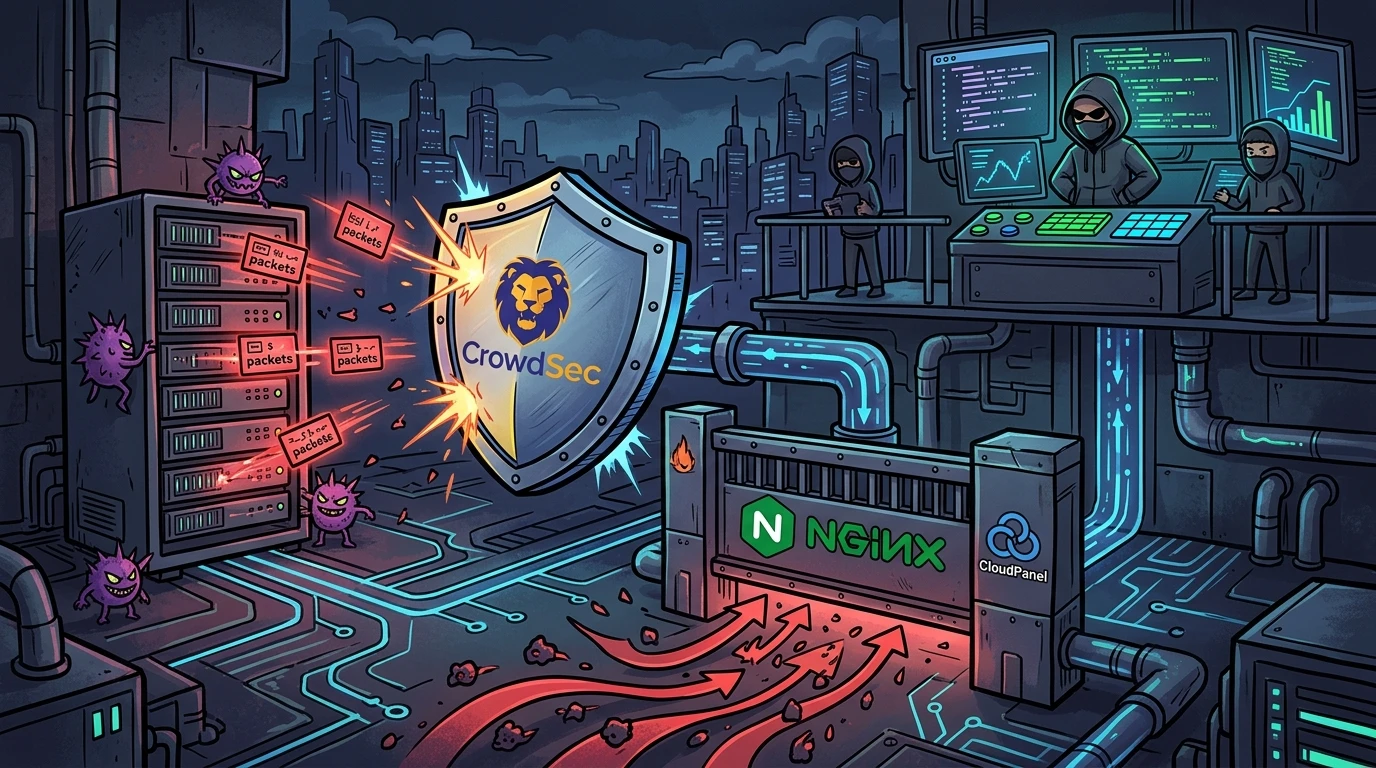
Anyone running web servers on the public internet is familiar with this pattern: checking access logs reveals a relentless stream of automated requests hunting for secrets, environment files, and sensitive configurations.
I recently addressed this on a server running CloudPanel on Debian 12 with Nginx. What began as a simple rule to block scanner bots turned into an in-depth troubleshooting exercise involving port collisions, missing Nginx Lua modules, and moving mitigation down to the Linux kernel.
Here is the full breakdown, the low-level roadblocks encountered, and the final working architecture.
1. Initial problem: persistent scans for .env files#
Inspecting Nginx access logs revealed automated credential fuzzing:
2026-04-04 17:20:31 192.0.2.1 - - [04/Apr/2026:17:20:31 -0300] "GET /.env.production.debug HTTP/2.0" 404 1827 "-" "Mozilla/5.0..."
2026-04-04 17:20:31 192.0.2.1 - - [04/Apr/2026:17:20:31 -0300] "GET /.env.production.local HTTP/2.0" 404 1827 "-" "Mozilla/5.0..."
2026-04-04 17:20:31 192.0.2.1 - - [04/Apr/2026:17:20:31 -0300] "GET /.env.staging HTTP/2.0" 404 1827 "-" "Mozilla/5.0..."
2026-04-04 17:20:32 192.0.2.1 - - [04/Apr/2026:17:20:32 -0300] "GET /@fs/.docker.env?import HTTP/2.0" 404 1827 "-" "Mozilla/5.0..."
2026-04-04 17:20:33 192.0.2.1 - - [04/Apr/2026:17:20:33 -0300] "GET /@fs/.env.development?import HTTP/2.0" 404 1827 "-" "Mozilla/5.0..."
The scanner looked for .env files, Docker configuration files, and /@fs/ paths (attempting to exploit exposed Vite development servers).
While Nginx responded with 404 (Not Found), each request forces system calls (stat(), open()) through the Virtual File System (VFS), consuming unnecessary I/O and worker cycles.
2. Choosing the mitigation tool and collective intelligence#
I evaluated three protection methods:
- ModSecurity v3: Feature-rich with OWASP CRS, but adds CPU overhead by inspecting request payloads synchronously.
- Legacy Fail2Ban: Purely reactive and isolated. A server blocks an attacker only after sustaining local hits, with no global threat intelligence sharing.
- CrowdSec: Modern asynchronous log parsing (
inotify), shared community IP blocklists (Crowdsourced Threat Intelligence), and modular remediation bouncers.
How the architecture operates under the hood#
CrowdSec cleanly separates the detection layer from remediation:
[ Application / Service Logs ] (Nginx, Apache, WordPress, etc.)
               │
               ▼
   [ Parsers & Scenarios ]  ──>  [ Local API (LAPI) ]  <──>  [ CrowdSec Central Hub ]
   (Async Detection)             (Decision Engine)            (Collaborative Reputation)
                                         │
                                         ▼
                           [ Bouncers (Remediation) ]
                                         │
                                         ▼
[ nftables / Netfilter ]- Parsers and Scenarios: Normalize application logs asynchronously without blocking web server worker threads.
- Local API (LAPI): Centralizes alerts and enforces local remediation decisions.
- Global Consensus: Community nodes exchange verified malicious IP telemetry worldwide, creating proactive defenses before local servers encounter the threat.
- Remediation via Bouncers: Enforcement is delegated to modular bouncers directly in the firewall layer.
I chose CrowdSec. The initial plan was running the security engine and using the Nginx Lua bouncer (crowdsec-nginx-bouncer). That was where the friction started.
3. First roadblock: port 8080 collision#
After installing CrowdSec on Debian, the service failed to boot (status=1/FAILURE). Systemd logs revealed the bind error:
journalctl -u crowdsec -n 50 --no-pagerFATAL local API server stopped with error: listening on 127.0.0.1:8080: listen tcp 127.0.0.1:8080: bind: address already in useIn CloudPanel, port 8080 is typically occupied by internal services (such as Varnish cache or supporting daemons, verifiable with ss -tulpn | grep 8080).
Fix: moving CrowdSec LAPI to port 8090#
- Updated
/etc/crowdsec/config.yaml:
   api:
     server:
listen_addr: 127.0.0.1:8090- Updated
/etc/crowdsec/local_api_credentials.yaml:
url: http://127.0.0.1:8090- Restarted the engine:
sudo systemctl restart crowdsecRunning ss -tulpn | grep crowdsec confirmed the Local API listening cleanly on port 8090.
4. The missing lua module trap in CloudPanel Nginx#
With the engine running, I installed crowdsec-nginx-bouncer. However, the CrowdSec Console (app.crowdsec.net) displayed:
"Inactive Remediation Components detected. Affected Security Engines may be unprotected."
Listing bouncers locally:
sudo cscli bouncers listThe type was reported as curl with version 7.88.1. Nginx itself had never completed a handshake with the LAPI.
Testing the endpoint with curl -I http://localhost/.env resulted in:
curl: (52) Empty reply from serverRunning nginx -t failed with:
nginx: [emerg] open() "/etc/nginx/modules-enabled/10-mod-http-lua.conf" failed (2: No such file or directory)Searching for ngx_http_lua_module.so returned no binaries. CloudPanel's precompiled Nginx package on Debian Bookworm omits dynamic Lua module support, making application-layer Lua bouncers unusable without custom recompilation.
5. Pivoting to kernel-level drops with nftables#
Rather than fighting custom Nginx packages, I adjusted the defense strategy: dropping malicious traffic at Layer 3/4 (Kernel) via NFTables.
This approach provides clear operational advantages:
- CrowdSec monitors Nginx access logs asynchronously on disk.
- When suspicious thresholds are reached, the offender's IP is added to a firewall
set. - Malicious packets are dropped by Netfilter before ever opening a TCP socket or hitting Nginx.
Step 1: Cleaning up Nginx bouncer#
sudo apt-get remove --purge crowdsec-nginx-bouncer
sudo rm -f /etc/nginx/conf.d/crowdsec_nginx.conf
Step 2: Setting up nftables bouncer#
sudo apt-get install nftables crowdsec-firewall-bouncer-nftables
sudo systemctl enable nftables
sudo systemctl start nftables
Generated an API key for the firewall bouncer:
sudo cscli bouncers add cs-firewall-bouncerConfigured /etc/crowdsec/bouncers/crowdsec-firewall-bouncer.yaml:
mode: nftables
api_url: http://127.0.0.1:8090/
api_key: <GENERATED_API_KEY>
log_mode: file
Started the bouncer service:
sudo systemctl restart crowdsec-firewall-bouncer6. Fixing load_module ordering in nginx.conf#
When restoring Nginx configuration, nginx -t threw a syntax error:
nginx: [emerg] "load_module" directive is specified too late in /etc/nginx/nginx.conf:13The load_module directive was placed after the events {} block. In Nginx, dynamic module loading must occur in the global main context before any block:
user root; # Default in CloudPanel setups; prefer user www-data; on vanilla Debian hosts
worker_processes auto;
pid /run/nginx.pid;
worker_rlimit_nofile 8192;

# Positioned at the top of the main context:
load_module modules/ngx_http_geoip_module.so;

events {
    worker_connections 2000;
}

http {
    ...
Testing and restarting Nginx:
sudo nginx -t
sudo systemctl restart nginx
7. Verification and operational results#
Checking registered bouncers:
sudo cscli bouncers listOutput:
───────────────────────────────────────────────────────────────────────────────────────────────────
 Name                            IP Address  Valid  Last API pull         Type
───────────────────────────────────────────────────────────────────────────────────────────────────
 cs-firewall-bouncer-1775341453  127.0.0.1   ✔️     2026-04-04T22:25:04Z  crowdsec-firewall-bouncer
───────────────────────────────────────────────────────────────────────────────────────────────────
The Last API pull updated regularly on port 8090, the console warning disappeared, and /var/log/crowdsec.log started recording 4-hour kernel-level firewall bans for persistent brute-force and scanner IPs.
Conclusion: key takeaways and recommendations#
- Application bouncers are not always ideal: In environments with customized Nginx builds (like CloudPanel), the NFTables kernel firewall bouncer is far more resilient and saves CPU cycles.
- Handle default port collisions early: Port
8080often clashes with existing services. Shifting CrowdSec LAPI to port8090ensures stable startup. - Respect Nginx directive order: Dynamic modules must always be loaded at the top of
nginx.confbeforeeventsandhttpblocks.
Was this article helpful?
Leave a quick reaction to help prioritize future technical guides:
See also




This post is licensed under CC BY-NC.
Comments
Join the discussion below.
0 comments