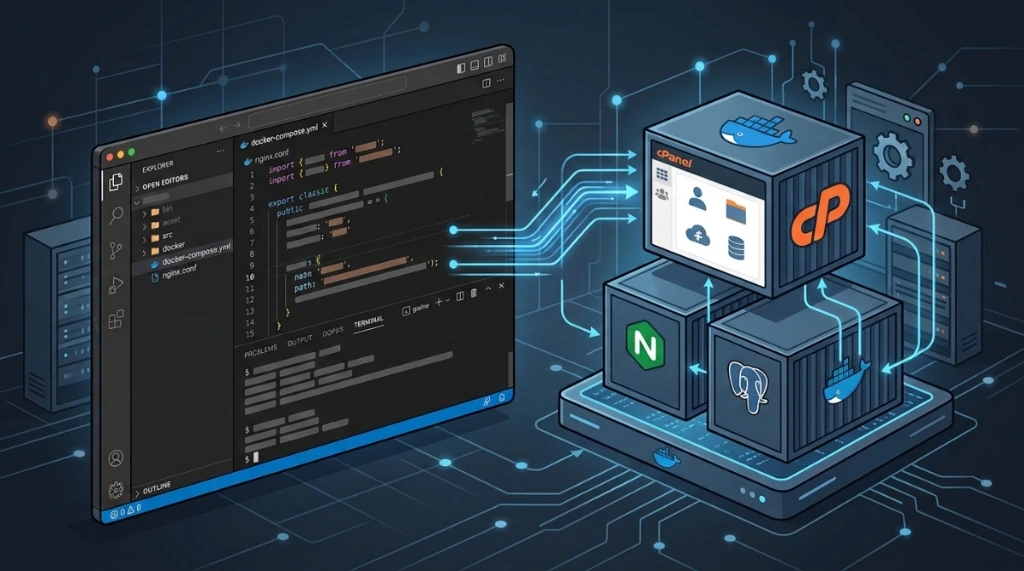
Running cPanel/WHM inside a Docker container might seem unusual given the monolithic architecture of the panel, but for testing, local labs, and isolated experimentation, it presents a compelling systems puzzle.
I recently went through a debugging journey to spin up a cPanel container using Systemd as PID 1. What started with a minor YAML syntax fix quickly escalated into investigations of Cgroups v1 vs. Cgroup v2 transitions, Systemd manager allocation panics, and a classic volume persistence trap in Docker.
Here is the step-by-step breakdown of the errors encountered, root causes identified, and the working configuration.
1. Initial hurdle: YAML mapping syntax#
The initial goal was starting an AlmaLinux 8 container, provisioning baseline packages (openssh-server, passwd, iptables-services, systemd, rsyslog, wget, perl) on first boot, and passing execution to /usr/lib/systemd/systemd as PID 1.
Running docker compose up threw an immediate parser error:
YAMLSemanticError: Implicit map keys need to be followed by map valuesRoot cause#
Inspecting the configuration revealed a stray terminal prompt string appended to the volume declarations:
volumes:
  cpanel_home:
  cpanel_etc:
  cpanel_var:
  cpanel_usr:
  cpanel_logs:
  cpanel_core:root # <-- stray "root" appended after colon
In YAML, empty top-level volume mappings require explicit empty mapping objects {}:
volumes:
  cpanel_home: {}
  cpanel_etc: {}
  cpanel_var: {}
  cpanel_usr: {}
  cpanel_logs: {}
  cpanel_core: {}
2. Silent console and the syslog socket#
After fixing the YAML syntax, running docker compose up froze at:
Attaching to cpanelNo boot messages or dnf output appeared on the screen. Additionally, cPanel daemons rely on the /dev/log socket for standard syslog dispatching.
Applied fixes:#
- Allocate Pseudo-TTY: Systemd checks if it is attached to a real console (
/dev/console). Without TTY allocation, it mutes stdout. I added to Compose:
   tty: true
stdin_open: true- Install rsyslog: Added
rsyslogto the bootstrap script to ensure the/dev/logsocket is created and actively consumed alongsidesystemd-journald.
3. The cgroup challenge: legacy v1 vs. unified v2#
With console output restored, Systemd hit a fatal initialization freeze:
Welcome to AlmaLinux 8.10 (Cerulean Leopard)!

Failed to create /init.scope control group: No such file or directory
Failed to allocate manager object: No such file or directory
[!!!!!!] Failed to allocate manager object, freezing.
Freezing execution.
What happens in the kernel?#
- AlmaLinux 8 ships Systemd 239, compiled for the legacy Cgroup v1 hierarchy.
- The host Kernel runs on modern Pure Cgroup v2 (Unified Hierarchy).
- During boot, Systemd's
manager_new()tries to create its root scope at/sys/fs/cgroup/systemd/init.scope. Under Cgroup v2, thename=systemdcontroller does not exist in the virtual filesystem. The Kernel returnsENOENTand execution freezes.
Kernel constraints#
Attempting to manually create directories or bind-mount /sys/fs/cgroup/systemd inside the container fails:
mount: /sys/fs/cgroup/systemd: permission denied.
Failed to mount cgroup at /sys/fs/cgroup/systemd: Operation not permitted
Due to Linux Kernel Top-down Constraints, a container cannot mount legacy Cgroup v1 controllers on top of a unified v2 tree established by the host.
4. Migrating to AlmaLinux 9 and the volume persistence trap#
The cleanest solution was switching to AlmaLinux 9, which features Systemd v252 with native unified Cgroup v2 support.
I updated the image to almalinux:9, pulled the layer, and started the container. Surprisingly, the exact same error reappeared:
✔ Image almalinux:9 Pulled
...
Welcome to AlmaLinux 8.10 (Cerulean Leopard)!
Failed to allocate manager object: No such file or directory
The persistent volume ghost#
Why did the container download AlmaLinux 9 but continue executing AlmaLinux 8?
The Compose file had persistent volume mappings over OS root directories:
volumes:
  - cpanel_usr:/usr
  - cpanel_etc:/etc
  - cpanel_var:/var
Docker performs a copy-up from the container image to the named volume only upon first volume creation. Because cpanel_usr had already been populated with AlmaLinux 8 binaries from earlier attempts, Docker mounted the old volume over the new AlmaLinux 9 image. The container was attempting to execute Alma 8's systemd 239 binary on top of the Alma 9 base.
The necessary cleanup#
Pruning the old named volumes resolved the ghosting:
docker compose down -v
docker volume rm public_html_cpanel_usr public_html_cpanel_etc public_html_cpanel_var
5. Working Docker compose configuration#
After wiping the old volumes, AlmaLinux 9 booted systemd 252 cleanly. I configured cgroup: host for direct namespace sharing and added SIGRTMIN+3 for graceful shutdowns.
Here is the complete working docker-compose.yaml:
services:
  almalinux9-cpanel:
    image: almalinux:9
    container_name: ${CONTAINER_NAME}
    hostname: ${HOSTNAME}
    privileged: true
    restart: always
    tty: true
    stdin_open: true

    # Share cgroup namespace for native Cgroup v2 compatibility
    cgroup: host

    security_opt:
      - label:disable
      - seccomp:unconfined

    cap_add:
      - NET_ADMIN
      - SYS_ADMIN
      - SYS_RAWIO

    command:
      - /bin/bash
      - -c
      - |
        if [ ! -f /etc/firstboot_done ]; then
          echo "Provisioning base packages on AlmaLinux 9...";
          mkdir -p /etc && touch /etc/fstab;
          dnf install -y openssh-server passwd systemd iptables-services wget perl hostname rsyslog;
          echo "root:${ROOT_PASSWORD}" | chpasswd;
          echo "Port ${SSH_PORT_CONTAINER}" >> /etc/ssh/sshd_config;
          sed -i 's/#PermitRootLogin prohibit-password/PermitRootLogin yes/' /etc/ssh/sshd_config;
          systemctl enable rsyslog sshd;
          touch /etc/firstboot_done;
          echo "Provisioning complete.";
        fi;
        echo "Starting Systemd v252 (PID 1)...";
        exec /usr/lib/systemd/systemd --log-level=info --unit=multi-user.target;

    stop_signal: SIGRTMIN+3

    tmpfs:
      - /run
      - /run/lock
      - /tmp

    ports:
      - "${SSH_PORT_HOST}:${SSH_PORT_CONTAINER}"
      - "${CPANEL_SSL_PORT}:${CPANEL_SSL_PORT}"
      - "${WHM_SSL_PORT}:${WHM_SSL_PORT}"
      - "${CPANEL_NON_SSL_PORT}:${CPANEL_NON_SSL_PORT}"
      - "${WHM_NON_SSL_PORT}:${WHM_NON_SSL_PORT}"
      - "${HTTP_PORT_HOST}:${HTTP_PORT_CONTAINER}"
      - "${HTTPS_PORT_HOST}:${HTTPS_PORT_CONTAINER}"

    volumes:
      - /sys/fs/cgroup:/sys/fs/cgroup:rw
      - /lib/modules:/lib/modules:ro
      - cpanel_home:/home
      - cpanel_etc:/etc
      - cpanel_var:/var
      - cpanel_usr:/usr
      - cpanel_logs:/var/log
      - cpanel_core:/usr/local/cpanel

    environment:
      - LANG=${LANG}
      - TZ=${TIMEZONE}
      - ROOT_PASSWORD=${ROOT_PASSWORD}
      - container=docker

volumes:
  cpanel_home: {}
  cpanel_etc: {}
  cpanel_var: {}
  cpanel_usr: {}
  cpanel_logs: {}
  cpanel_core: {}
Practical takeaways and lessons learned#
- Cgroups incompatibility: Systemd 239 (EL8) cannot run in containers on pure Cgroup v2 hosts without altering host boot arguments. The simplest and cleanest solution is adopting an EL9 base with Systemd 250+.
- Be cautious with persisting /usr and /etc: Mounting named volumes over system binary directories freezes filesystem state. When switching container base images, prune stale volumes with
docker compose down -vto prevent old binaries from shadowing the new distribution. - Running Systemd as PID 1 requires TTY and proper signals: Without
tty: true, boot output is muted, and withoutSIGRTMIN+3, stopping the container sends an abruptSIGKILLbefore Systemd can unmount services cleanly.
Was this article helpful?
Leave a quick reaction to help prioritize future technical guides:
See also



This post is licensed under CC BY-NC.
Comments
Join the discussion below.
0 comments