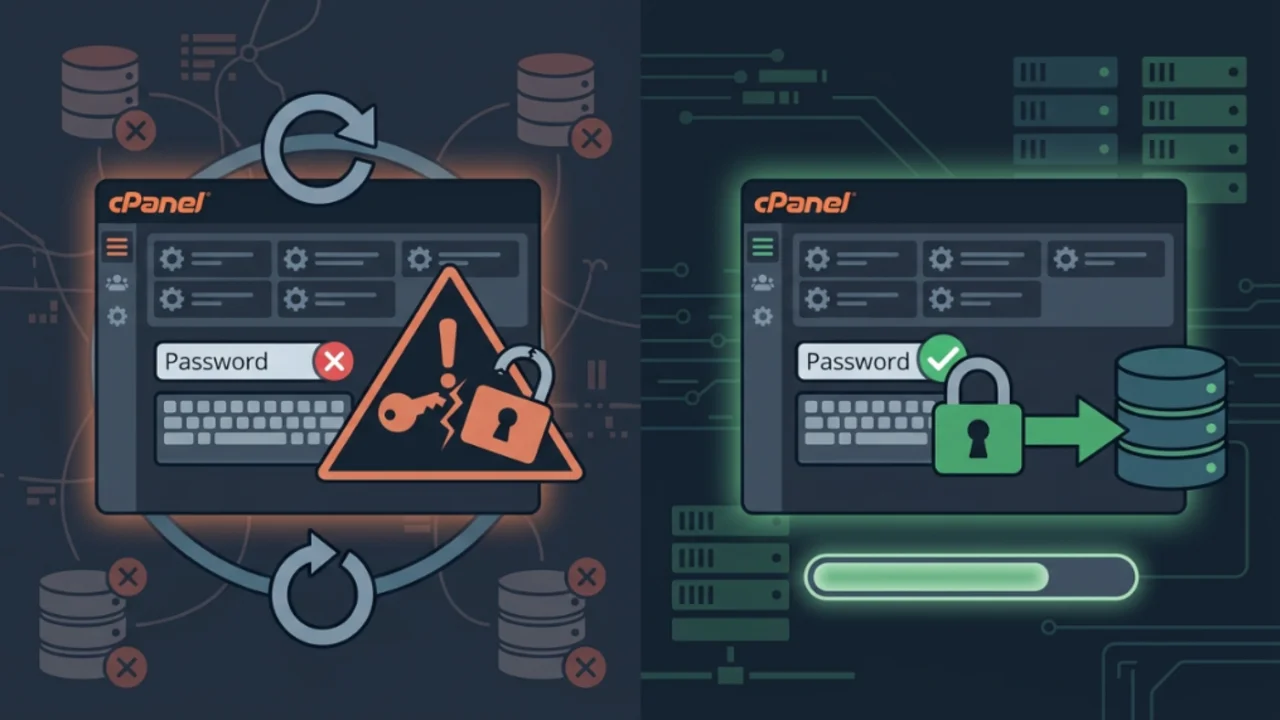
Anyone managing cPanel hosting environments knows that the platform automates almost every routine task involved in provisioning and password management. However, when an internal script gets caught in an error loop, diagnosing the root cause can feel like navigating a maze.
I recently encountered two variations of the exact same breakdown: one during initial account provisioning (usuario) and another during a routine password update on an active account (empresa). In both cases, the control panel failed to execute SQL instructions in MySQL, producing an endless stream of exceptions in the error log:
Cpanel::Exception::Database::Error/(XID k3wmzt) The system received an error from the “MySQL” database “mysql”: ER_PASSWORD_NO_MATCH (Can't find any matching row in the user table)If you have run into mysterious GRANT failures or exceptions inside cpmysql.pl that prevent database assignment or freeze password updates in WHM, this guide outlines the underlying mechanisms, why deprecated CLI tools fail, and how to fix the issue using either the command line or the graphical interface.
1. Initial symptoms in cPanel's error log#
The first warning sign appeared while tailing cPanel's primary log file:
tail -f /usr/local/cpanel/logs/error_logThe terminal recorded two distinct execution failures inside the Cpanel::Mysql subsystem:
Scenario a: provisioning and database assignment failure#
Cpanel::Mysql::Basic::_sendmysql_untrapped(Cpanel::Mysql=HASH(0x1b87070), "GRANT ALL ON `usuario\_base`.* TO 'usuario'\@'localhost'; "...) called at /usr/local/cpanel/Cpanel/Mysql/Create.pm line 237
Cpanel::Mysql::Create::__ANON__() called at /usr/local/cpanel/3rdparty/perl/542/cpanel-lib/Try/Tiny.pm line 100
Try::Tiny::try(CODE(0x1e4bd78), Try::Tiny::Catch=REF(0x1d08cb8)) called at /usr/local/cpanel/Cpanel/Mysql/Create.pm line 241
Cpanel::Mysql::Create::_dbowner_to_all_without_ownership_checks(Cpanel::Mysql=HASH(0x1b87070), "method", "GRANT", "users", HASH(0x102ef50), "database", undef) called at /usr/local/cpanel/Cpanel/Mysql/Create.pm line 108
Cpanel::Mysql::dbcache(Cpanel::Mysql=HASH(0x1b87070), "") called at bin/admin/Cpanel/cpmysql.pl line 390

QUERY: GRANT ALL ON `usuario\_base`.* TO 'usuario'@'localhost'; GRANT USAGE ON *.* TO 'usuario'@'localhost'; GRANT ALL ON `usuario\_base`.* TO 'usuario'@'servidor.domain.com'; GRANT USAGE ON *.* TO 'usuario'@'servidor.domain.com'
Scenario b: failure during account password changes#
Cpanel::Mysql::Create::add_dbowner_to_all(Cpanel::Mysql=HASH(0x2fb77c0), "empresa", "TemporaryPass123", 0, undef, 1) called at /usr/local/cpanel/Cpanel/Mysql/Create.pm line 307
Cpanel::Mysql::Create::create_dbowner(Cpanel::Mysql=HASH(0x2fb77c0), "empresa", 1) called at bin/admin/Cpanel/cpmysql.pl line 169

QUERY: ALTER USER IF EXISTS 'empresa'@'localhost' IDENTIFIED BY 'TemporaryPass123'; GRANT USAGE ON *.* TO 'empresa'@'localhost'; ALTER USER IF EXISTS 'empresa'@'198.51.100.25' IDENTIFIED BY 'TemporaryPass123'; GRANT USAGE ON *.* TO 'empresa'@'198.51.100.25'; ALTER USER IF EXISTS 'empresa'@'servidor.domain.com' IDENTIFIED BY 'TemporaryPass123'; GRANT USAGE ON *.* TO 'empresa'@'servidor.domain.com'
In both cases, cPanel's Perl wrapper cpmysql.pl failed while attempting to execute the batch of privilege updates.
2. Anatomy of the error: two distinct causes#
Reviewing the queries generated by cPanel clarifies the control panel's design: it attempts to mirror operating system credentials to database users across all three network scopes used by cPanel (localhost, the server public IP, and the machine's Fully Qualified Domain Name).
The ER_PASSWORD_NO_MATCH (Can't find any matching row in the user table) error stems from two separate root causes:
Cause 1: The database user is physically missing#
Although the command uses ALTER USER IF EXISTS, certain versions of MySQL and MariaDB fail when evaluating the subsequent GRANT USAGE ON . TO 'empresa'@'...' statement inside a DBI transaction block if the target user row is missing from mysql.user.
cPanel assumes the database owner already exists. If an account was manually migrated or the database user was dropped, password changes will trigger this exception.
Cause 2: The user exists, but skip-name-resolve is active#
This is the most deceptive scenario. You open the MySQL shell, run SELECT User, Host FROM mysql.user, and verify that the user exists for servidor.domain.com. Yet MySQL still reports ER_PASSWORD_NO_MATCH.
This happens because the skip-name-resolve directive inside /etc/my.cnf disables reverse DNS lookups. The database engine skips alphanumeric hostname evaluation and only matches connections from numeric IP addresses or literal localhost. When cPanel issues grants for the FQDN, MySQL rejects the query.
3. Deprecated tools and common traps#
When attempting to force cPanel to rebuild database privileges, admins often reach for legacy CLI tools documented in old tutorials. In modern cPanel releases, these standalone Perl utilities have been phased out:
# /usr/local/cpanel/bin/restoreuserprivileges --user=usuario
-bash: /usr/local/cpanel/bin/restoreuserprivileges: No such file or directory

# /usr/local/cpanel/scripts/restorealluserprivileges
-bash: /usr/local/cpanel/scripts/restorealluserprivileges: No such file or directory

# /usr/local/cpanel/scripts/database_map_cleaner usuario
-bash: /usr/local/cpanel/scripts/database_map_cleaner: No such file or directory
Similarly, API calls via whmapi1 rebuild_dbmap return Unknown app requested for this version of the API. These tasks are now handled by consolidated internal daemons.
4. Step-by-step resolution#
Depending on the underlying cause, choose the appropriate remediation path:
Fixing Cause 1: Recreating the missing user#
If the user is absent from mysql.user, you can recreate it via the terminal or through the web dashboard.
Option a: command line (SSH)#
Log into the MySQL shell as root:
mysqlRecreate the user across all three network scopes using the temporary password from the log or your chosen password:
CREATE USER 'empresa'@'localhost' IDENTIFIED BY 'MySecurePass123!';
CREATE USER 'empresa'@'198.51.100.25' IDENTIFIED BY 'MySecurePass123!';
CREATE USER 'empresa'@'servidor.domain.com' IDENTIFIED BY 'MySecurePass123!';
GRANT USAGE ON *.* TO 'empresa'@'localhost';
GRANT USAGE ON *.* TO 'empresa'@'198.51.100.25';
GRANT USAGE ON *.* TO 'empresa'@'servidor.domain.com';
FLUSH PRIVILEGES;
EXIT;
Next, rebuild the account's database map:
/usr/local/cpanel/scripts/rebuild_dbmap empresaOption b: graphical interface (whm/cpanel)#
If you prefer using the browser:
- In WHM, navigate to SQL Services and click on Database Map Tool.
- Select the affected account and inspect database ownership.
- Open the account's cPanel, navigate to MySQL Databases, and recreate the user under "MySQL Users".
- Return to WHM and retry the password update. The operation will now complete smoothly because
mysql.usercontains the required records.
Fixing Cause 2: Disabling skip-name-resolve#
If you verified that the user already exists in mysql.user and the exception persists against the FQDN hostname, the issue is MySQL's DNS isolation setting.
Step 1: Edit /etc/my.cnf#
Open your database configuration file:
sudo nano /etc/my.cnf(Check /etc/my.cnf.d/ if your installation uses modular configuration files).
Locate the directive and comment it out with a #:
# skip-name-resolveSave and exit.
Step 2: Restart system services#
Restart the database server and cPanel's daemon:
# On MariaDB systems:
sudo systemctl restart mariadb

# On MySQL 8.0+ systems:
sudo systemctl restart mysqld

# Restart cPanel:
sudo systemctl restart cpanel
Verification and operational takeaways#
Once the services restart with the database user restored and skip-name-resolve disabled, errors in /usr/local/cpanel/logs/error_log cease immediately. ALTER USER and GRANT statements succeed, unblocking password modifications and database mapping.
Key takeaways from this troubleshooting workflow:
- Generic MySQL tuning guides do not always fit shared web hosting:
skip-name-resolveworks well in dedicated database setups, but breaks control panels like cPanel that rely on FQDN-based user grants. - Beware of deprecated scripts: Utilities like
restoreuserprivilegesno longer exist. Examining the raw SQL query in the log provides a direct path to resolution. - Local mapping in
/etc/hosts: To avoid network DNS lookup delays without enablingskip-name-resolve, ensure the server's FQDN (servidor.domain.com) maps directly to127.0.0.1inside/etc/hosts.
Was this article helpful?
Leave a quick reaction to help prioritize future technical guides:
See also



This post is licensed under CC BY-NC.
Comments
Join the discussion below.
0 comments