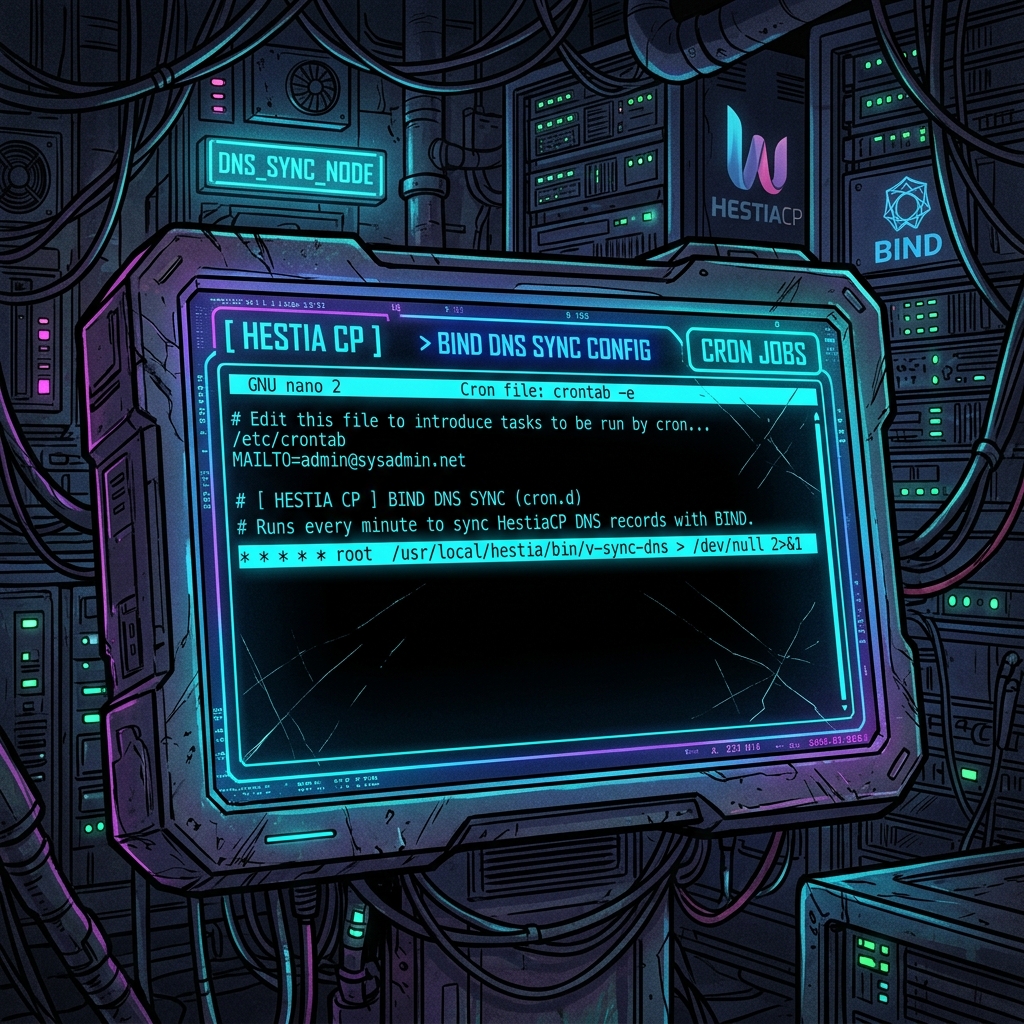
1. Introduction: the DNS sync latency challenge#
Authoritative DNS zone management and synchronization are critical components in multi-server architectures (such as Master-Slave or Master-Master DNS clusters). Ensuring that DNS updates (like IP pointing changes or SPF/DKIM record insertions) propagate swiftly prevents client-side resolution delays.
In HestiaCP, DNS zone replication across cluster members does not run instantly in the background for every transaction. Instead, it is scheduled and coordinated by a system daemon task (cron job). If an administrator alters a record and the cron job is configured with a long interval, there will be a latency window where secondary name servers (NS) respond with outdated data.
In this practical guide, I document how to adjust the DNS zone transfer interval in HestiaCP (both via the web interface and directly through the Linux shell) and detail how this flow operates under the hood, exploring transfer mechanisms (AXFR/IXFR) and BIND9 push notifications.
2. The HestiaCP sync flow: understanding v-update-sys-queue#
Within the HestiaCP ecosystem, the panel abstracts batch synchronization complexity. Every time a DNS domain is edited, changes are not pushed immediately across the network to the slave server by the control panel. Instead, the task is queued inside the system sync pipeline.
This queue is processed periodically by a cron job registered on the Master server that runs the internal backend script:
/usr/local/hestia/bin/v-update-sys-queue dns-clusterWhen this cron is triggered, HestiaCP parses the accumulated queue, executes the data transfer for each pending domain, and dispatches remote commands to the registered secondary servers to align records across the entire network topology.
3. Transfer mechanisms: AXFR vs. IXFR#
Many sysadmins wrongly assume that the primary processing bottleneck in DNS clusters lies in the cron job frequency. In reality, the main limiting factor is the zone transfer type employed by the name server software (BIND9):
- AXFR (Authoritative Transfer): Represents a full zone file copy. Every time synchronization occurs, the Master server transmits the entire zone file containing all records (A, MX, TXT, CNAME, etc.) to the Slave server. In clusters managing hundreds or thousands of domains, executing frequent AXFR transfers every minute generates severe network overhead, bandwidth waste, and high CPU load.
- IXFR (Incremental Zone Transfer): The Master server only transmits changes that occurred since the previous serial number (e.g., adding a single TXT record). This drastically reduces the size of the payload transmitted and speeds up validation on the secondary BIND9 server.
HestiaCP and BIND9 default to IXFR whenever possible, but a full transfer (AXFR) is automatically triggered if the change history of the zone database is lost or if the zone serial number on the Master is lower than that on the Slave.
4. DNS notify optimisation: push vs. polling (also-notify)#
Relying solely on the execution of the HestiaCP cron job every 5 or 3 minutes represents a polling model (where the system checks for updates periodically). For immediate real-time synchronization (a push model), you must configure and audit BIND9 active notification directives:
The DNS protocol provides the DNS NOTIFY mechanism (RFC 1996). When a zone is updated on the Master, the BIND9 daemon immediately dispatches a special UDP notification packet on port 53 to the secondary servers. Upon receiving the notify packet, the secondary server compares serial numbers and initiates an IXFR/AXFR transfer immediately without waiting for the default zone refresh timer defined in the SOA record.
To configure these notification dispatches from the Master to secondary servers that are not explicitly listed in the zone's NS records, edit the global options in the configuration file named.conf.options:
// Master configuration in /etc/bind/named.conf.options
options {
    ...
    notify yes;
    also-notify { 198.51.100.2; 203.0.113.5; }; // Secondary (Slave) server IPs
};
5. Configuring access control and security (allow-transfer)#
Allowing unrestricted zone transfers is a severe vulnerability (exposing the server to Zone Transfer Reconnaissance attacks). An attacker with access to a zone's AXFR can map all subdomains, internal IPs, and active servers in the infrastructure.
Therefore, strictly restrict the allow-transfer directive to accept connections only from the IPs of your legitimate secondary servers and localhost for internal troubleshooting:
// Configuration in /etc/bind/named.conf.options
options {
    ...
    allow-transfer { 127.0.0.1; 198.51.100.2; 203.0.113.5; };
};
Also ensure that local firewalls (such as iptables or UFW) permit bi-directional traffic on port 53 TCP/UDP between the cluster nodes' IPs, since notifications use UDP while AXFR/IXFR zone transfers rely on persistent TCP connections.
6. Securing dig AXFR: zone leak risks#
The dig AXFR command is the standard utility employed to validate whether zone transfers are functioning properly:
dig @127.0.0.1 domain.com AXFR7. Step-by-step: changing the cron interval via panel#
If you choose to adjust the queue processing interval from 5 to 3 minutes via the HestiaCP administrative web interface, follow these steps:
- Log in to the HestiaCP control panel using the administrator account (
admin). - In the top-right menu, click the gear icon to open Server Settings and choose Tasks (or navigate to the Cron Jobs list under the
adminuser). - Find the task entry corresponding to the command:
v-update-sys-queue dns-cluster
- Click Edit.
- Change the value in the Minute field from
/5to/3(or enter your custom interval). - Click Save to apply the configuration.
8. Step-by-step: changing the cron interval via terminal#
For system administrators working via the SSH CLI, the file storing the administrator's cron schedules is located at:
cron.conf
- Open the configuration file using a text editor with root privileges:
sudo nano /usr/local/hestia/data/users/admin/cron.conf- Locate the line containing the
dns-clustertask. It will look like this:
JOB='12' MIN='*/5' HOUR='*' DAY='*' MONTH='*' WDAY='*' CMD='sudo /usr/local/hestia/bin/v-update-sys-queue dns-cluster' SUSPENDED='no' TIME='15:53:34' DATE='2024-10-16'- Change the
MIN='/5'attribute toMIN='/3'. - Save the file and exit the editor (in nano: press
Ctrl+O,Enter,Ctrl+X).
Technical note: Directly editing cron.conf does not automatically rebuild the Linux crontab. To apply changes, execute sudo /usr/local/hestia/bin/v-rebuild-cron-jobs admin or use the native CLI command v-change-cron-job admin 12 '/3' '' '' '' '*'.
9. Troubleshooting transfer errors in BIND9 logs#
If changes applied to the cron do not replicate zone files to the secondary servers, audit the system logs in syslog (Debian/Ubuntu) or BIND9 dedicated log files under named:
Look for typical connection or validation error entries:
transfer of 'domain.com/IN' from 198.51.100.1#53: failed connection refused: The local firewall on the Master is blocking TCP connections on port 53 originating from the Slave IP.transfer of 'domain.com/IN' from 198.51.100.1#53: failed to connect: timeout: Port 53 TCP traffic is blocked or the network route between servers is down.zone domain.com/IN: transfer refused: Theallow-transferdirective on the Master does not include the corresponding Slave IP or TSIG validation failed.
Conclusion: impact matrix and performance recommendations#
The table below consolidates resource costs, network risks, and optimal interval recommendations based on the size of the DNS cluster:
| Cluster Size (Zones) | Recommended Interval | Advised Mechanism | CPU Impact | Network Storm Risk |
|---|---|---|---|---|
| Small (1 to 100 zones) | /2 or /3 minutes | IXFR + DNS Notify | Negligible | None |
| Medium (100 to 1000 zones) | */5 minutes | IXFR + DNS Notify | Low | Low (if AXFR is avoided) |
| Large (1000+ zones) | /10 or /15 minutes | Strict IXFR + TSIG Keys | Medium to High | High (if multiple AXFR reloads occur) |
Was this article helpful?
Leave a quick reaction to help prioritize future technical guides:
See also




This post is licensed under CC BY-NC.
Comments
Join the discussion below.
0 comments