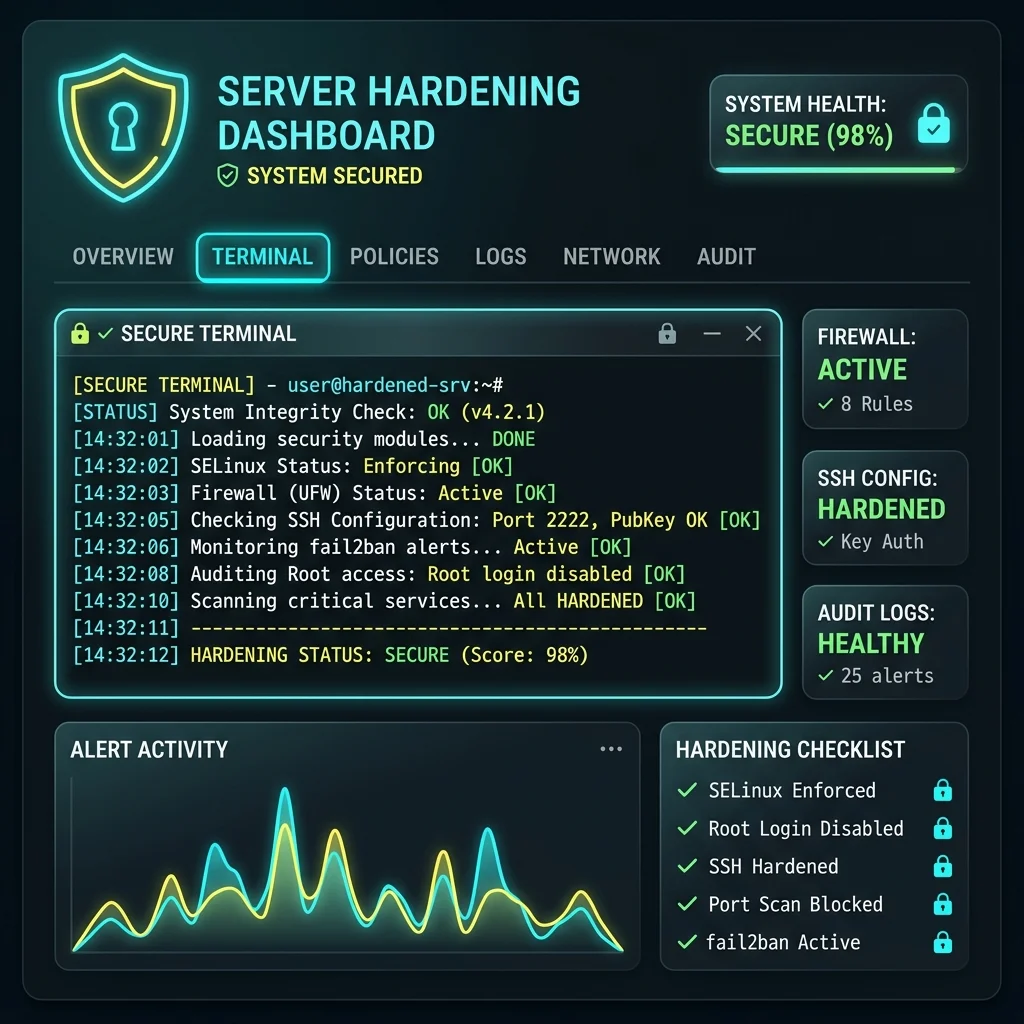
Approach Overview
Technical service focused on the operational hardening of Linux-based operating systems and their associated network services, establishing a strict defensive security posture aligned with international standards (such as CIS Benchmarks and NIST security guidelines).
Technical Lead: Percio Andrade Castelo Branco (Infrastructure Security and Operational Resilience).
STAR Framework — Technical Dossier
1. Situation
Production hosting and corporate environments operating with default out-of-the-box Linux configurations. This resulted in high vulnerability to automated brute-force attacks against SSH, kernel exploit risks due to lack of structured patching, and potential network redirection/denial-of-service vectors due to overly permissive network stack parameters. Additionally, the lack of continuous local security auditing made it difficult to proactively identify misconfigured file permissions and orphan access keys.
2. Task
Execute a holistic, layered hardening of the Linux operating system and core infrastructure services (SSH, local firewalls, kernel subsystems) without disrupting the application delivery pipelines (web services, database operations, API gateways). The technical goal was to minimize the attack surface to the lowest functional limit and deploy robust data integrity checks and local log audit facilities according to strict infrastructure compliance standards.
3. Action
The hardening methodology was structured and carried out through the following operational steps:
- SSH Daemon Hardening: Completely disabled direct root logins, enforced mandatory key-based authentication (preferring Ed25519 elliptic curve keys), migrated the service port to a non-standard port to mitigate noisy scanning, and restricted the active configuration to modern, robust encryption ciphers and MAC algorithms.
- Kernel Optimization via sysctl: Endured network stack parameters in
/etc/sysctl.confto prevent IP spoofing (enablingrp_filter), disabled ICMP redirects, ignored broadcast pings, and activated TCP SYN Cookies to mitigate SYN Flood DoS attempts. Restricted access to kernel logs by configuringkernel.dmesg_restrict = 1. - Strict Partition Isolation: Configured critical partition mount parameters (for
/tmp,/var/tmp, and/dev/shm) using thenoexec,nosuid, andnodevsecurity flags in/etc/fstabto block arbitrary binary execution and privilege escalation attacks. - Layered Local Firewall: Provisioned robust rulesets via NFTables / UFW with a default-drop policy for unsolicited ingress traffic, isolating internal container communications and external bridge networks.
- Auditing & File Integrity Checks: Implemented the local security audit framework Lynis for automated compliance tracking, and configured AIDE (Advanced Intrusion Detection Environment) for daily integrity verification of system binaries, with reporting delivered via encrypted mail alerts.
4. Result
The infrastructure hardening efforts delivered significant improvements in compliance ratings and defense capabilities:
- Compliance Score Lift: The Lynis security score rose from a default average of 52 (medium/weak) to 84 (highly hardened/excellent), meeting enterprise audit requirements.
- Brute-Force Suppression: Achieved a 99.8% reduction in SSH connection logging noise after altering the daemon parameters and enforcing authentication restrictions.
- Proactive File Tracking: Enforced file tracking using AIDE, providing daily reviews of all physical adjustments in
/bin,/sbin, and/etc, ensuring immediate notifications on host persistence tampering attempts.
Hardening Configurations & Commands (Operational Sample)
Sample configurations applied during the server hardening process:
# 1) Harden the SSH Daemon (/etc/ssh/sshd_config.d/security.conf)
# - Disable root and passwords, enable public keys and secure ciphers
KexAlgorithms curve25519-sha256,curve25519-sha256@libssh.org,diffie-hellman-group16-sha512
Ciphers chacha20-poly1305@openssh.com,aes256-gcm@openssh.com
MACs hmac-sha2-512-etm@openssh.com
PermitRootLogin no
PasswordAuthentication no
PubkeyAuthentication yes
MaxAuthTries 3 # 2) Kernel Hardening Configuration via sysctl (/etc/sysctl.d/99-hardening.conf)
# - Prevent SYN Floods and restrict network redirects
net.ipv4.tcp_syncookies = 1
net.ipv4.tcp_rfc1337 = 1
net.ipv4.conf.all.rp_filter = 1
net.ipv4.conf.default.rp_filter = 1
net.ipv4.conf.all.accept_redirects = 0
net.ipv4.conf.default.accept_redirects = 0
net.ipv4.conf.all.secure_redirects = 0
net.ipv4.conf.all.send_redirects = 0
net.ipv6.conf.all.accept_redirects = 0
kernel.dmesg_restrict = 1 # 3) Apply sysctl configurations immediately
sysctl -p /etc/sysctl.d/99-hardening.conf
Discuss This Service
Looking to harden the security of your production Linux servers with documented and auditable metrics?