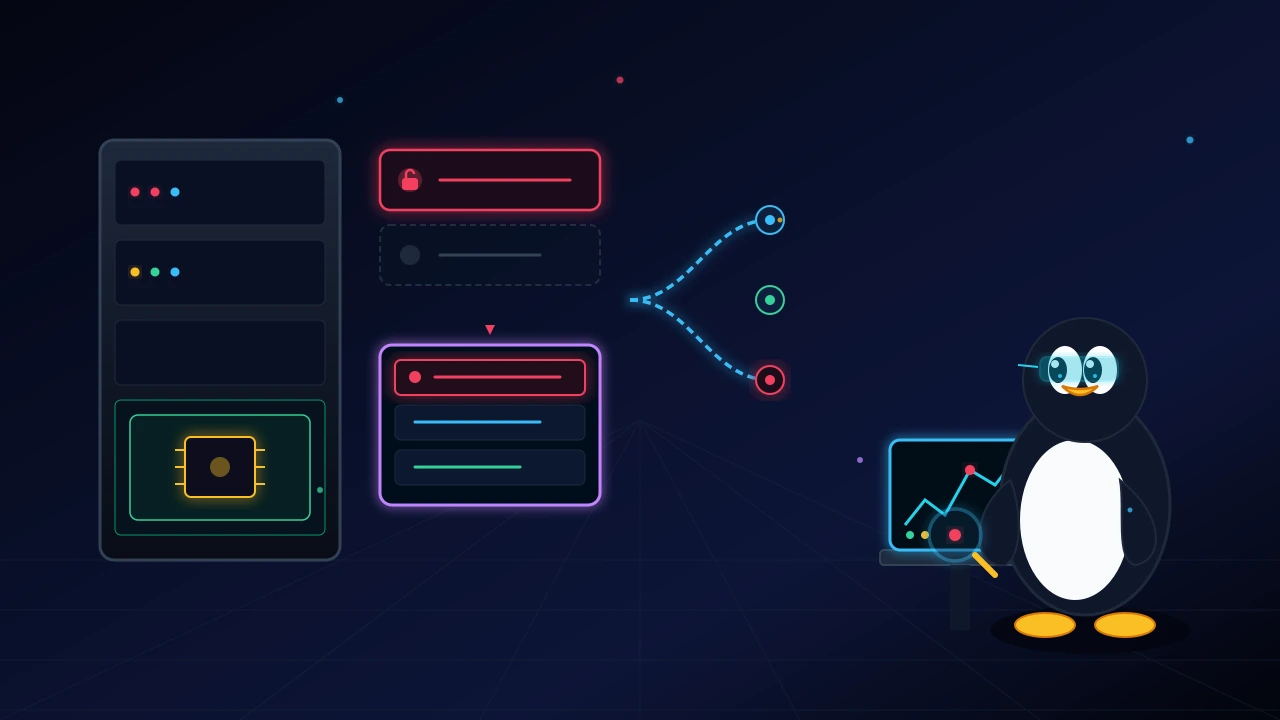
In Linux server administration, placing blind trust in configuration text files creates a false sense of security. While investigating a CloudLinux and cPanel server that was intended to be accessible solely via a mesh VPN with password logins disabled, forensic logs revealed a critical reality: the host had been fully compromised.
In this guide, I break down how the intrusion occurred and how persistence was maintained: the OpenSSH first-match configuration evaluation rule, malicious library overrides in PAM, CageFS namespace escapes via unrestricted shell accounts, and out-of-band hardware persistence inside the motherboard BMC/IPMI controller.
I also provide two reusable Bash utilities to orchestrate forensic audits across fleets of servers simultaneously.
1. The sshd_config trap and the first-match evaluation rule#
The most common mistake during a security review is reading /etc/ssh/sshd_config and assuming its contents reflect the active runtime state of the daemon.
On the compromised server, directives in the primary file appeared safe:
#PermitRootLogin prohibit-password
#PasswordAuthentication yes
Compiled binary defaults#
Commented lines in an OpenSSH configuration file do not disable the setting. They instruct the daemon to fall back to the default value compiled into the binary. In RHEL, CentOS, and CloudLinux distributions, the historical default for PasswordAuthentication is yes.
To verify what the daemon is actively enforcing in memory, use extended test mode:
sshd -T | grep -iE "(passwordauthentication|permitrootlogin)"Drop-in include ordering: first match wins#
The entry point was exposed through the Include /etc/ssh/sshd_config.d/*.conf directive. Unlike Apache or Nginx, where directives declared later generally override earlier occurrences, OpenSSH strictly enforces a first-match wins rule. Once the configuration parser matches a parameter, all subsequent declarations of that parameter are ignored.
Inspecting the drop-in directory revealed conflicting files:
/etc/ssh/sshd_config.d/01-permitrootlogin.conf: PermitRootLogin yes
/etc/ssh/sshd_config.d/90-root-vpn-corp.conf: PermitRootLogin no
Because 01- sorts before 90- alphabetically, the daemon applied PermitRootLogin yes globally, ignoring the restrictions defined in the later file. The server remained bound to all network interfaces (0.0.0.0) and permitted root logins via password.
2. The PAM layer: when system modules bypass SSHD rules#
Even when OpenSSH is explicitly set to PasswordAuthentication no, keeping UsePAM yes active delegates final authentication approval to the system's Pluggable Authentication Modules.
Verifying package integrity with RPM:
rpm -V openssh-server pamReturned modified attributes on the PAM configuration file:
S.5....T. c /etc/pam.d/sshdThe indicators 5 (checksum mismatch), S (file size changed), and T (modification timestamp updated) confirmed unauthorized tampering.
How PAM modification works#
The attacker placed a control line using the sufficient flag with pam_permit.so at the top of the authentication stack:
auth sufficient pam_permit.soIn PAM architecture, when a module designated as sufficient returns success, authentication is granted immediately without evaluating remaining modules. Any password provided during login was accepted by the child SSHD process.
To inspect which libraries the parent daemon loads during login attempts:
strace -f -p $(pgrep -o sshd) -e trace=open,openat,read 2>&1 | grep pam3. CloudLinux, CageFS, and namespace escapes via /bin/bash#
On cPanel hosts running CloudLinux, multi-tenant isolation relies on CageFS (powered by the kernel LVE module), which builds virtualized filesystem namespaces (chroot) for each account. For containment to work, user entries in /etc/passwd must specify /usr/local/cpanel/bin/jailshell or /bin/false.
Auditing user accounts revealed several standard /bin/bash shells:
user1:x:1005:1005::/home/user1:/bin/bash
user2:x:1008:1008::/home/user2:/bin/bash
Kernel impact#
When a user with jailshell logs in, the binary initializes isolated namespaces and masks /proc, hiding other tenants' processes and host utilities.
When an account is assigned a regular /bin/bash shell, the kernel provides an unconstrained TTY session outside CageFS. If a web application on that account is compromised, the attacker gains direct access to host kernel headers and compiler tools, expanding the attack surface for local privilege escalation (LPE).
4. Hardware persistence: the IPMI and BMC blind spot#
Sophisticated attackers know that administrators may reinstall operating systems once an intrusion is detected. To maintain persistence beyond disk wipes, they attempt to pivot into motherboard BMC/IPMI controllers.
When kernel modules ipmi_si and ipmi_devintf are active, root users can interact with hardware controllers over /dev/ipmi0.
Common BMC persistence vectors#
- Cipher 0 activation: reconfigures the IPMI LAN channel to accept cipher suite 0 (authentication none). Any packet reaching UDP port 623 is granted administrative rights.
- Ghost administrative accounts: creating user credentials directly in the controller firmware:
ipmitool user list 1- Firmware manipulation: writing altered firmware images to motherboard flash memory, surviving physical disk replacements.
5. Forensic audit tools#
To audit multiple servers without relying on manual per-host checks, two Bash utilities were created: a parallel executor for fleet management and a forensic collector that inspects memory, filesystem attributes, and hardware controllers.
Tool 1: Parallel fleet runner (corp-coleta.sh)#
This utility reads a server list, runs commands concurrently, enforces ServerAliveInterval to prevent hung sessions, and strips ANSI formatting codes from persistent logs:
corp-coleta.sh — Parallel fleet runner for forensic auditsGistExpand code
#!/usr/bin/env bash
# corp-coleta.sh - Parallel fleet execution for forensic audits

USER="root"
HOSTS_DEFAULT="$HOME/.corp-hosts"
SSH_OPTS="-o ConnectTimeout=10 -o ServerAliveInterval=15 -o BatchMode=yes -o StrictHostKeyChecking=accept-new -o LogLevel=ERROR"
PARALLEL=20

if [[ $# -eq 0 ]]; then
  echo "Usage: $0 \"command\" [hosts_file]"; exit 1
fi

COMMAND="$1"
HOSTS_FILE="${2:-$HOSTS_DEFAULT}"

if [ ! -f "$HOSTS_FILE" ]; then
  echo "Hosts file not found: $HOSTS_FILE"; exit 1
fi

ENTRIES=(); while IFS= read -r line; do ENTRIES+=("$line"); done < <(grep -v '^\s*#' "$HOSTS_FILE" | grep -v '^\s*$')
TOTAL=${#ENTRIES[@]}

TMPDIR_EXEC=$(mktemp -d)
TIMESTAMP=$(date '+%Y%m%d_%H%M%S')
LOG_DIR="$HOME/corp-coletas"
mkdir -p "$LOG_DIR"
LOG_FILE="$LOG_DIR/collection_${TIMESTAMP}.log"

echo "Dispatching to $TOTAL hosts..."
echo "# Audit - $TIMESTAMP | Command: $COMMAND" >> "$LOG_FILE"

strip_colors() { sed -r 's/\x1B\[([0-9]{1,3}(;[0-9]{1,2})?)?[mGK]//g'; }

active=0
for entry in "${ENTRIES[@]}"; do
  host="${entry%%:*}"
  port="${entry##*:}"
  [[ "$port" == "$host" ]] && port=22
  outfile="$TMPDIR_EXEC/${host}"

  ssh $SSH_OPTS -p "$port" "$USER@$host" "$COMMAND" > "$outfile" 2>&1 &

  (( active++ ))
  if (( active >= PARALLEL )); then
    wait -n 2>/dev/null || wait; (( active-- ))
  fi
done

wait

OK=0; FAIL=0
while IFS= read -r entry; do
  host="${entry%%:*}"
  outfile="$TMPDIR_EXEC/${host}"

  if [[ -s "$outfile" ]]; then
    echo "=== Host: $host ==="
    cat "$outfile"
    { echo -e "\n=== $host ==="; cat "$outfile" | strip_colors; } >> "$LOG_FILE"
    (( OK++ ))
  else
    echo "Connection failure: $host"
    echo -e "\nConnection failure: $host" >> "$LOG_FILE"
    (( FAIL++ ))
  fi
done < <(printf '%s\n' "${ENTRIES[@]}" | sort)

echo "Audit completed. Log saved at: $LOG_FILE"
rm -rf "$TMPDIR_EXEC"
Tool 2: Unified forensic auditor (corp_audit.sh)#
This payload runs locally to audit SSH memory parameters, verify immutable file attributes, check cPanel shell compliance, and test IPMI configuration:
corp_audit.sh — Host forensic audit for SSH, PAM, cPanel, and IPMIGistExpand code
#!/bin/bash
# corp_audit.sh - Host forensic audit for SSH, PAM, cPanel, and IPMI

export LANG=C
TRUSTED_IPS="100\.|203\.0\.113\.|198\.51\.100\."

echo "================================================================"
echo "          HOST FORENSIC AUDIT: CONFIGURATION & HARDWARE         "
echo "================================================================"

# 1. SSHD runtime parameters
echo -e "\n[1] Verifying active runtime parameters (sshd -T):"
SSHD_VARS=$(sshd -T 2>/dev/null)

eval_param() {
    local param=$1; local expected=$2
    local current=$(echo "$SSHD_VARS" | grep -i "^$param " | awk '{print $2}')
    printf " %-30s : %-15s " "$param" "$current"
    if [ "$current" = "$expected" ]; then
        echo "[OK]"
    else
        echo "[WARNING]"
    fi
}

eval_param "permitrootlogin" "prohibit-password"
eval_param "passwordauthentication" "no"

echo -e "\nDrop-in include resolution order:"
grep -rE "Include|PermitRootLogin|PasswordAuthentication" /etc/ssh/sshd_config /etc/ssh/sshd_config.d/ 2>/dev/null | awk -F':' '{printf " - %-45s : %s\n", $1, $2}'

# 2. Recent root sessions
echo -e "\n[2] Checking recent root sessions:"
last -i | grep "^root " | grep -vE "($TRUSTED_IPS|0\.0\.0\.0|127\.0\.0\.1)" | head -n 5 | awk '{printf " %-10s | %-18s | %s %s %s\n", $1, $3, $4, $5, $6}'

# 3. Authorized keys and immutable attributes
echo -e "\n[3] Auditing /root/.ssh/authorized_keys:"
if [ -f /root/.ssh/authorized_keys ]; then
    ATTRS=$(lsattr /root/.ssh/authorized_keys 2>/dev/null)
    if [[ "$ATTRS" == *"-i-"* ]]; then
        echo " [ALERT] File authorized_keys has immutable attribute (+i) set!"
    fi
    echo " Key comments:"
    awk '{print "  -> " $NF}' /root/.ssh/authorized_keys
fi

# 4. cPanel / CloudLinux user shell compliance
echo -e "\n[4] Checking accounts with unconstrained interactive shells:"
SAFE_SHELLS=("jailshell" "noshell" "/bin/false" "/sbin/nologin")
RISK_FOUND=0

while IFS=: read -r user pass uid gid info home shell; do
    if [ "$uid" -ge 1000 ] && [ "$uid" -ne 65534 ]; then
        IS_SAFE=false
        for safe in "${SAFE_SHELLS[@]}"; do [[ "$shell" == *"$safe"* ]] && IS_SAFE=true && break; done
        if [ "$IS_SAFE" = false ]; then
            echo " [RISK] Account: $user | Shell: $shell"
            RISK_FOUND=1
        fi
    fi
done < /etc/passwd

[ "$RISK_FOUND" -eq 0 ] && echo " All evaluated accounts use compliant restricted shells."

# 5. IPMI/BMC controller audit
echo -e "\n[5] Checking BMC/IPMI configuration:"
if command -v ipmitool >/dev/null 2>&1; then
    modprobe ipmi_devintf ipmi_si 2>/dev/null
    if [ -c /dev/ipmi0 ]; then
        echo " Users configured in BMC:"
        ipmitool user list 1 2>/dev/null | awk '{print "  -> " $0}'

        LAN_INFO=$(ipmitool lan print 1 2>/dev/null)
        if echo "$LAN_INFO" | grep "Auth Type Enable" | grep -q "NONE"; then
            echo " [CRITICAL] IPMI accepts null authentication (Cipher 0 / NONE)!"
        fi
    else
        echo " Device node /dev/ipmi0 not available."
    fi
else
    echo " ipmitool utility not installed."
fi
Action plan and incident response for compromised environments#
When a server experiences deep compromise (modified PAM libraries, SSH exposed globally via drop-in ordering, uncontained tenant shells, and potential BMC tampering), attempting to sanitize the operating system in place introduces significant risk.
The safest remediation strategy follows four core phases:
- Network quarantine: isolate the affected instance from internal VPN meshes and production clusters to prevent lateral movement.
- Cold hardware reset and BMC reflash: power down the chassis completely, restore factory defaults on the management controller, and flash clean firmware supplied by the hardware vendor.
- Clean rebuild: deploy a fresh operating system installation onto reformatted storage media.
- Controlled data restoration: restore only customer data directories (
/home/), avoiding system directories like/etc/and/usr/. Verify that restored tenant accounts default tojailshell.
In Linux security, configuration files alone do not determine host posture. The decisive factor is always what the kernel and active daemons execute in memory.
Was this article helpful?
Leave a quick reaction to help prioritize future technical guides:
See also



This post is licensed under CC BY-NC.
Comments
Join the discussion below.
0 comments