Administrative session hijacking and mass WordPress infection via compromised endpoint#
When several corporate WordPress sites on the same server experience simultaneous defacements and malware injections, the default panic among on-call engineers is assuming the server got rooted or that the control panel has an active zero-day exploit.
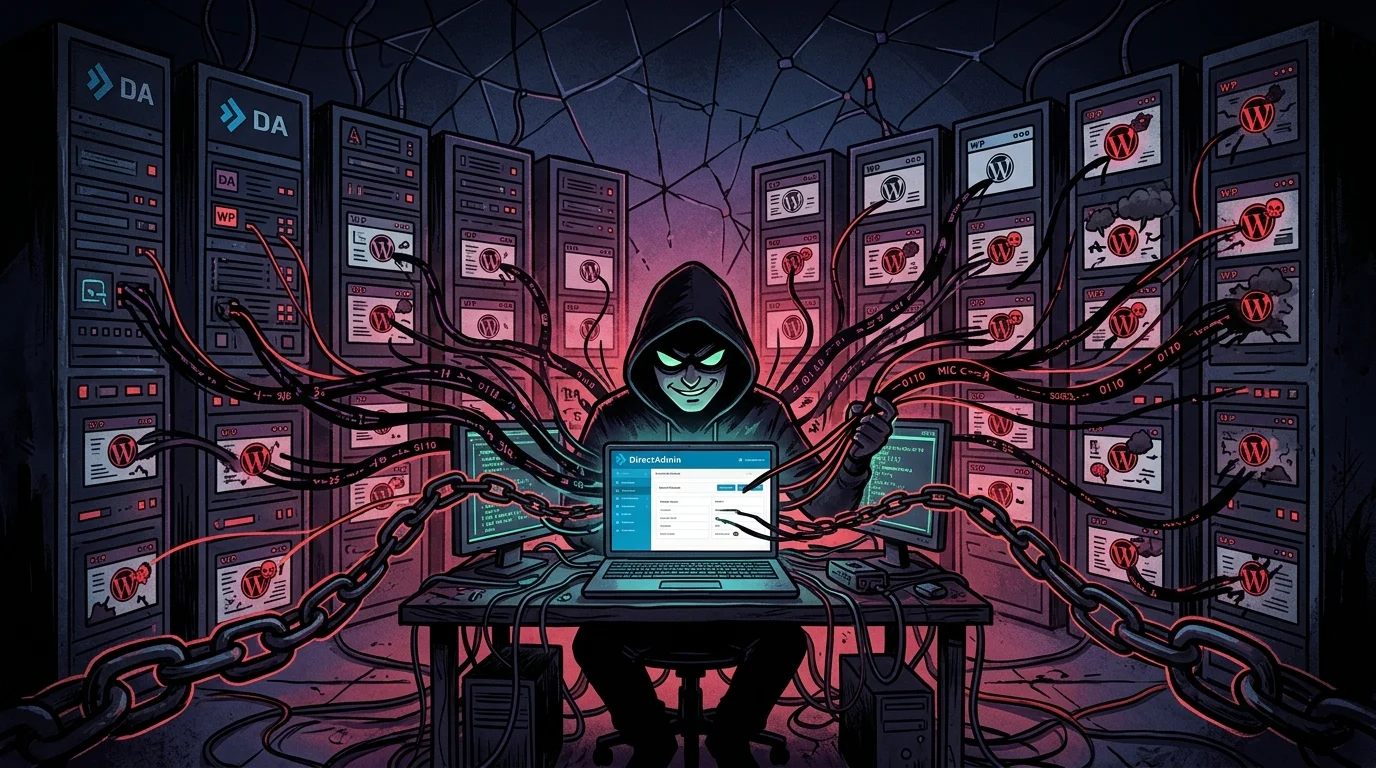
In this Root Cause Analysis (RCA) case study, I document an incident I handled on the front lines of infrastructure operations. The investigation uncovered something very different from a perimeter breach: the Linux server and the DirectAdmin control panel were clean and up to date. The attack happened from the inside out. The attacker operated with a legitimate administrative account using an active session cookie (Cookie Hijacking) stolen from the Development Manager's local workstation.
Under data privacy standards and corporate governance, all company names, client domains, and IP addresses have been anonymized.
1. The incident and the emergency ticket#
The ticket landed first thing in the morning: dozens of client sites were breaking with defaced homepages, rogue administrator accounts created in WordPress, and unfamiliar PHP scripts dropped inside /wp-content/uploads/.
When a single WordPress site gets infected, it is usually an outdated plugin or leaked FTP credentials. But when dozens of isolated client accounts on the same box get modified within minutes, the issue is broader. I took over the ticket as root to find out whether the server hardening had failed or if someone holding the master keys had walked right through the front door.
2. Terminal-level forensic investigation#
Instead of guessing, I inspected the raw logs from DirectAdmin and the operating system daemons.
2.1. What the DirectAdmin login logs showed#
I opened /var/log/directadmin/login.log:
# Checking recent authentication history
grep -E "result=(failed|successful)" /var/log/directadmin/login.log | tail -n 40
The timeline showed two clear phases:
- The attacker started with automated brute-force requests against DirectAdmin's API. Every attempt failed with
result=failed. - Right after the failures, an
adminlogin was logged withresult=successful.
Here was the giveaway: there was no prior HTTP POST request submitting username and password credentials. The panel simply accepted an existing, active session identifier.
2.2. IP cross-referencing and the stolen cookie#
I correlated the session ID with records in /var/log/directadmin/system.log:
# Tracking the session token in the panel logs
grep "da_sess_9a8f7c12" /var/log/directadmin/login.log /var/log/directadmin/system.log
The log revealed the exact sequence:
2026:10:01-08:14:10: admin (192.0.2.45) login: successful session=da_sess_9a8f7c12
2026:10:01-08:42:19: admin (198.51.100.77) session validated: da_sess_9a8f7c12
The first login, at 08:14, came from the company's office IP address on the Development Manager's workstation. Twenty-eight minutes later, that exact same session token (da_sess_9a8f7c12) was presented by an IP in Korea.
The attacker did not have to guess passwords or solve 2FA prompts. They pasted the active session cookie into their browser and accessed the panel with full administrator privileges.
3. Post-access activity: webshells via File Manager#
With administrative access in hand, the attacker did not need SSH or FTP. They used DirectAdmin's native File Manager to drop files into accounts:
2026:10:01-08:44:03: admin (198.51.100.77) executed CMD_FILE_MANAGER : action=upload path=/domains/cliente-alfa.com.br/public_html/wp-content/uploads file=cat.phpThey uploaded a file named <code>cat.php</code> into an uploads folder and triggered it over HTTP, as recorded in Apache's access logs:
grep "cat.php" /var/log/httpd/domains/*.log198.51.100.77 - - [01/Oct/2026:08:45:12 +0000] "POST /wp-content/uploads/cat.php HTTP/1.1" 200 6512 "-" "Mozilla/5.0"The webshell executed PHP curl calls to pull down secondary malicious scripts hosted on GitHub, propagating obfuscated code across other client accounts on the same machine.
An important technical relief during the audit: the attacker never escalated privileges to root and never compromised the Linux kernel. Server boundaries held. The impact was confined to client files because the adversary used DirectAdmin's web GUI to distribute the payloads.
4. Root Cause Analysis (RCA)#
To find out how the Development Manager's session cookie was compromised, I reviewed workstation habits alongside the Infrastructure Manager.
The root cause was behavioral:
- Downloading pirated scripts (nulled): To spin up rapid client prototypes locally, the developer frequently downloaded cracked WordPress plugins and themes from untrusted forums.
- Infostealer infection on Windows: One of the downloaded archives contained infostealer malware.
- Browser cookie exfiltration: The malware read the SQLite storage files from Chrome and Firefox, extracted active session cookies, and sent them to the attacker's command server.
There is an authentic detail here that speaks volumes about the company's security culture at the time: the organization had never enforced any antivirus policy on employee machines since the day I arrived, and I believe it stayed that way until I left (not even free antivirus tools were standardized). At one point, I casually asked in the office who was responsible for protecting the workstations, and a support colleague answered with a straight face: "God. God protects the computers here". Later on, if I remember correctly, they started installing a free version of Bitdefender on some machines. But with that defensive baseline, when an attack struck from the inside, nobody had to wonder twice how the front gate had been left wide open.
5. Practical containment steps I executed#
As the infrastructure lead, I took three immediate steps to stop the breach and clean up the server:
1. Forcible session purge#
First, I killed all active DirectAdmin sessions to cut off the attacker immediately:
# Removing all session files from disk
rm -rf /usr/local/directadmin/data/sessions/*

# Restarting the service to close existing sockets
systemctl restart directadmin
I instructed the team to clear local browser cookies and forced password resets for all administrators.
2. Bash audit script for administrative accounts#
To verify that the attacker had not created hidden administrative or reseller accounts in the panel, I wrote and executed this script:
#!/usr/bin/env bash
echo "=== AUDITING DIRECTADMIN USERS ==="
for userconf in /usr/local/directadmin/data/users/*/user.conf; do
    user=$(dirname "$userconf" | xargs basename)
    usertype=$(grep -E "^usertype=" "$userconf" | cut -d= -f2)
    creator=$(grep -E "^creator=" "$userconf" | cut -d= -f2)
    suspended=$(grep -E "^suspended=" "$userconf" | cut -d= -f2)
    if [ "$usertype" = "admin" ] || [ "$usertype" = "reseller" ]; then
        echo "[PRIVILEGE] User: $user | Type: $usertype | Creator: $creator | Suspended: $suspended"
    fi
done
echo "=== AUDIT FINISHED ==="
The output confirmed no rogue administrative users were present.
3. Malware hunting and quarantine#
To clean customer web directories, I combined two scanning layers:
- Host-level scanning with Imunify360 across all user accounts;
- Application-level scanning via Wordfence Premium CLI:
# Host-wide scan with Imunify360
imunify360-agent malware user scan --all

# Deep inspection of client document roots with Wordfence CLI
for dir in /home/*/public_html; do
    wordfence scan --path="$dir" --output-path="/root/relatorio_$(basename $(dirname $dir)).log"
done
The <code>cat.php</code> webshell and related obfuscated files were quarantined. I compiled a detailed list of affected paths and handed it over to the development team to complete application-level code sanitization.
6. Security rules we put in place#
After presenting the technical findings to leadership, we established mandatory operational rules:
- Enterprise EDR: Replaced basic antivirus software on developer machines with centralized endpoint detection like CrowdStrike Falcon.
- Control Panel Behind VPN: Removed DirectAdmin port 2222 from public internet access. Managing the server now strictly requires our internal corporate VPN with 2FA enabled. Even if an attacker steals another cookie outside the office, the connection drops at the perimeter.
- Password Vaults: Banned password reuse and enforced centralized password managers with unique, complex credentials.
- Testing Isolation: Strictly prohibited downloading pirated code on workstations that connect to production infrastructure.
Conclusion#
This incident reminded me that infrastructure hardening has its limits. You can tune kernel parameters, lock down ports, and isolate processes, but if someone holding master credentials runs untrusted code on their personal workstation, the front door opens regardless. Enterprise security depends just as much on the endpoints as it does on the servers.
Was this article helpful?
Leave a quick reaction to help prioritize future technical guides:
See also




This post is licensed under CC BY-NC.
Comments
Join the discussion below.
0 comments