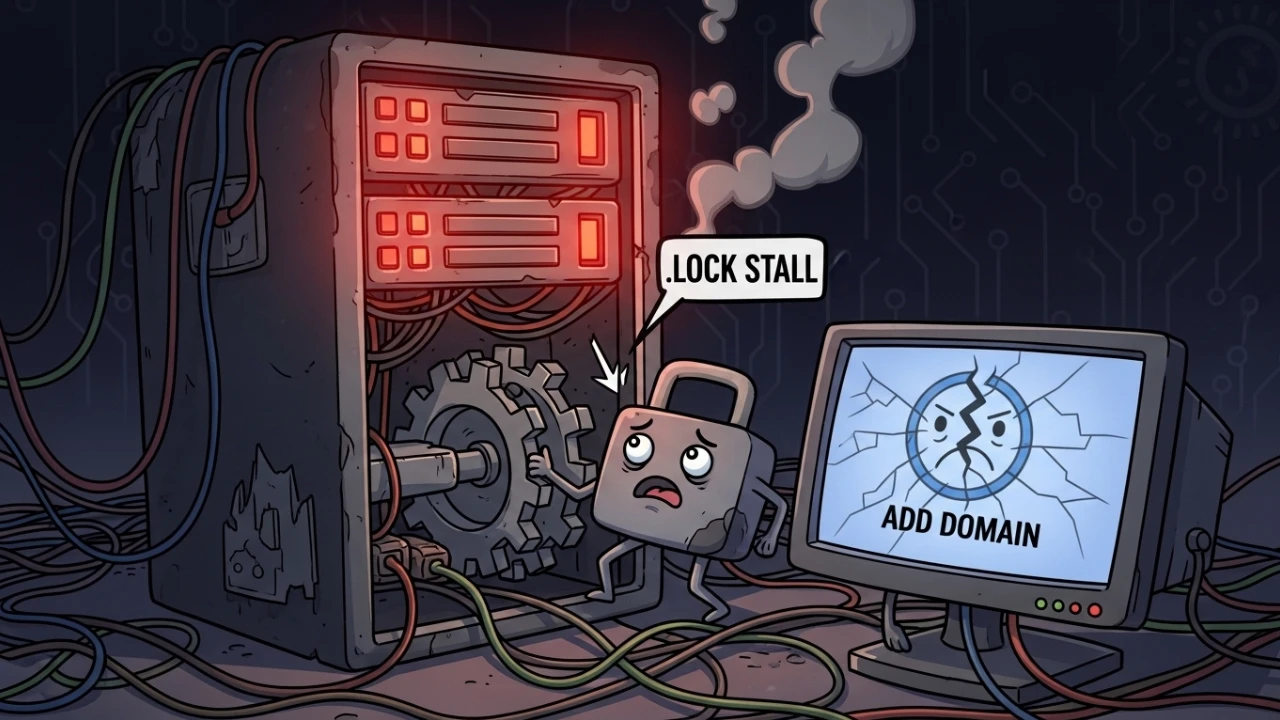
When Addon Domain or DNS zone creation hangs in WHM, the issue is often backend locking rather than GUI instability. Removing lock files carelessly or terminating processes aggressively can corrupt cPanel's internal state and introduce service inconsistencies.
1. Symptoms and the cPanel hook chain#
In cPanel/WHM, administrative operations such as account creation, domain additions, and DNS zone updates rely on a sequential execution pipeline:
If any post-processing script or third-party hook (such as billing systems, CDNs, or security plugins) hangs or hits a network timeout, cPanel will keep the lock file (.lock) open indefinitely, blocking all subsequent tasks in the queue.
2. Pre-intervention audit and system checks#
Before forcing the cleanup of any resource, execute a system audit to determine if the stall is caused by concurrency or system resource limits.
2.1 preventative cPanel state backup#
Always create a quick backup of critical configuration directories before terminating processes:
# Complete cPanel configurations backup
sudo tar czf /root/cpanel-backup-$(date +%Y%m%d-%H%M%S).tar.gz \
  /var/cpanel/ \
  /etc/cpanel.config \
  /usr/local/cpanel/ 2>/dev/null || true

# Specific webcalls queue backup
sudo cp -r /var/cpanel/webcalls/ /root/webcalls-backup-$(date +%Y%m%d)/
2.2 disk space and inode auditing#
Persistent lock freezes often happen when disk space or inode availability hits 100%, preventing the daemon from writing lock release metadata.
# Check disk space usage
df -h

# Check Inode utilization (critical for cPanel file structures)
df -i

# Inspect cPanel state directory size
du -sh /var/cpanel/
2.3 custom hooks check#
Verify if third-party post-processing hooks are blocking administrative tasks without timeout parameters:
# View active cPanel hooks
cat /var/cpanel/hooks.yaml 2>/dev/null

# List third-party hooks binary directories
ls -la /usr/local/cpanel/3rdparty/bin/hooks/ 2>/dev/null || true
3. Locating other lock files#
While /var/cpanel/webcalls/.lock is the most common blocker, check other lock locations targeting specific cPanel modules:
# Find all active lock files inside cPanel directories
find /var/cpanel -name "*.lock" -type f 2>/dev/null

# DNS Zone Cache locks (prevents BIND/PowerDNS updates)
ls -la /var/cpanel/zonecache/*.lock 2>/dev/null

# Email authentication locks
ls -la /var/cpanel/email/authlocks/*.lock 2>/dev/null

# cPanel automated backup locks
ls -la /usr/local/cpanel/logs/backup/*.lock 2>/dev/null
4. Safe remediation protocol#
4.1 finding the lock owner PID#
Identify the exact process holding the file lock:
# Find PID holding the lock using lsof (preferred)
if command -v lsof &>/dev/null; then
    lsof /var/cpanel/webcalls/.lock
else
    # Fallback: fuser (requires psmisc package)
    fuser /var/cpanel/webcalls/.lock
fiOnce you obtain the PID, trace its details:
ps -p <PID> -o pid,ppid,comm,%cpu,%mem,etime,args4.2 the risks of kill -9 and the safe exit protocol#
Always follow a multi-stage process termination sequence:
# 1. Request a graceful shutdown (SIGTERM)
kill -15 <PID>

# 2. Wait 5 seconds PER PID for disk I/O to flush
#    (sleep must be inside the loop - not a single batch wait)
sleep 5

# 3. Check process status and force exit only if persistent
if ps -p <PID> > /dev/null 2>&1; then
    echo "Process is still active. Forcing shutdown with SIGKILL..."
    kill -9 <PID>
fi4.3 post-removal verification#
Ensure that the lock and associated sockets are cleared:
# Check if lockfile is free
lsof /var/cpanel/webcalls/.lock 2>/dev/null || echo "✅ Lockfile successfully cleared."

# Manually remove stale lockfile if the parent process is confirmed dead
if [ -f /var/cpanel/webcalls/.lock ] && ! pgrep -f "webcalls" > /dev/null; then
    echo "Cleaning up stale lockfile..."
    sudo rm -f /var/cpanel/webcalls/.lock
fi
5. Reviewing cPanel error logs#
Monitor cPanel backend logs to trace execution failures:
# Main cPanel daemon error logs
tail -n 100 /usr/local/cpanel/logs/error_log

# WHM administration logs
tail -n 100 /usr/local/cpanel/logs/whmd.log

# DNS Administration logs (important for zone additions)
tail -n 100 /usr/local/cpanel/logs/dnsadmin_log

# Apache web server logs
tail -n 100 /usr/local/apache/logs/error_log
Logs containing the following message indicate that cPanel crashed abruptly without cleaning up Perl object file handles:
Cpanel::FileUtils::Flock ... destroyed at global destruct! ... DestroyDetector.pm6. Panel health checks and service restarts#
Verify panel health status and safely restart affected systems using cPanel's native wrapper scripts:
# Verify system services health via WHM API
whmapi1 servicestatus

# Test admin interface responsiveness
curl -k -I https://localhost:2087/

# Safely restart Apache
sudo /usr/local/cpanel/scripts/restartsrv httpd

# Safely restart DNS (BIND or PowerDNS)
sudo /usr/local/cpanel/scripts/restartsrv named

# Safely restart main cPanel daemons
sudo /usr/local/cpanel/scripts/restartsrv cpanel
7. Operational scripts#
Lock release automation (fix-cpanel-lock.sh)#
Save this script to audit and safely clear stuck cPanel locks:
#!/bin/bash
# fix-cpanel-lock.sh - Safe cPanel lock release script
set -euo pipefail

LOCK_FILE="/var/cpanel/webcalls/.lock"

echo "=== Analyzing cPanel Locks ==="

if [ ! -f "$LOCK_FILE" ]; then
    echo "✅ No active locks found at: $LOCK_FILE"
    exit 0
fi

echo "⚠️ Lockfile detected."

# 1. Grab lock owners
LOCK_PIDS=$(lsof -t "$LOCK_FILE" 2>/dev/null || true)

if [ -z "$LOCK_PIDS" ]; then
    echo "✅ No active processes holding the file. Deleting orphaned lock..."
    sudo rm -f "$LOCK_FILE"
    echo "✅ Lockfile removed."
    exit 0
fi

echo "Processes holding the lock:"
for PID in $LOCK_PIDS; do
    echo "  -> PID: $PID"
    ps -p "$PID" -o pid,ppid,comm,%cpu,%mem,etime 2>/dev/null || true
done

# 2. Terminate gracefully (SIGTERM -> sleep -> SIGKILL per PID)
for PID in $LOCK_PIDS; do
    echo "Sending SIGTERM to PID: $PID"
    kill -15 "$PID" 2>/dev/null || true

    # sleep is PER PID: wait for disk I/O flush before evaluating next
    echo "Waiting for disk flush on PID $PID..."
    sleep 5

    if ps -p "$PID" > /dev/null 2>&1; then
        echo "⚠️ PID $PID still active. Sending SIGKILL..."
        kill -9 "$PID" 2>/dev/null || true
    else
        echo "✅ PID $PID terminated cleanly after SIGTERM."
    fi
done

# 4. Final cleanup of orphaned lockfile (sudo required for root-owned locks)
if [ -f "$LOCK_FILE" ]; then
    sudo rm -f "$LOCK_FILE"
fi
echo "✅ Stalls cleared successfully."
8. Rollback and contingency plan#
If service components show errors after process termination:
- Restore Webcall Queues: Revert to the state backup:
sudo cp -r /root/webcalls-backup-$(date +%Y%m%d)/* /var/cpanel/webcalls/- Rebuild Web Server Configurations: If config files were corrupted mid-write:
   # Rebuild Apache configurations from cPanel templates
   /usr/local/cpanel/scripts/rebuildhttpdconf

   # Validate syntax before restarting (prevents downtime from invalid config)
httpd -t && sudo /usr/local/cpanel/scripts/restartsrv httpd- Restart all panel daemons:
sudo /usr/local/cpanel/scripts/restartsrv_allWas this article helpful?
Leave a quick reaction to help prioritize future technical guides:
See also



This post is licensed under CC BY-NC.
Comments
Join the discussion below.
0 comments