Incident Overview
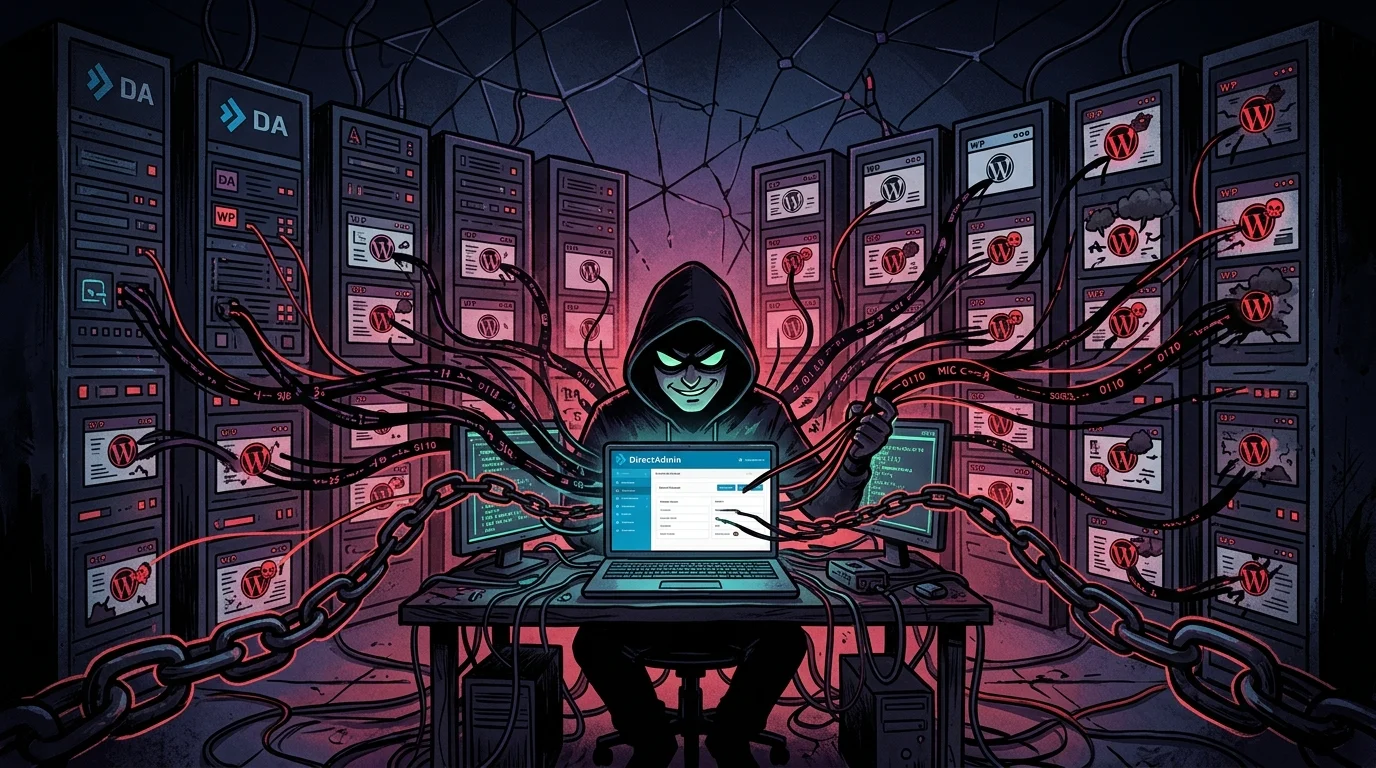
I took over an urgent incident response ticket after multiple WordPress sites on a shared DirectAdmin server suffered website defacements, malware injections, and rogue administrator accounts almost simultaneously.
My forensic audit at the root operating system level confirmed an inside-out attack vector. The Linux server and kernel remained intact. The attacker operated with valid administrative privileges obtained through session hijacking (Cookie Hijacking). The Development Manager's Windows workstation had been infected by an infostealer after downloading pirated (nulled) WordPress plugins and themes for local testing. With the stolen browser session cookie, the attacker accessed DirectAdmin without entering credentials or solving 2FA, uploading PHP webshells directly through the panel's native File Manager.
Technical Lead: Percio Andrade Castelo Branco (Linux Infrastructure & Incident Response).
Environment and Operational Scope
- Control Panel: DirectAdmin on enterprise Linux (CentOS/AlmaLinux).
- Web Stack: Apache/Nginx reverse proxy, PHP-FPM, and isolated per-account WordPress sites.
- Impact: Cross-account infection restricted to web directories, without root operating system escalation.
- Entry Point: Browser authentication cookie exfiltration from an internal workstation.
Step-by-Step Forensic Investigation
Because so many client accounts broke at once, the initial assumption was a server compromise or a zero-day flaw in DirectAdmin. I inspected the raw logs to establish facts before making assumptions.
1. DirectAdmin Authentication Log Triage
I inspected authentication activity in /var/log/directadmin/login.log and system actions in /var/log/directadmin/system.log:
# Checking failed attempts versus successful authentications
grep -E "result=(failed|successful)" /var/log/directadmin/login.log | tail -n 30

# Auditing file manager activity in the panel
grep "CMD_FILE_MANAGER" /var/log/directadmin/system.log
The timeline revealed two clear patterns:
- The attacker started with automated brute-force requests against DirectAdmin's API. Every single attempt failed.
- Shortly after, an
adminlogin appeared marked assuccessful, but without any previous POST request submitting a username and password. The panel had simply accepted an existing, valid session.
2. IP Cross-Referencing and Cookie Hijacking Evidence
I correlated the session identifier with network connection logs:
2026:10:01-08:14:10: admin (192.0.2.45 - Office IP) login: successful session=da_sess_9a8f7c12
2026:10:01-08:42:19: admin (198.51.100.77 - External Asian IP) session validated: da_sess_9a8f7c12
The first login occurred at 08:14 from the company office IP on the Development Manager's PC. Twenty-eight minutes later, the exact same session token (da_sess_9a8f7c12) was presented from an external IP in Asia. The attacker pasted the cookie into their browser and gained instant administrative control without seeing a password prompt or 2FA challenge.
3. Post-Access Activity: Webshell Deployment
Using the hijacked administrative session, the attacker used DirectAdmin's File Manager to place webshells across client accounts:
# Finding recently created PHP scripts in public web folders
find /home/*/public_html/ -type f -name "*.php" -mtime -3 -ls

# Checking for web requests hitting the uploaded webshell
grep "POST /wp-content/uploads/cat.php" /var/log/httpd/domains/*.log
The adversary uploaded a file named cat.php into an uploads folder and triggered HTTP POST calls to download additional code from GitHub, propagating modified files into neighboring client directories.
Root Cause Analysis (RCA)
The Linux host and services remained secure. There was no rootkit, no SSH breach, and no root privilege escalation. The break came entirely from the client workstation:
- Untrusted code: To test layouts quickly, the Development Manager downloaded pirated (nulled) plugins from untrusted sources.
- Infostealer payload: The downloaded archive contained infostealer malware. The company had no endpoint antivirus policy on staff computers (when I once asked who protected workstation endpoints, a colleague replied: "God"). Free Bitdefender was evaluated later, but at the time of the incident, the machine was entirely unprotected.
- Cookie extraction: The malware dumped SQLite cookie storage from Chrome and Firefox, sending the active DirectAdmin session cookie to the attacker's server.
Immediate Remediation Steps I Executed
1. Forcible Session Purge
I invalidated all active DirectAdmin sessions on disk and restarted the service to terminate the attacker's session immediately:
# Removing stored session files from disk
rm -rf /usr/local/directadmin/data/sessions/*

# Restarting the service to close existing sockets
systemctl restart directadmin
I instructed the team to clear local browser cookies and forced an administrative password reset.
2. Administrative Account Audit Script
I wrote and ran a Bash script to verify that no backdoor administrators had been added to user configuration files:
#!/usr/bin/env bash
echo "=== AUDITING DIRECTADMIN USERS ==="
for userconf in /usr/local/directadmin/data/users/*/user.conf; do
    user=$(dirname "$userconf" | xargs basename)
    usertype=$(grep -E "^usertype=" "$userconf" | cut -d= -f2)
    creator=$(grep -E "^creator=" "$userconf" | cut -d= -f2)
    suspended=$(grep -E "^suspended=" "$userconf" | cut -d= -f2)
    if [ "$usertype" = "admin" ] || [ "$usertype" = "reseller" ]; then
        echo "[PRIVILEGE] User: $user | Type: $usertype | Creator: $creator | Suspended: $suspended"
    fi
done
echo "=== AUDIT FINISHED ==="
The check confirmed that no shadow administrative accounts were created.
3. Malware Quarantine with Imunify360 and Wordfence
I ran server-level scanning alongside Wordfence Premium CLI across web roots:
# Running host-wide scan with Imunify360
imunify360-agent malware user scan --all

# Deep inspection of client document roots with Wordfence CLI
for dir in /home/*/public_html; do
    echo "Checking $dir..."
    wordfence scan --path="$dir" --output-path="/root/audit_$(basename $(dirname $dir)).log"
done
The cat.php webshell and related obfuscated scripts were isolated in quarantine. I handed the forensic file list over to the development team to complete application-level code sanitization.
Practical Policy Changes
- EDR Protection: Mandated enterprise endpoint security like CrowdStrike Falcon on all developer workstations.
- Management Access Behind VPN: Closed DirectAdmin port 2222 from the public internet. Administrative access is now restricted exclusively to an internal corporate VPN with 2FA.
- Password Managers: Banned password reuse and mandated centralized password vaults with regular rotation.
- Sandbox Testing: Banned running untrusted third-party code on workstations connected to production systems.
Discuss this service
Do you want to apply this incident response model in your environment with evidence-driven technical execution?