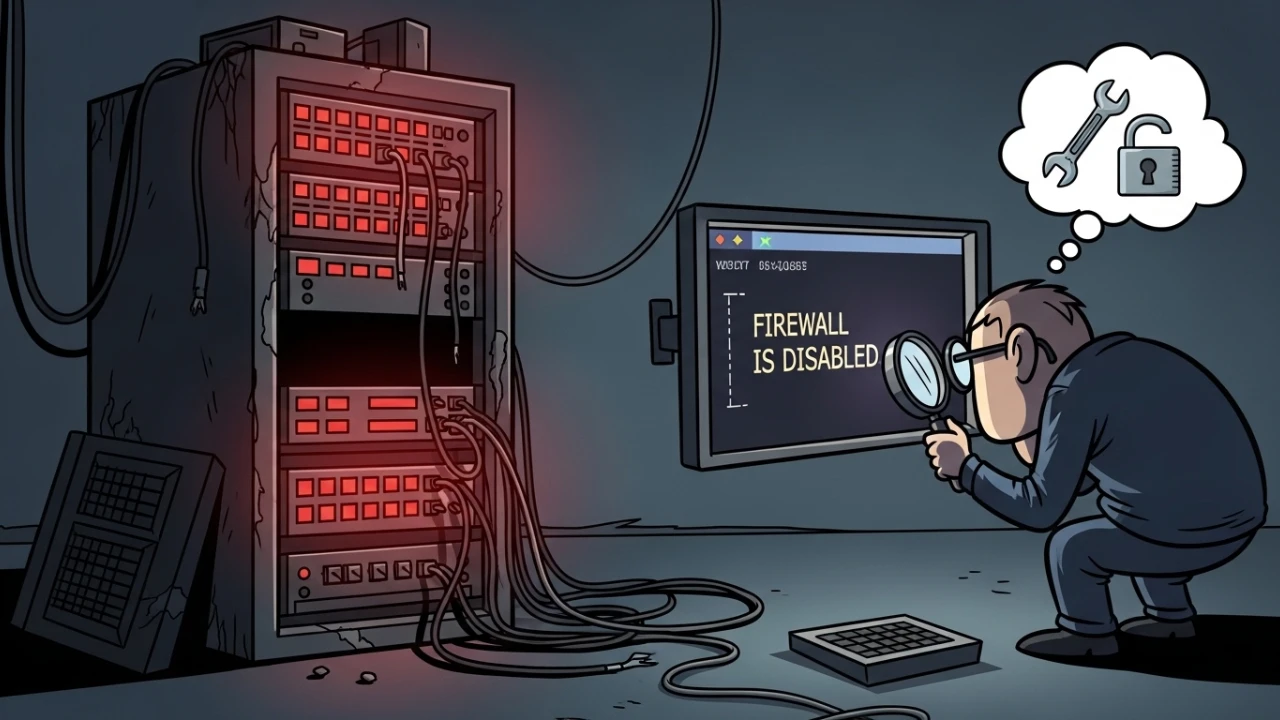
This scenario has appeared more than once: the cPGuard dashboard gives a "feeling of okay," but in the terminal, the check command returns Firewall is disabled. In a hosting environment, this is critical because it gives a false sense of active protection while network enforcement is actually off.
Incident sign#
Command:
cpgcli ip --check 1.2.3.4A return with a disabled firewall indicates that malware/WAF modules may be active, but the firewall layer is not applying blocks.
Correct diagnostic sequence#
- Global state:
cpgcli status- Firewall-specific state:
cpgcli fw --status- Underlying host services (iptables/nftables):
iptables -S | head
nft list ruleset | head
Safe activation (preventing self-lockout)#
I never activate a firewall without allowing the administrative IP first.
cpgcli ip --allow 203.0.113.10 --reason "Administrative access"
cpgcli fw --enable
Then, validate again:
cpgcli fw --status
cpgcli ip --check 203.0.113.10
Daily operation commands#
cpgcli ip --temp-ban --list
cpgcli ip --temp-ban --remove 203.0.113.10
cpgcli waf --watch
Post-correction evidence and audit#
Minimum record I keep in the ticket:
- Output of
cpgcli fw --statusbefore/after; - Applied IP allowlist;
- External connectivity test after activation;
- Real-time block logs (
waf --watch).
Common errors during fix#
GUI shows active, CLI shows inactive#
Cause: State mismatch between modules or partially restarted services.
SSH access lockout#
Cause: Activation without a prior whitelist. Mitigation: Always keep a secondary session open (console/IPMI) before applying changes.
Emergency rollback#
If the newly activated firewall causes an undue block, I apply immediate reversal:
cpgcli fw --disable
cpgcli ip --allow 203.0.113.10 --reason "Access recovery"
Then I review policies and reactivate gradually. On critical hosts, always maintain an out-of-band console session before changing network policies.
Post-activation monitoring#
In the first minutes post-change, I monitor:
- Administrative connection attempts;
- WAF false positive events;
- Dashboard and mail/web service status.
This ensures that a "technically correct" activation doesn't generate unnoticed operational downtime.
Change management integration#
In my workflow, cPGuard firewall activation is a controlled change:
- Defined window;
- Technical Lead with out-of-band console access;
- Evidence of current rule backup;
- Explicit success and rollback criteria.
This level of discipline prevents security fixes from turning into administrative access incidents in production.
Production takeaways#
In cPGuard, the operational source of truth must be the CLI, not the visual perception of the GUI. With a diagnostic flow, preventive whitelisting, and post-activation validation, the "Firewall is disabled" error stops being a recurring trap and becomes a controlled resolution routine.
Was this article helpful?
Leave a quick reaction to help prioritize future technical guides:
See also




This post is licensed under CC BY-NC.
Comments
Join the discussion below.
0 comments