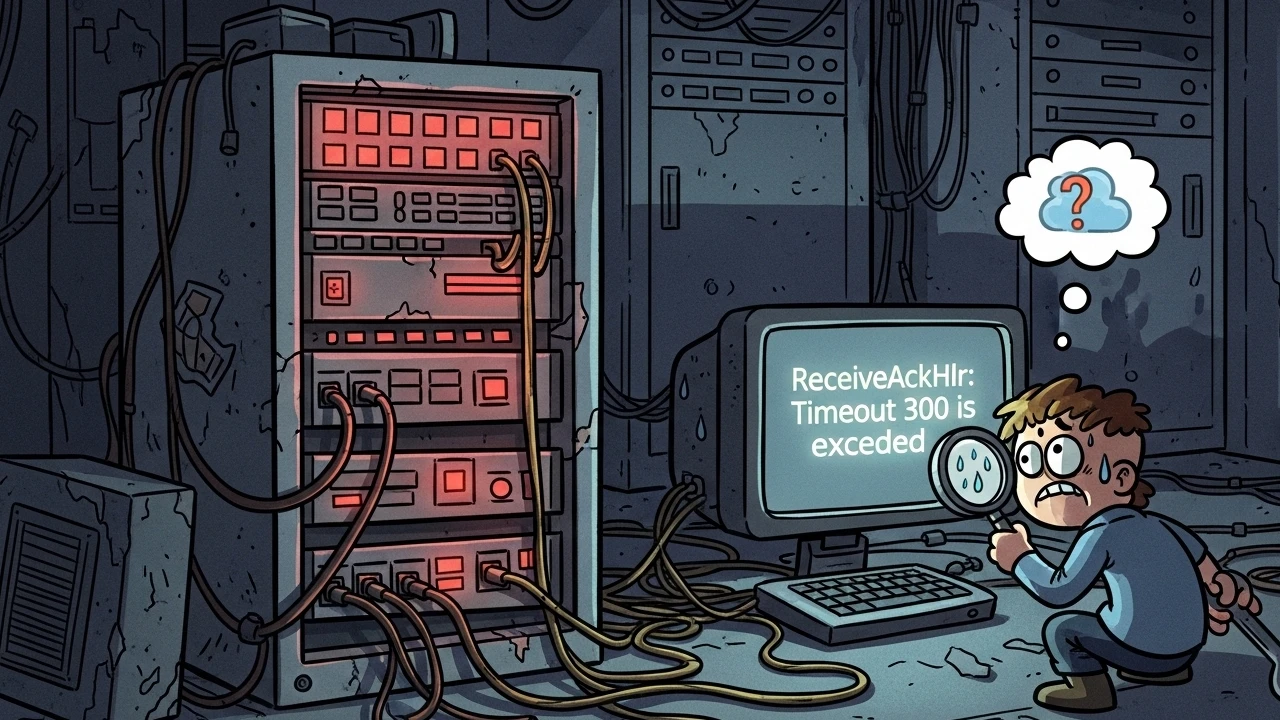
If you run CloudLinux servers with mod_lsapi, you have likely seen this in Apache error_log:
[lsapi:error] [pid 12345:tid 67890] [client 1.2.3.4:0] [host domain.com] Error on sending request(GET / HTTP/1.0); uri(/index.php) content-length(0): ReceiveAckHdr: timeout 300 is exceededThis error usually means an Apache-PHP bottleneck, not necessarily low CPU or RAM.
What receiveackhdr timeout 300 means#
mod_lsapi bridges Apache and LSPHP. Apache forwards the request and waits for an ACK from PHP.
When you see timeout 300, Apache waited 5 minutes and got no useful response from PHP, then terminated the request to protect server capacity.
Step 1: Avoid the "resource limit" assumption#
Do not raise LVE limits before checking evidence.
- Real resource exhaustion typically shows
508 Resource Limit Reached. - If
lveinfois low, the issue is likely logical. - Low CPU with hanging requests points to I/O, DB, or network waits.
Step 2: Identify root cause#
If PHP stalls for 300 seconds, it is usually waiting on external dependency.
1. Sync plugin loops#
In ecommerce stacks, feed plugins may fail to rename temp files and enter loops.
Typical log signal:
PHP Warning: rename(...) No such file or directory2. Database locks/deadlocks#
Blocked queries can freeze multiple PHP workers.
SHOW PROCESSLIST;or
mysqladmin procstat3. Slow/unavailable external APIs#
Shipping, payment, license, or webhook endpoints can hold PHP until timeout.
Step 3: Practical fixes#
A) Replace wp-cron with system cron#
Running heavy tasks during web requests increases timeout risk.
In wp-config.php:
define('DISABLE_WP_CRON', true);Then schedule a real system cron every 5 or 10 minutes.
B) Clean temp and plugin cache artifacts#
Review plugin upload/cache folders and remove broken leftovers (.tmp, .csv, .log) when they create permission or I/O conflicts.
C) Align PHP limits#
memory_limit: practical baseline512Mfor ecommerce workloads.max_execution_time: keep at or below LSAPI timeout to avoid zombie workers.
ReceiveAckHdr: timeout 300 is a stalled backend symptom. Increasing timeout to 600 or 1000 usually delays failure instead of fixing root cause. Real fixes are:
- plugin loop remediation
- DB lock/query optimization
- external API timeout control
- offloading heavy jobs to system cron
Advanced troubleshooting tip:
strace -p [PHP_PROCESS_PID]It reveals which syscall is blocking (file, socket, or network), making root cause analysis much faster.
Was this article helpful?
Leave a quick reaction to help prioritize future technical guides:
See also



This post is licensed under CC BY-NC.
Comments
Join the discussion below.
0 comments