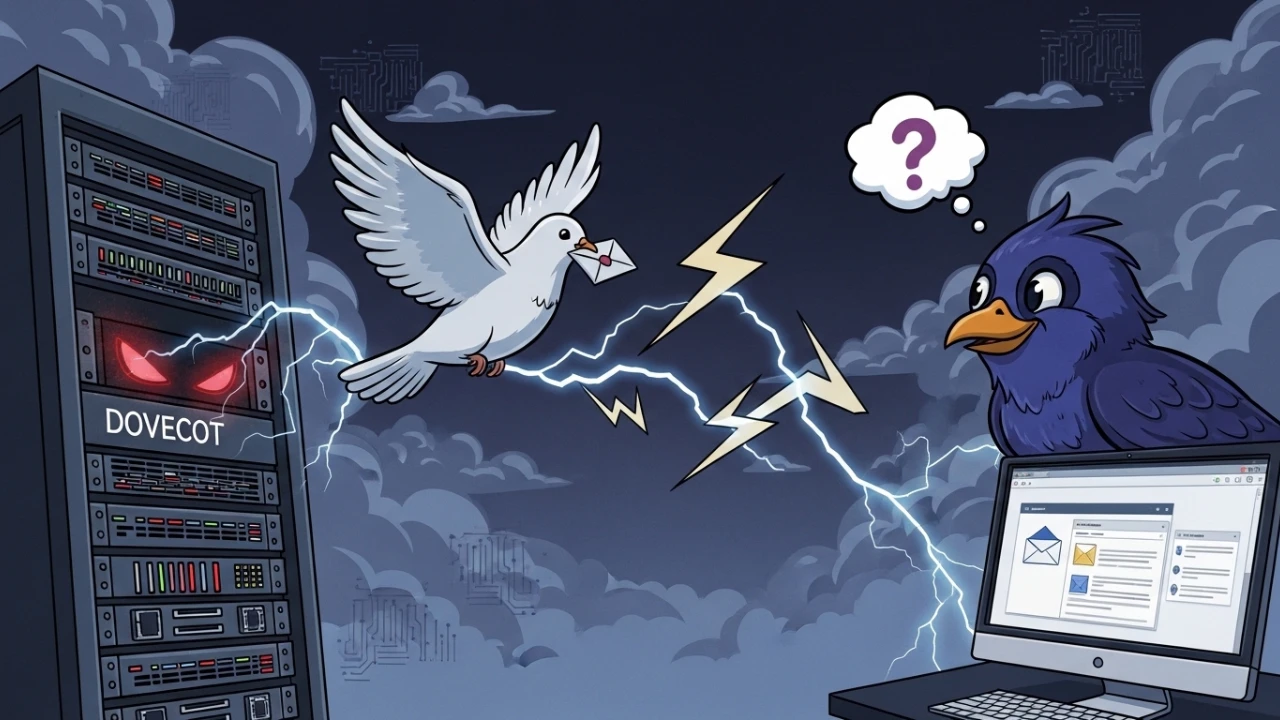
Migrating Maildir (Dovecot) to Thunderbird looks straightforward, but format differences often lead to missing folders, import conflicts, and partial history.
This guide summarizes the practical fixes and automation pattern that made the process reliable.
Why this migration is tricky#
Dovecot mailboxes commonly use folder conventions such as:
.Sent.Archive.Work.Urgent
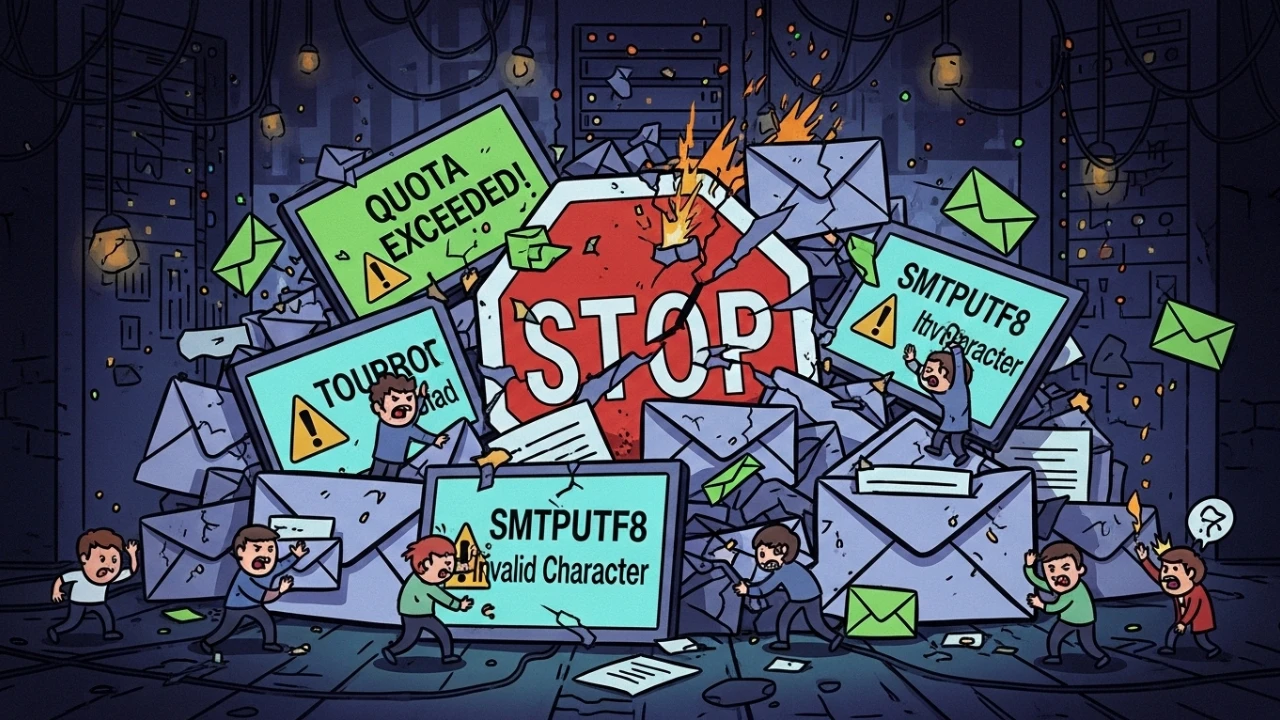
Thunderbird expects MBOX behavior under Local Folders. Without proper conversion, teams often hit:
- missing subfolders
- converter timeout/resource spikes
- naming conflicts (
INBOXalready exists)
Key technical lessons#
1) Empty folders are still part of structure#
Generic converters may ignore empty folders, breaking hierarchy expectations. A robust conversion flow must preserve structure even with zero-byte content.
2) Remote execution and interactive prompts#
curl | bash can consume prompt input unexpectedly. Using process substitution or explicit terminal input handling keeps interaction reliable.
3) Production resource safety#
Long mailbox conversion should support low-priority execution (nice) to avoid impacting live services.
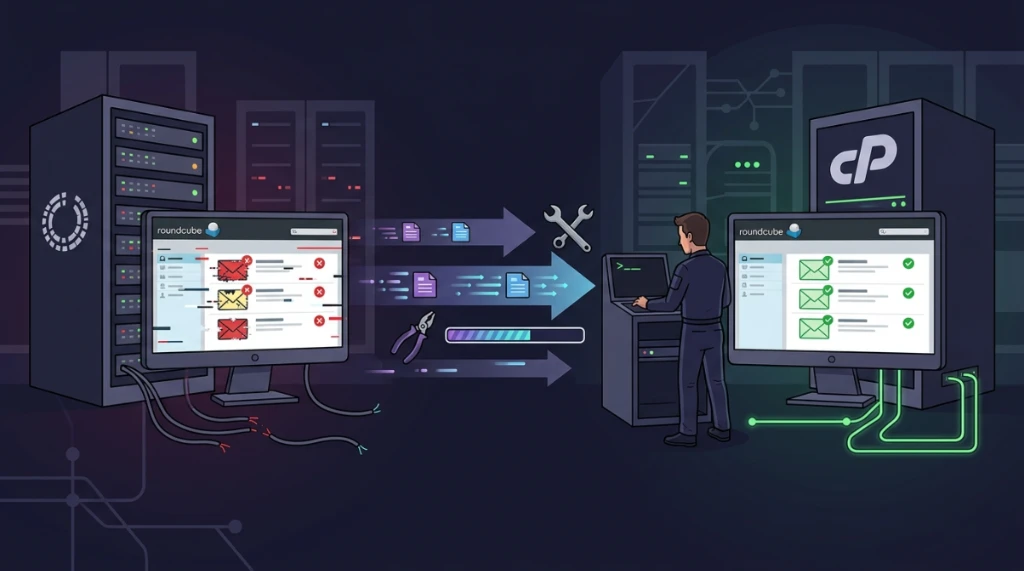
Automated approach: maildir-to-mbox#
Execution pattern:
bash <(curl -sSL https://raw.githubusercontent.com/sr00t3d/maildir-to-mbox/main/maildir-mbox.sh)Useful capabilities:
- deep hidden-folder scan
- low-impact mode for production servers
- disk-space validation
- safe-start confirmation step
- ready-to-restore output package
Thunderbird restore flow (no extension required)#
- Download generated archive (
.tar.gz). - Locate Thunderbird
Local Foldersstorage path. - Close Thunderbird.
- Extract converted files into local folder path.
- Reopen Thunderbird and validate folder tree.
Official repository#
Open-source project:
https://domain.com/sr00t3d/maildir-to-mbox
With correct format handling and automation, Dovecot-to-Thunderbird migration becomes predictable and repeatable. The biggest win is preserving mailbox history structure with minimal operational effort.
Was this article helpful?
Leave a quick reaction to help prioritize future technical guides:
See also

This post is licensed under CC BY-NC.
Comments
Join the discussion below.
0 comments