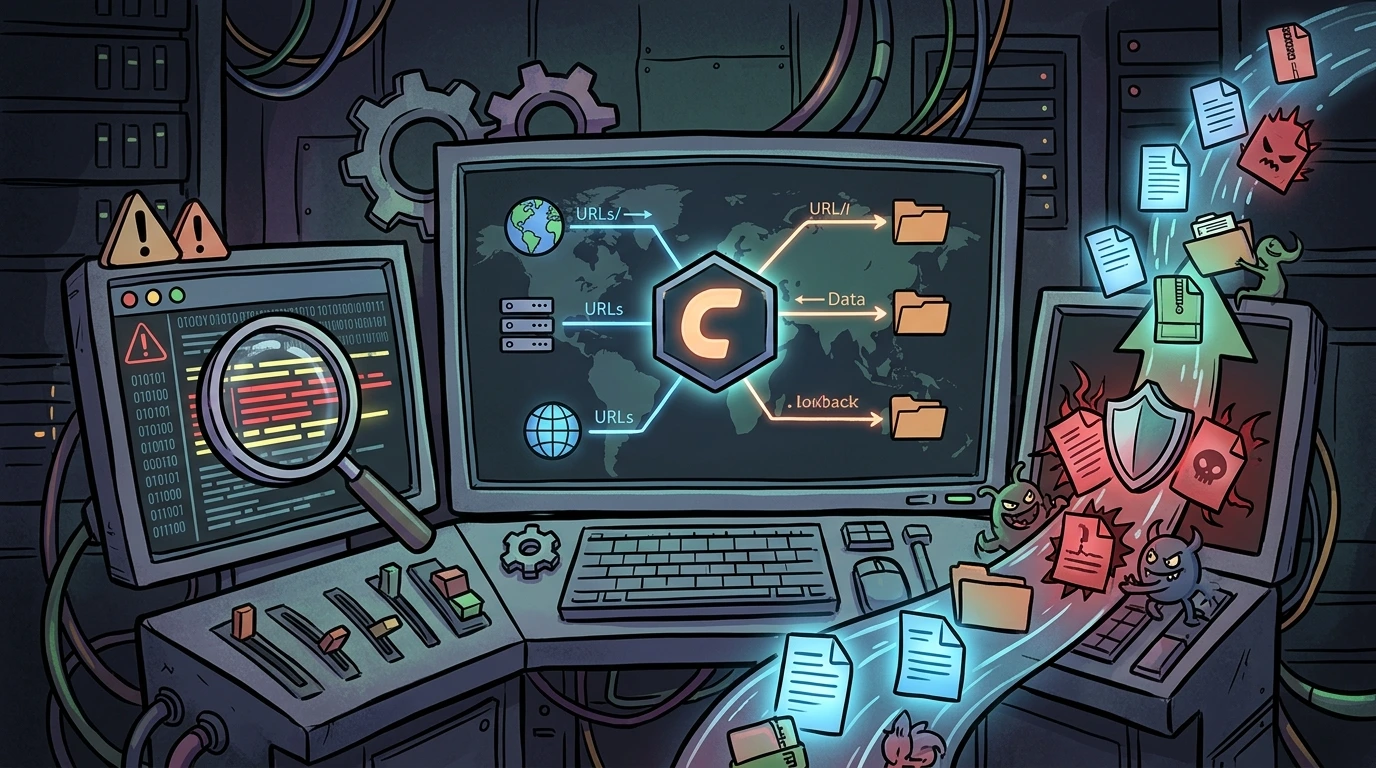
cPanel in production: URL mapping, critical logs, and upload vectors#
Environment: Linux server with cPanel/WHM, Apache, MariaDB, FTP (pure-ftpd), and Imunify360 enabled. Objective: map access surfaces, understand internal URL composition, and identify upload vectors for auditing, hardening, and incident response.
This mapping layer is what separates reactive operations from predictable operations. Without route and log visibility, detection usually happens after impact.
1. Internal cPanel URL anatomy#
Authenticated cPanel interfaces follow a strict structure. If logs show paths outside this pattern, treat it as suspicious.
https://domain.tld:2083/cpsessTOKEN/frontend/THEME/APP/index.htmlKey components#
- 2083: default cPanel HTTPS port.
- cpsessTOKEN: per-session token.
- frontend/jupiter/: current default theme (
paper_lanternmay appear on
older environments).
- APP/: module path (for example
filemanager,ssl,mysql).
Field value: this structure helps detect session fixation attempts, endpoint probing, and malicious automation traversing sensitive modules.
1.1 sensitive endpoint map#
Core and file operations#
- Dashboard:
/cpsessXXXX/frontend/jupiter/index.html - File manager:
/cpsessXXXX/frontend/jupiter/filemanager/index.html - AJAX upload:
/cpsessXXXX/frontend/jupiter/filemanager/upload-ajax.html
Security note: upload-ajax.html is a high-value write endpoint. Continuous monitoring here is mandatory in insider-threat and account-compromise scenarios.
Mail and connectivity#
- Webmail (Roundcube):
/cpsessXXXX/3rdparty/roundcube/ - Web Disk (DAV):
/cpsessXXXX/frontend/jupiter/webdisk/index.html - FTP accounts:
/cpsessXXXX/frontend/jupiter/ftpaccounts/index.html
2. Upload vectors: real attack surface#
In production, uploads occur across multiple channels. There is no single "magic upload log." Relying on one source creates blind spots.
2.1 file manager (web UI)#
- Log:
/usr/local/cpanel/logs/access_log - Initial filter:
grep 'filemanager/upload-ajax.html' /usr/local/cpanel/logs/access_log2.2 ftp/sftp#
This does not use port 2083 nor HTTP endpoints. Trace it through transfer logs.
- Log:
/var/log/xferlog - Critical marker:
STORcommand (client upload action) - Command:
grep "STOR" /var/log/xferlog2.3 webmail (attachments and drafts)#
Roundcube can upload files as part of mail composition flows.
- Typical endpoint:
/cpsessXXXX/3rdparty/roundcube/?_task=mail&_action=upload
2.4 application layer (wordpress/cms)#
This is often the most abused path: upload happens directly in app logic, not through cPanel UI.
- Common vector:
POST /wp-admin/admin-ajax.php - Relevant logs:
/usr/local/apache/logs/access_log,
/usr/local/apache/logs/error_log, /var/log/imunify360/
3. Strategic log triage#
cPanel access_log is the main source of truth for admin interface actions:
IP - user [Date] "METHOD /cpsessTOKEN/URL HTTP/1.1" STATUS BYTES "REFERER" "USER_AGENT"
Real-time incident view#
tail -f /usr/local/cpanel/logs/access_log /var/log/xferlog /usr/local/apache/logs/access_log \
| grep -Ei "upload|STOR|admin-ajax"
This combines cPanel + FTP + Apache flows and focuses on write/upload events.
During incident response, it cuts triage time by avoiding manual context switching between disconnected files.
4. Baseline logs every sysadmin must know#
| Service | Log path | Why it matters |
|---|---|---|
| cPanel Access | /usr/local/cpanel/logs/access_log | Login/navigation audit |
| cPanel API | /usr/local/cpanel/logs/api_log | Automation/integration calls |
| Apache Error | /usr/local/apache/logs/error_log | PHP/runtime/permission failures |
| ModSecurity | /usr/local/apache/logs/modsec_audit.log | WAF match/block events |
| Exim Main | /var/log/exim_mainlog | SMTP flow and abuse indicators |
| MySQL/MariaDB | /var/lib/mysql/hostname.err | Crashes/corruption/engine errors |
If you do not have this map in memory, incident handling slows down.
5. Production hardening baseline i apply#
Beyond observation, I enforce containment routines:
- alerts for anomalous spikes on
upload-ajax.html,admin-ajax.php, and
STOR;
- IP/user/UA correlation across cPanel, Apache, and FTP;
- automatic abuse blocking via Imunify360/ModSecurity;
- periodic permission audits on upload directories;
- session/token anomaly review with geo-context.
Quick suspicious behavior checks#
grep -Ei 'upload-ajax\.html|/3rdparty/roundcube/.*_action=upload|admin-ajax\.php' \
  /usr/local/cpanel/logs/access_log /usr/local/apache/logs/access_log | tail -n 100
awk '/STOR/ {print $0}' /var/log/xferlog | tail -n 1006. Conclusion: visibility is security#
After years in production operations, the lesson is direct: trace visibility matters as much as the firewall itself.
If you do not map all write channels (File Manager, FTP, Webmail, CMS, API), you operate with blind spots.
My operational model:
- Know legitimate URLs: distinguish normal behavior from probing.
- Centralize triage: use structured grep/awk routines repeatedly.
- Track unexpected writes: upload/API paths are common malicious automation
targets.
Secure infrastructure starts when you control the traces your server leaves.
Was this article helpful?
Leave a quick reaction to help prioritize future technical guides:
See also



This post is licensed under CC BY-NC.
Comments
Join the discussion below.
0 comments