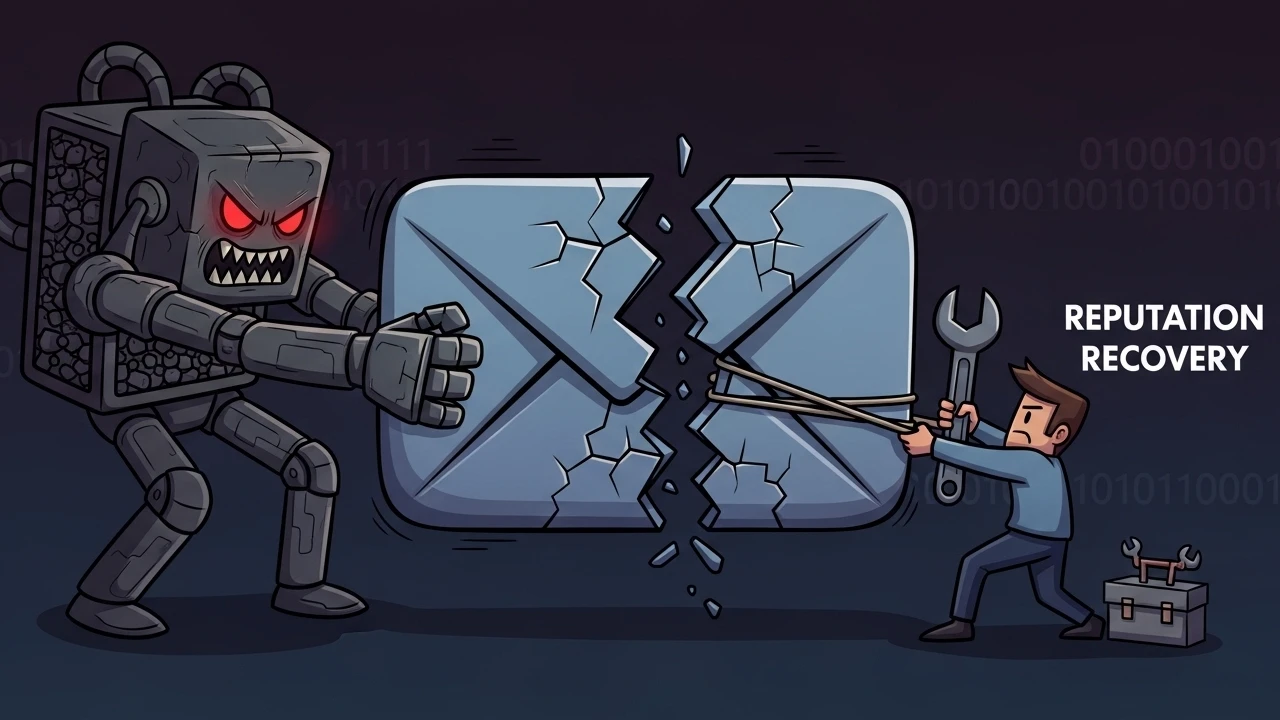
When a domain gets sudden 554/550 spam-abuse blocks without infrastructure changes, root cause is often account compromise plus misuse of legitimate mail routing features.
1) Initial symptom#
Typical outbound failure:
Diagnostic-Code: smtp; 554 5.7.1 : Sender address rejected: Blocked - see ticket 12345This points to policy/reputation blocking at outbound gateway, not DNS failure.
2) Attack chain#
Most likely sequence:
- Credential compromise (phishing, password reuse, brute force).
- Malicious forwarder creation to external destination.
- Mirroring of legitimate traffic to attacker-controlled mailbox.
- Outbound reputation degradation and provider block.
Strong indicator: unknown external address appears even in internal mail flow.
3) Response protocol used#
Step 1: Immediate containment#
- force password reset
- temporarily suspend IMAP/SMTP for affected mailbox
Step 2: Persistence cleanup#
- remove unauthorized forwarders
- review email filters/rules in panel and webmail
- invalidate active webmail sessions
Step 3: Endpoint hygiene#
- require malware scan on user devices
- reactivate account only after minimum security validation
Step 4: Reputation recovery#
After technical cleanup, coordinate with infrastructure/data center teams to track gateway delist cycle and reputation normalization window.
4) Correct reading of SMTP status codes#
554 5.7.1/550 5.7.1in this context are policy defense actions.- They signal trust/risk posture issues, not simple server malfunction.
5) Preventive controls#
- Enable 2FA on control panel/webmail where available.
- Periodically audit forwarders and filtering rules.
- Monitor SMTP logs for behavior shifts.
- Train users against phishing and password reuse.
Email reputation incidents require layered response: account, sessions, rules, endpoint, and gateway coordination. Recovery is much faster when containment and post-incident validation follow a clear operational playbook.
Was this article helpful?
Leave a quick reaction to help prioritize future technical guides:
See also

This post is licensed under CC BY-NC.
Comments
Join the discussion below.
0 comments